


Fit for purpose, from the start. Board
Before and after photos, reviews, events, blog. The boards a clinic needs come with their own dedicated screens.
First, the essentials.

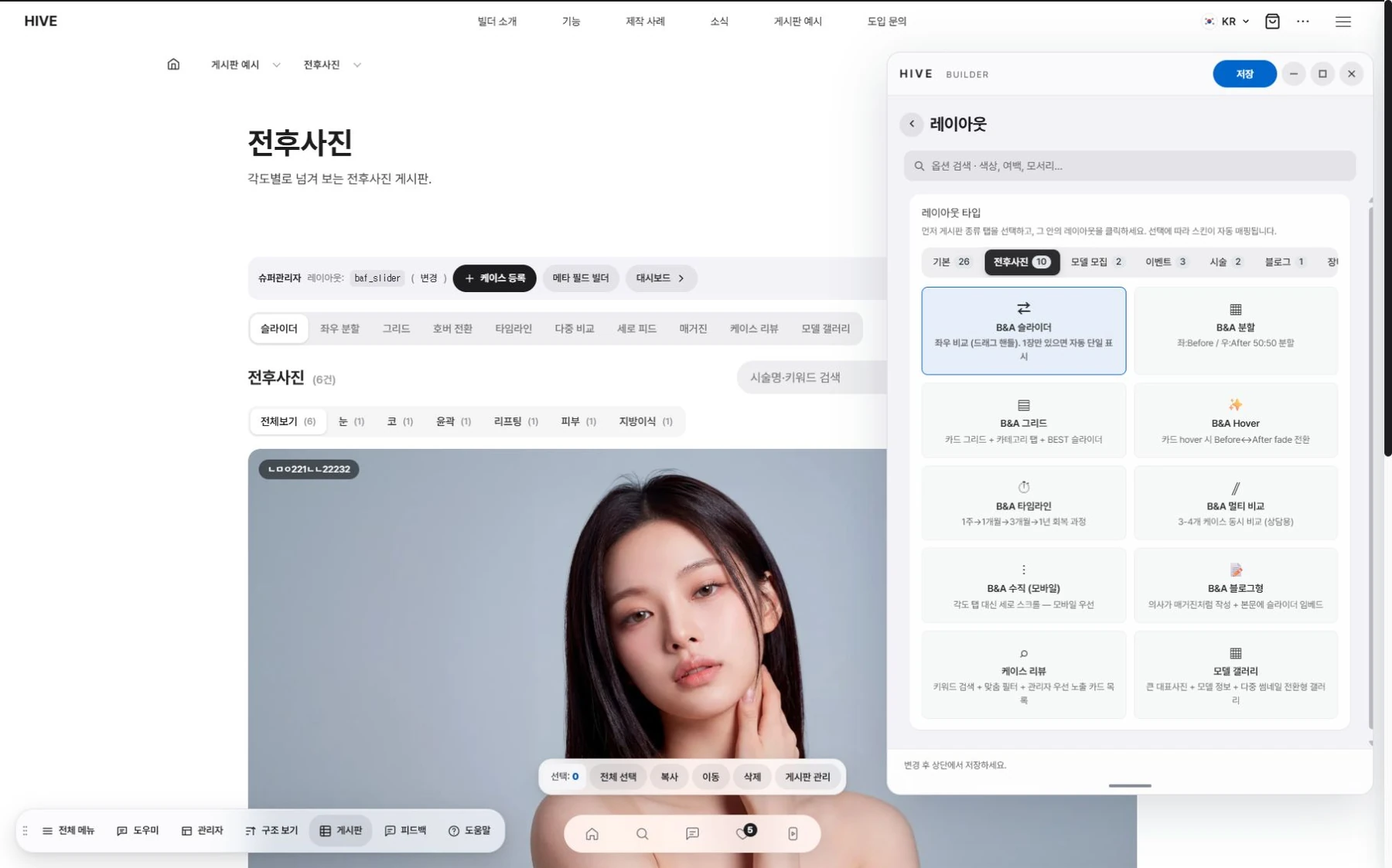
Slide left and right to compare before and after photos.

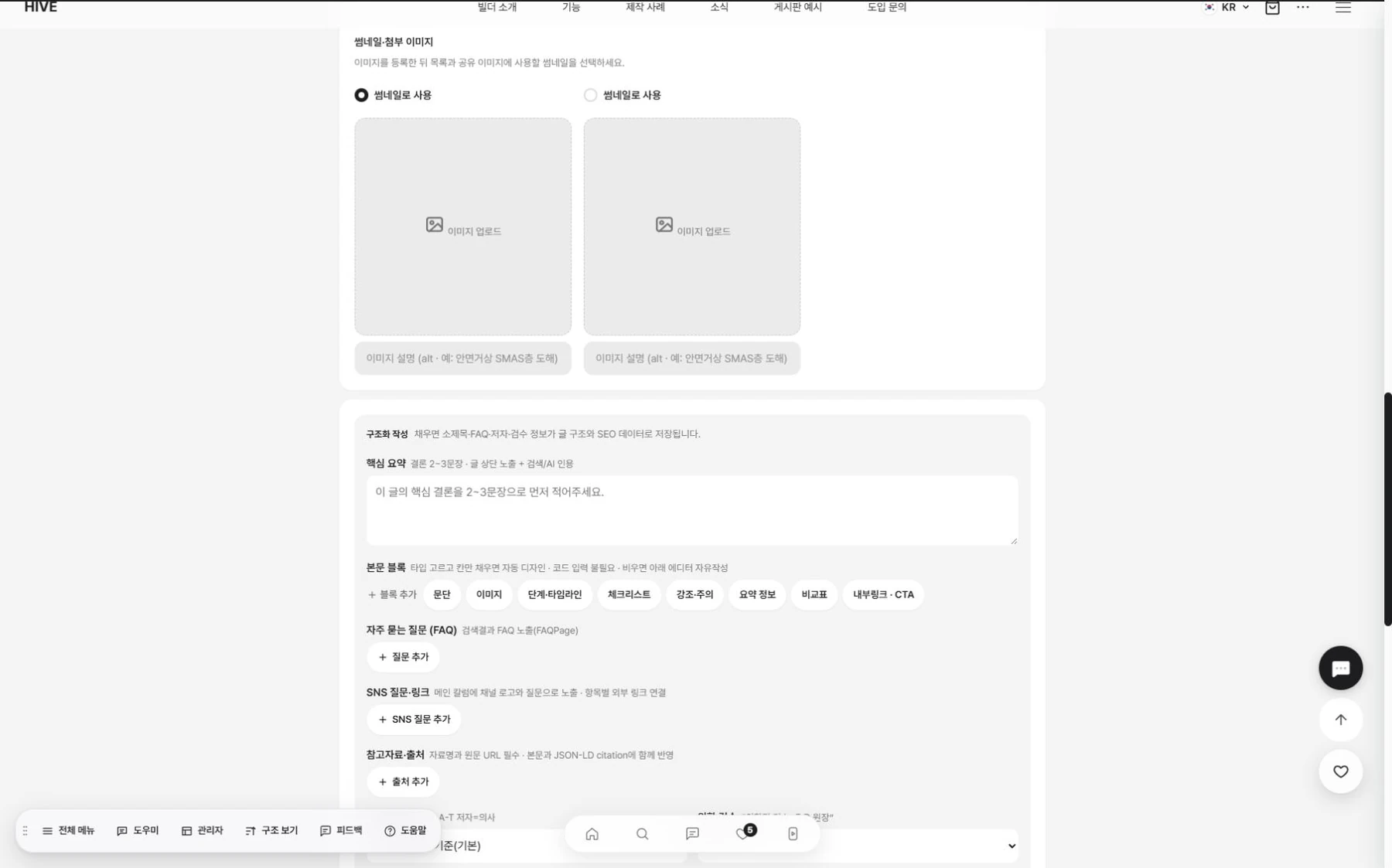
Blog posts are written with a summary, body, and question structure.
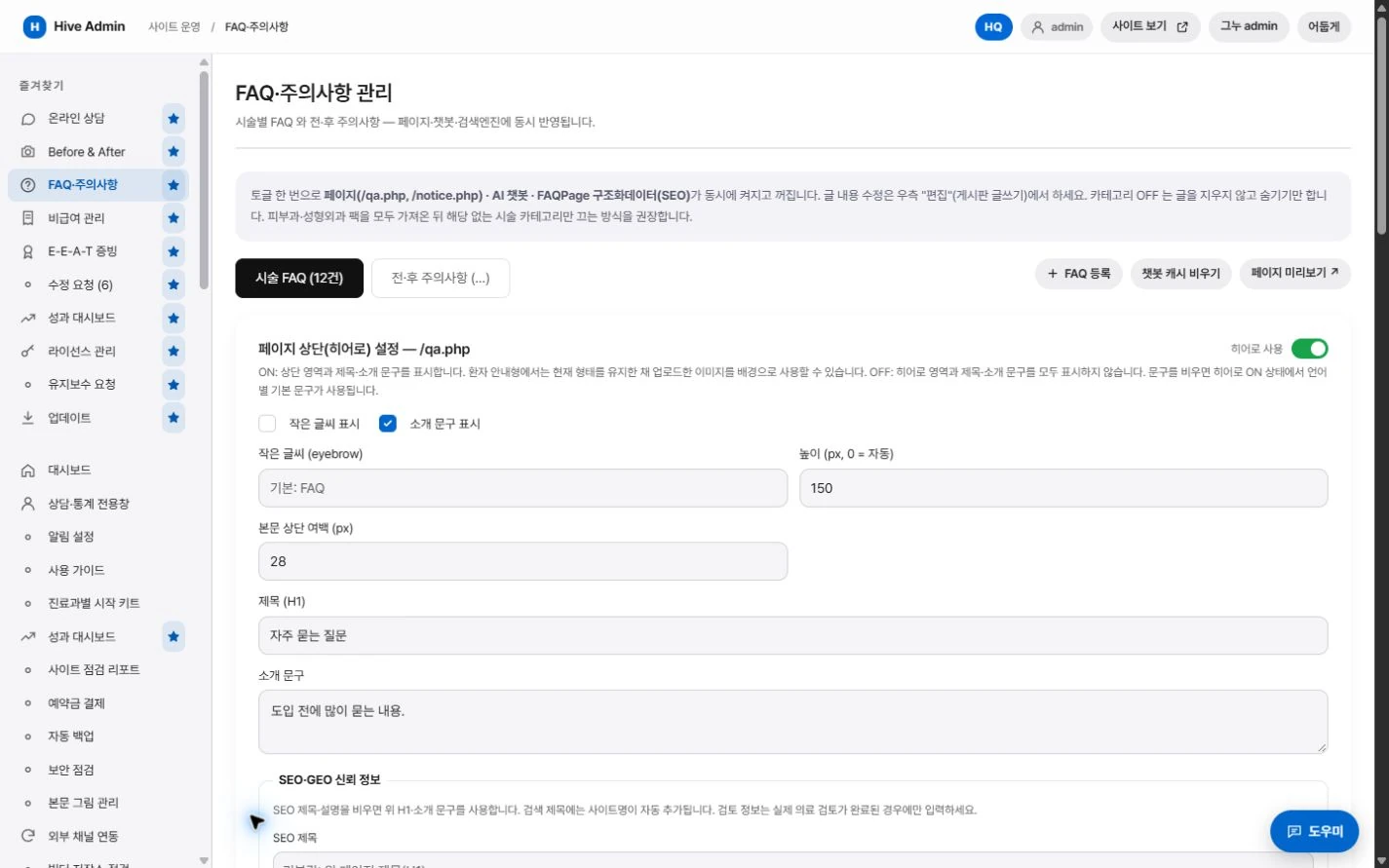
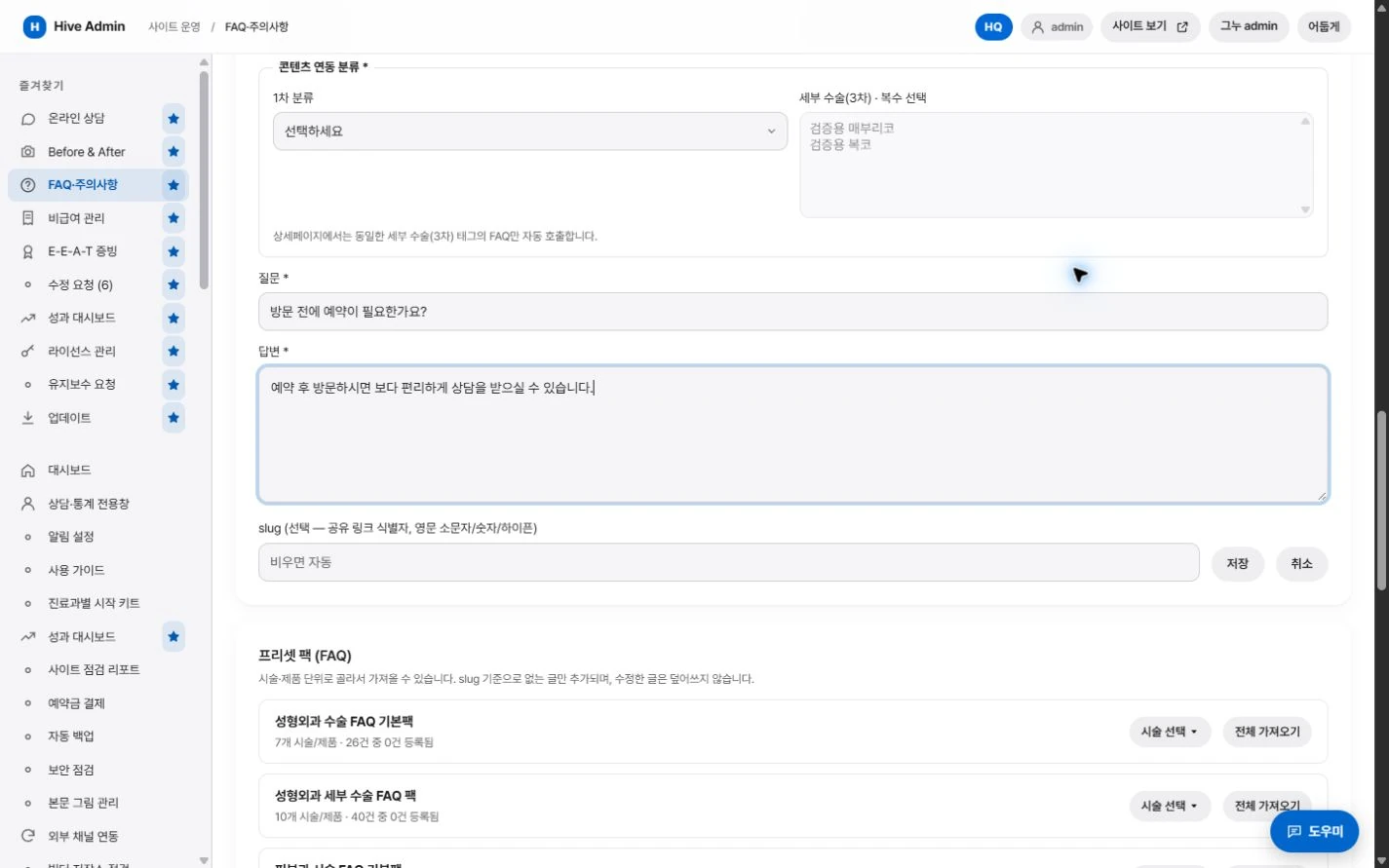
FAQs are linked to treatment pages.

Choose the list layout in the settings.

Photos past their consent period go private automatically.
A closer look.

Before and after photos
Offers a slider you drag left and right to compare, plus views by angle.
Blog
Write the summary, body and FAQ to fit the structure.
Frequently Asked Questions
Organizes them by category and shows them linked to treatment pages.
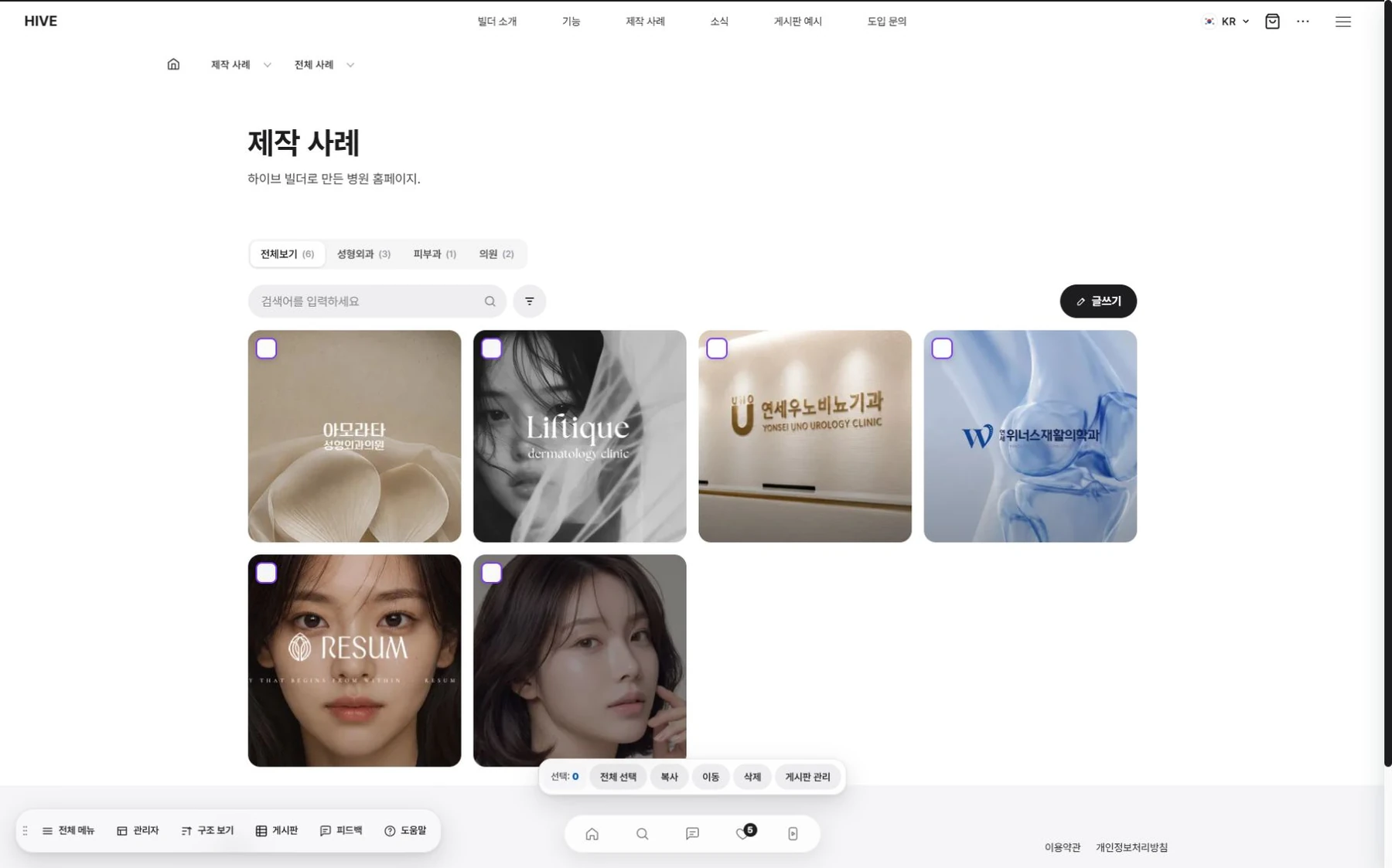
List design
Choose a card, list or gallery layout and the number of columns in settings.

Popular posts
You can turn on a popular posts area above the list and pick the posts yourself.

Before and after photos
Slide to compare, flip through by angle.
Choose the view mode in settings.
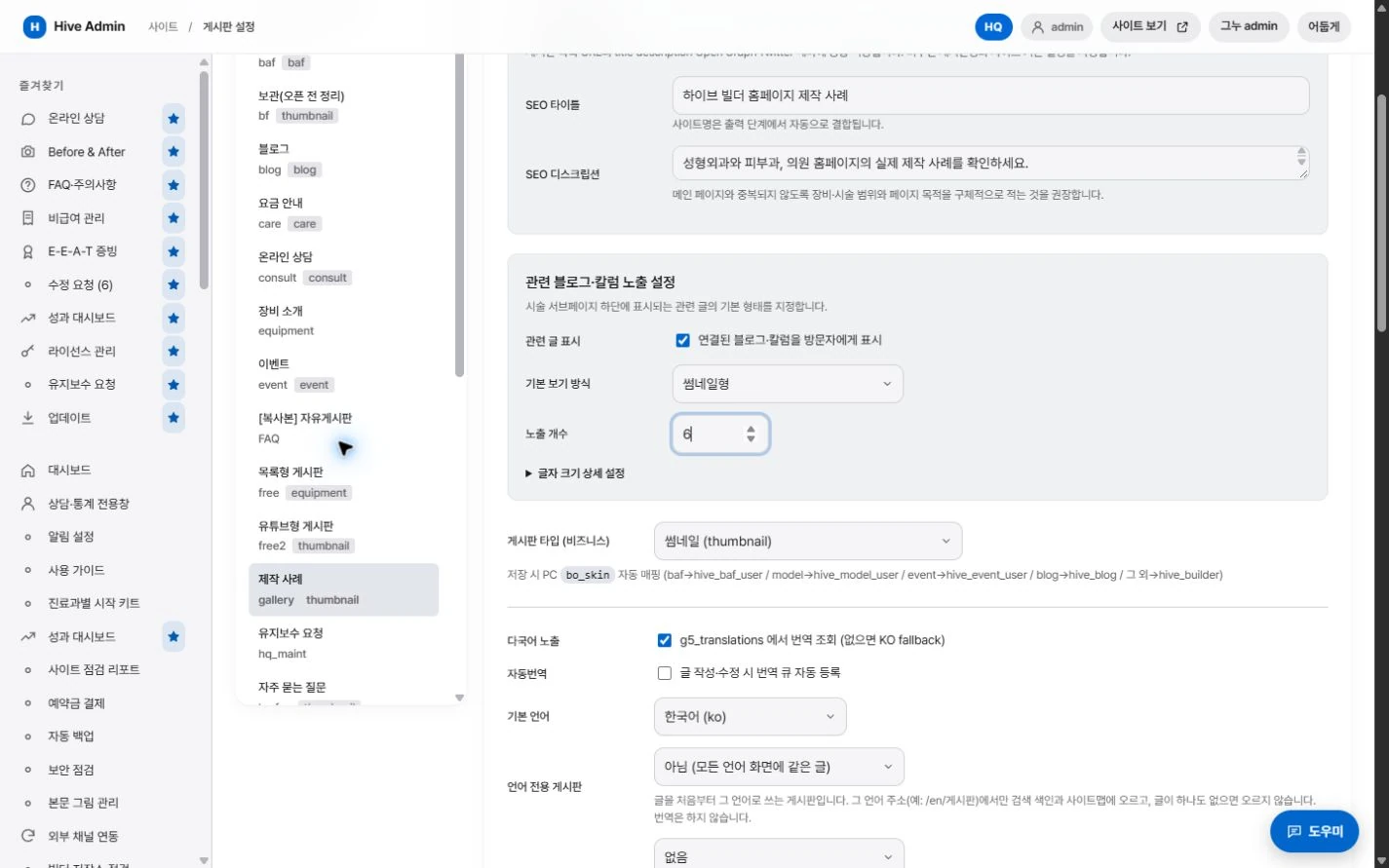
Treatment page links.
Shows before and after photos and reviews together on related treatment pages.
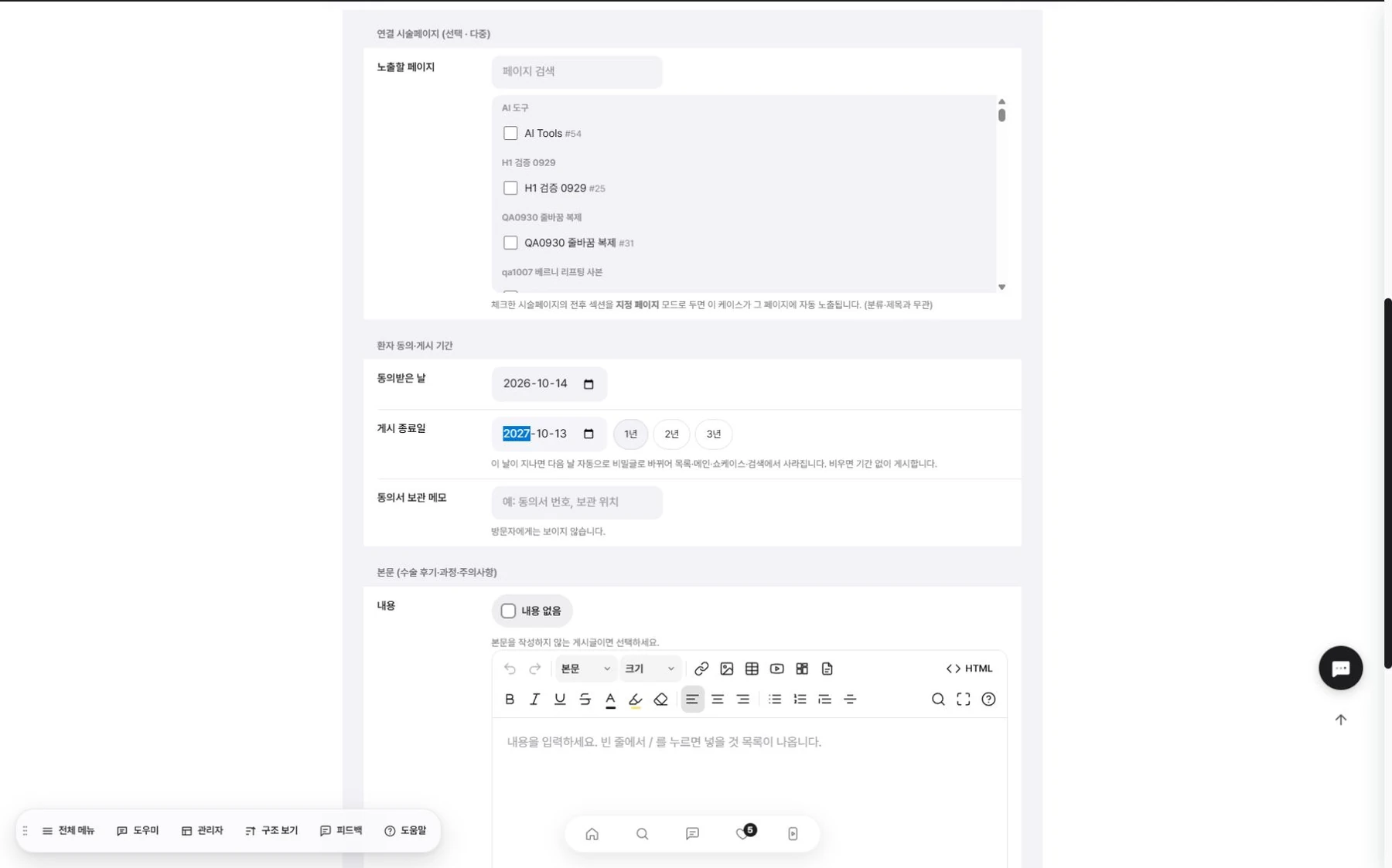
Consent period management.
Before and after photos past their consent period are made private automatically.
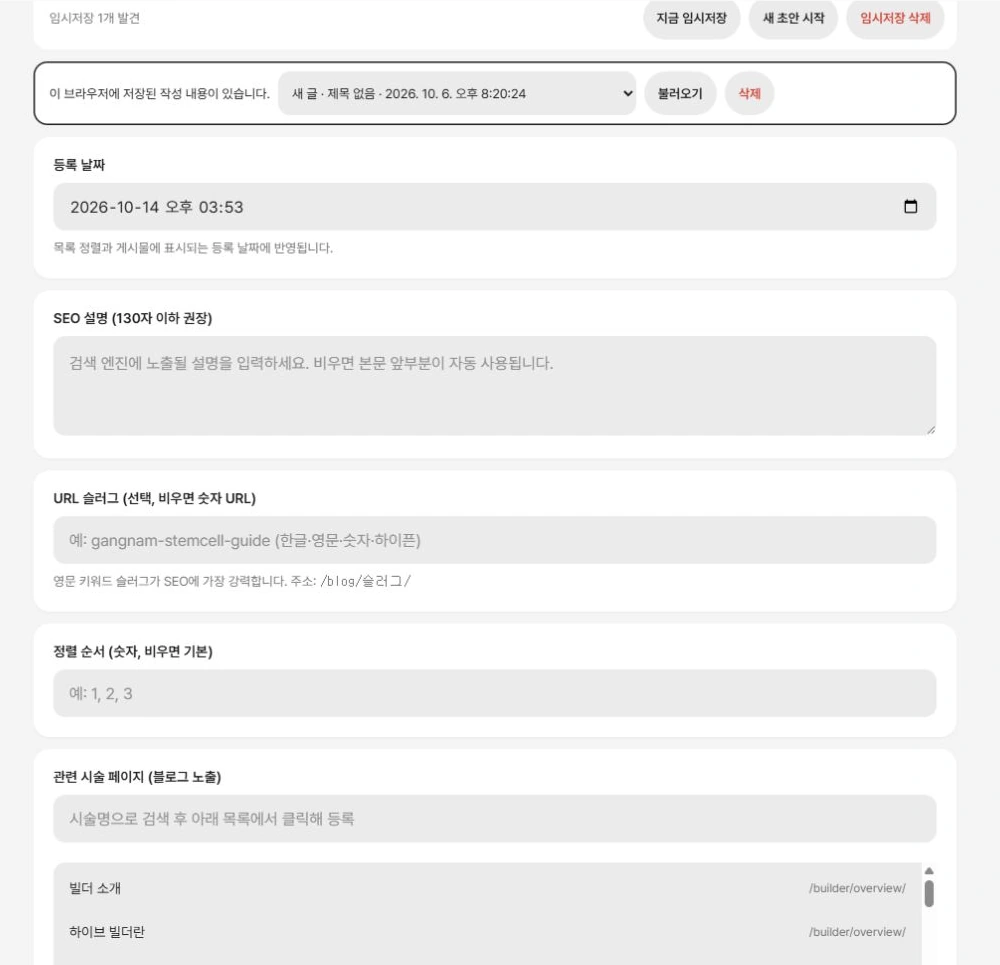
Post URLs.
Creates an easy-to-read URL for each post.

Permissions.
Set read and write permissions for each board.
Consultation.
어느 페이지에서든.
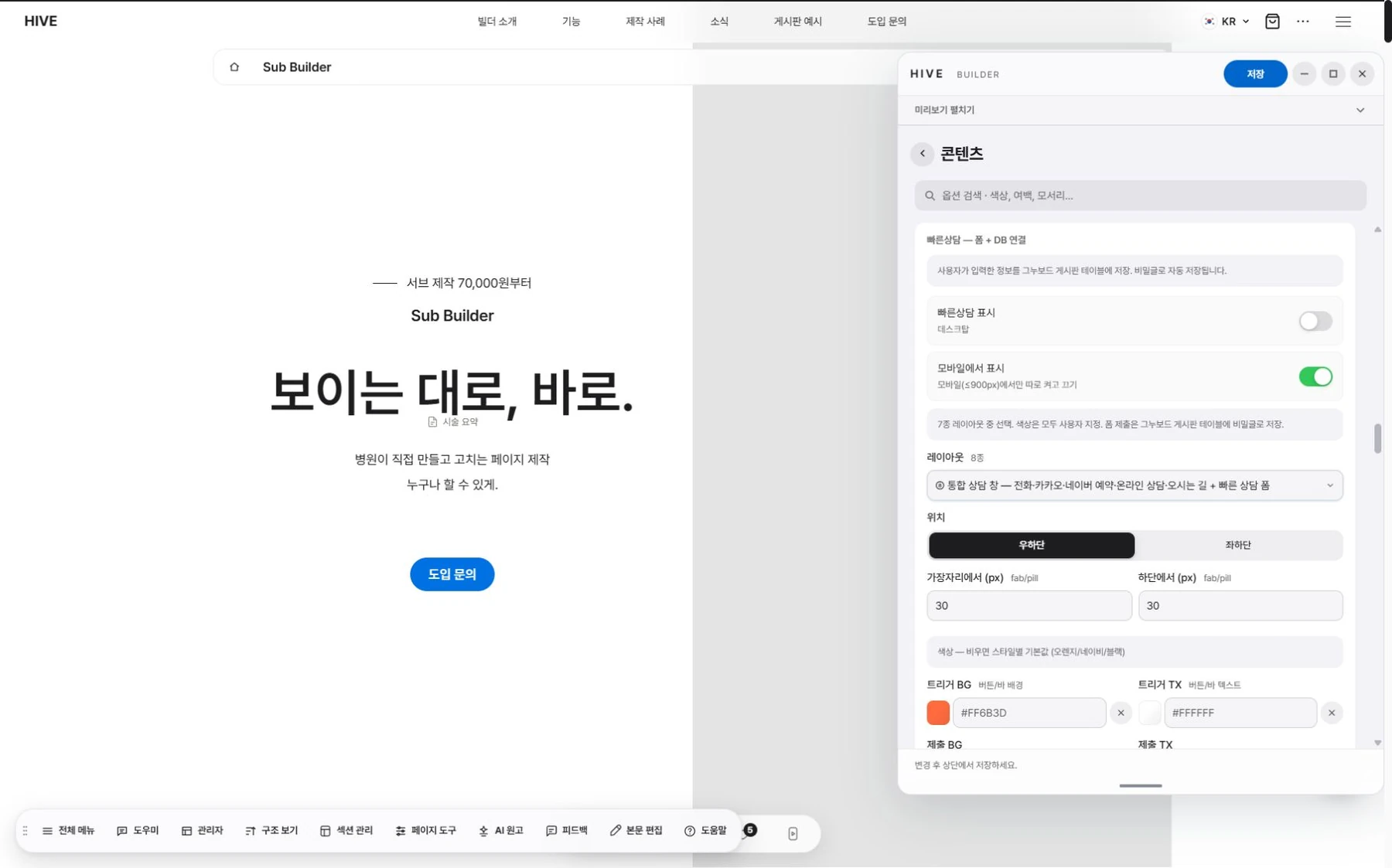
Quick consultation.
Leave an inquiry right from the intake bar at the bottom of the screen.
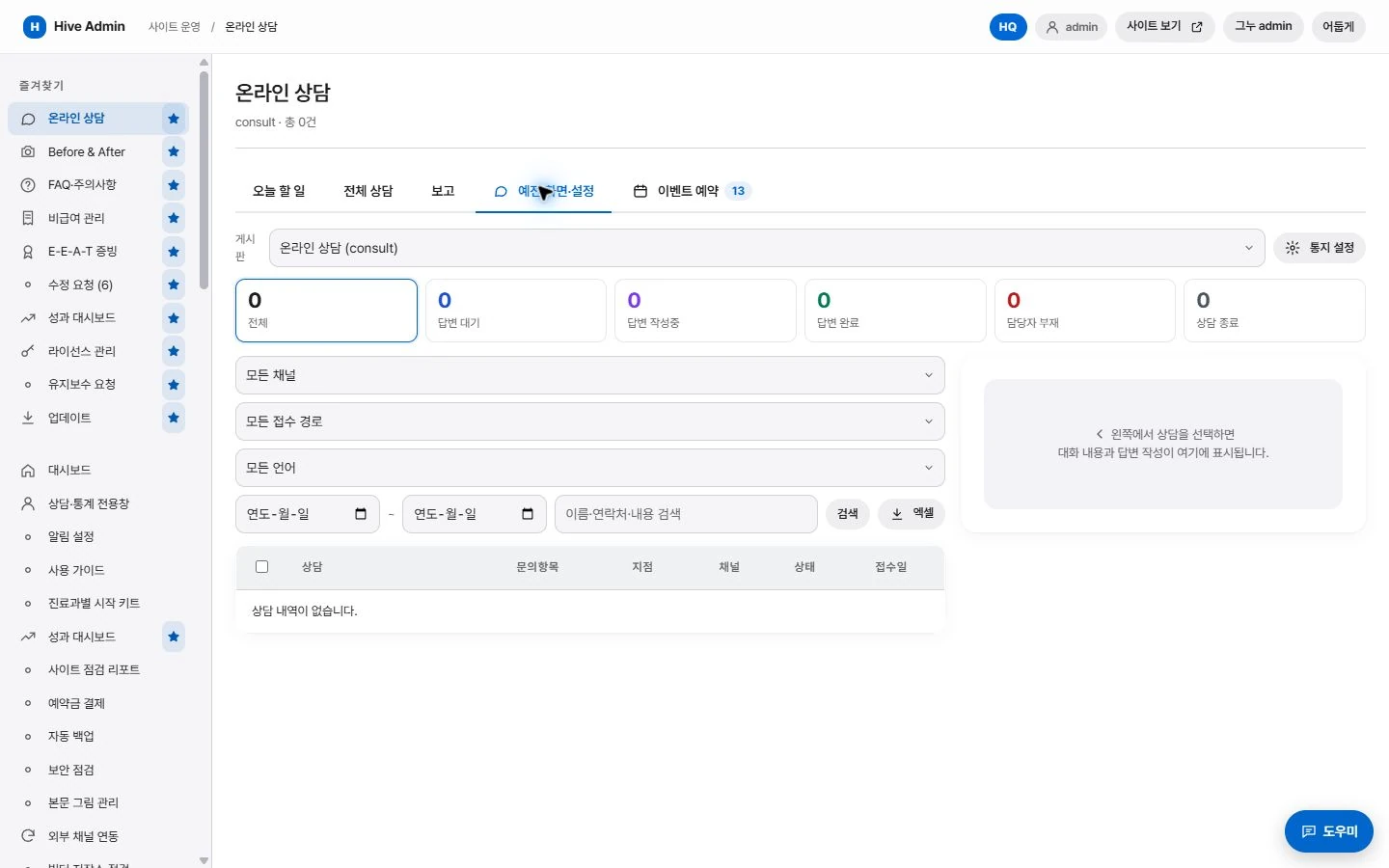
Consultation management.
Sort received inquiries by status.

Source tracking.
The page each inquiry came from is kept with it.
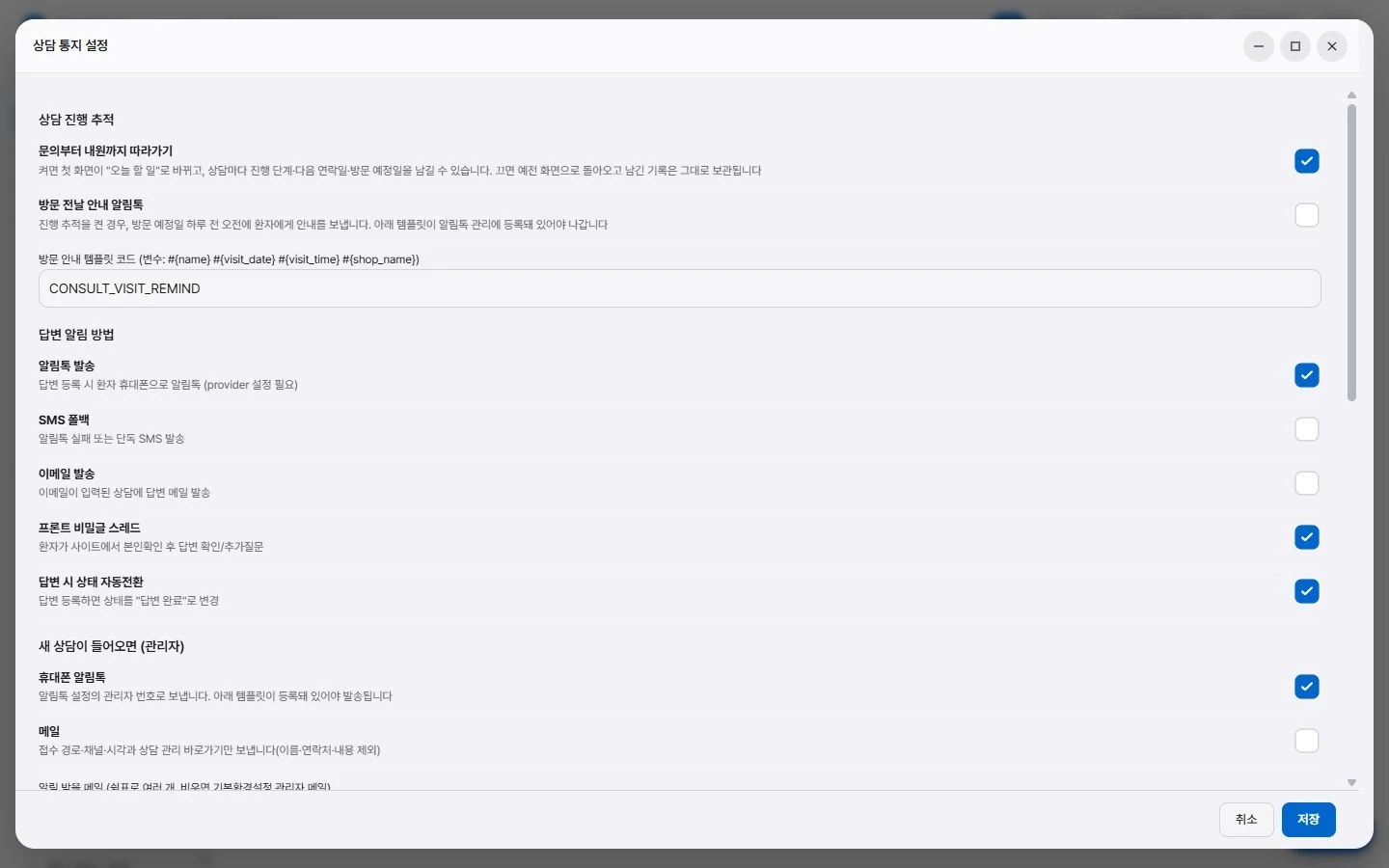
Notifications.
Notifies the administrator when a new inquiry arrives.
Search and AI answers. Structure, handled automatically.
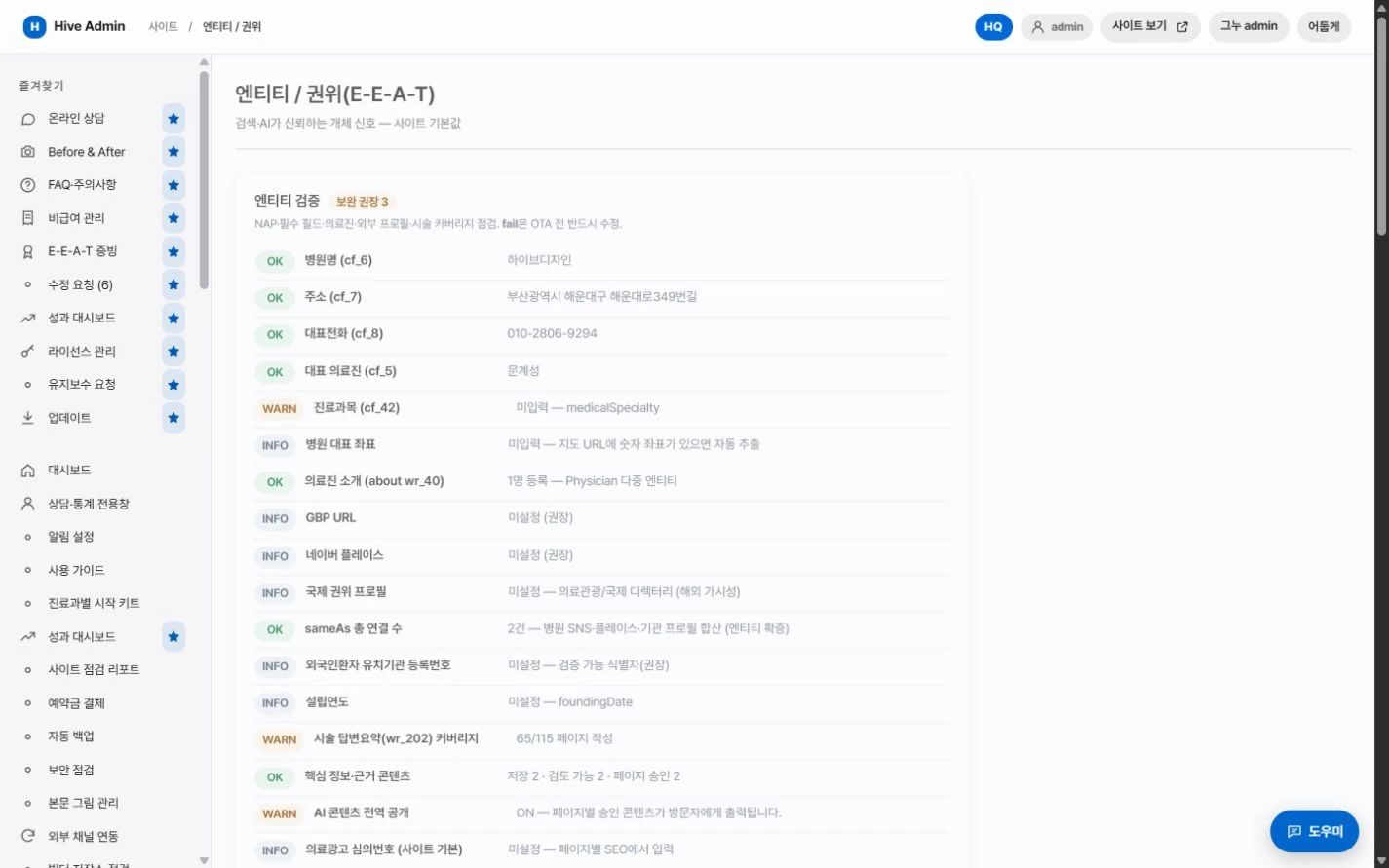
Structured data.
Clinic information, treatments and FAQ are output together in a standard format.

Answer summary.
Every page has a summary slot that AI answer engines can easily cite.
Multilingual.
Language-specific addresses are linked to each other.

Indexing requests.
When you publish a new post, the sitemap is updated and an indexing request is sent.