


Promote, collect and review. Marketing
Landing pages, event booking, model recruitment, membership and the performance dashboard. Meet the features that help you promote and collect.
Three ways to promote.
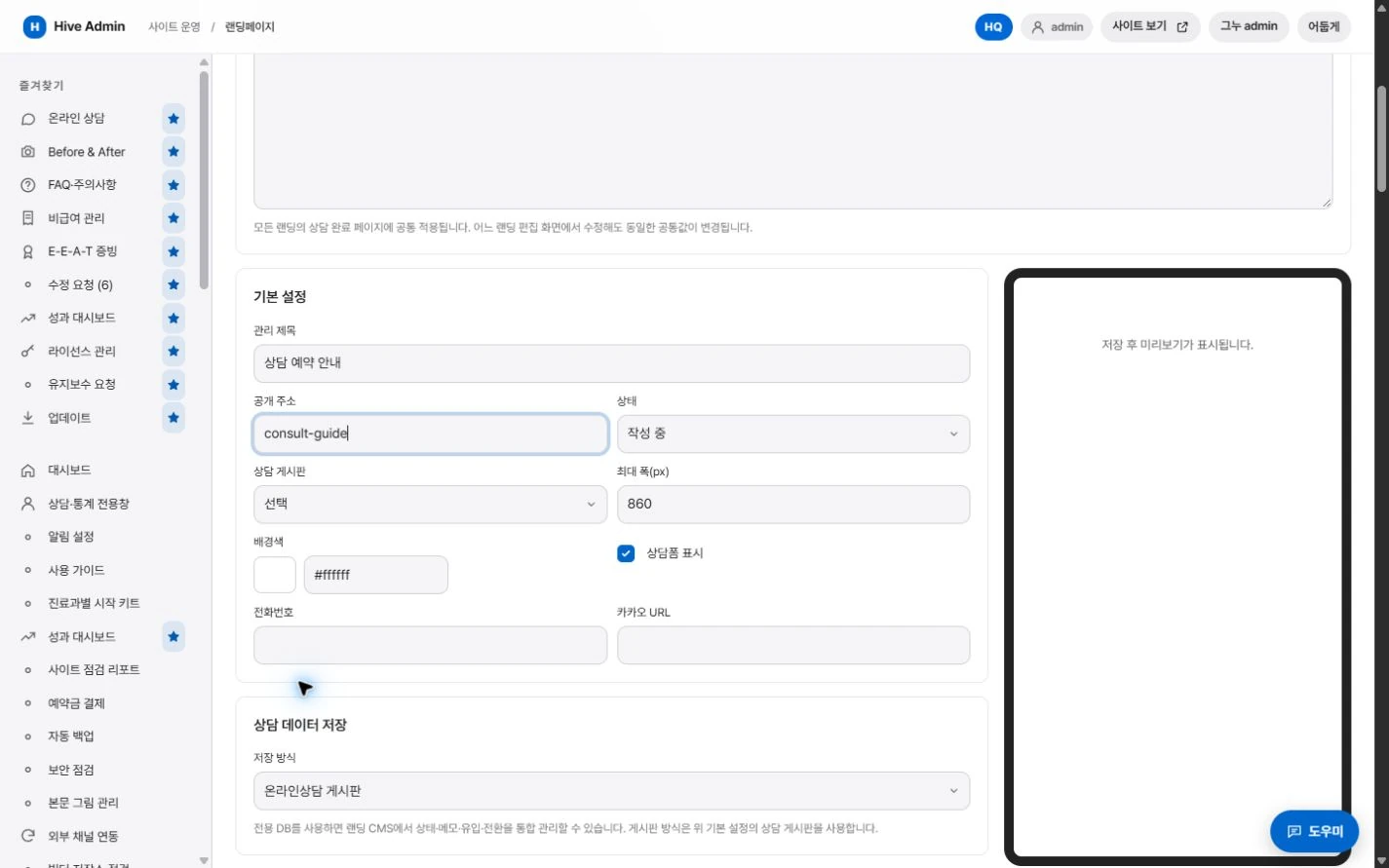
Landing page
Combine images, video, YouTube and consultation forms to build landing pages for ads. Consultations received are collected and viewed separately.
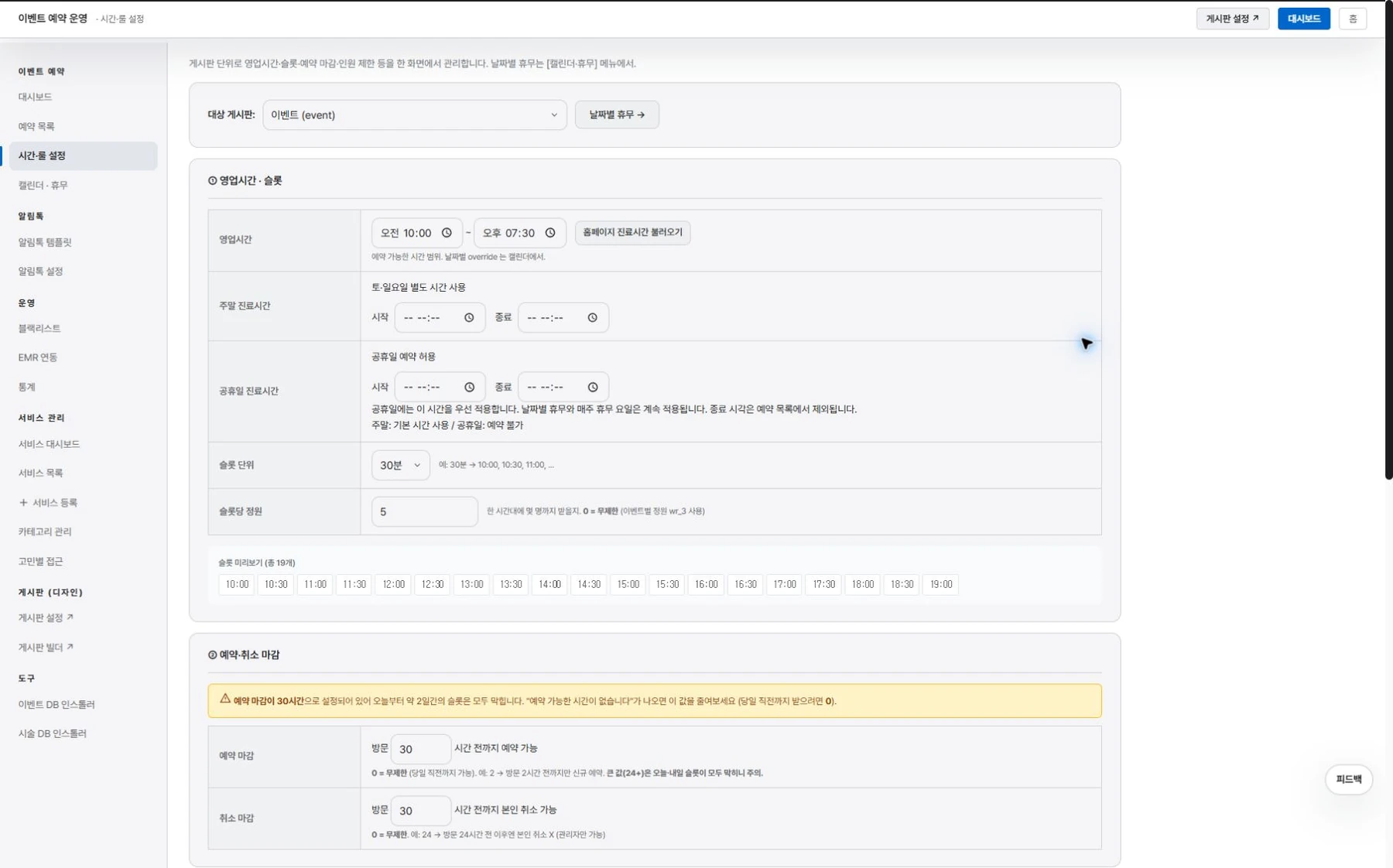
Events Reservation
Set the available times and rules for each event and take bookings.
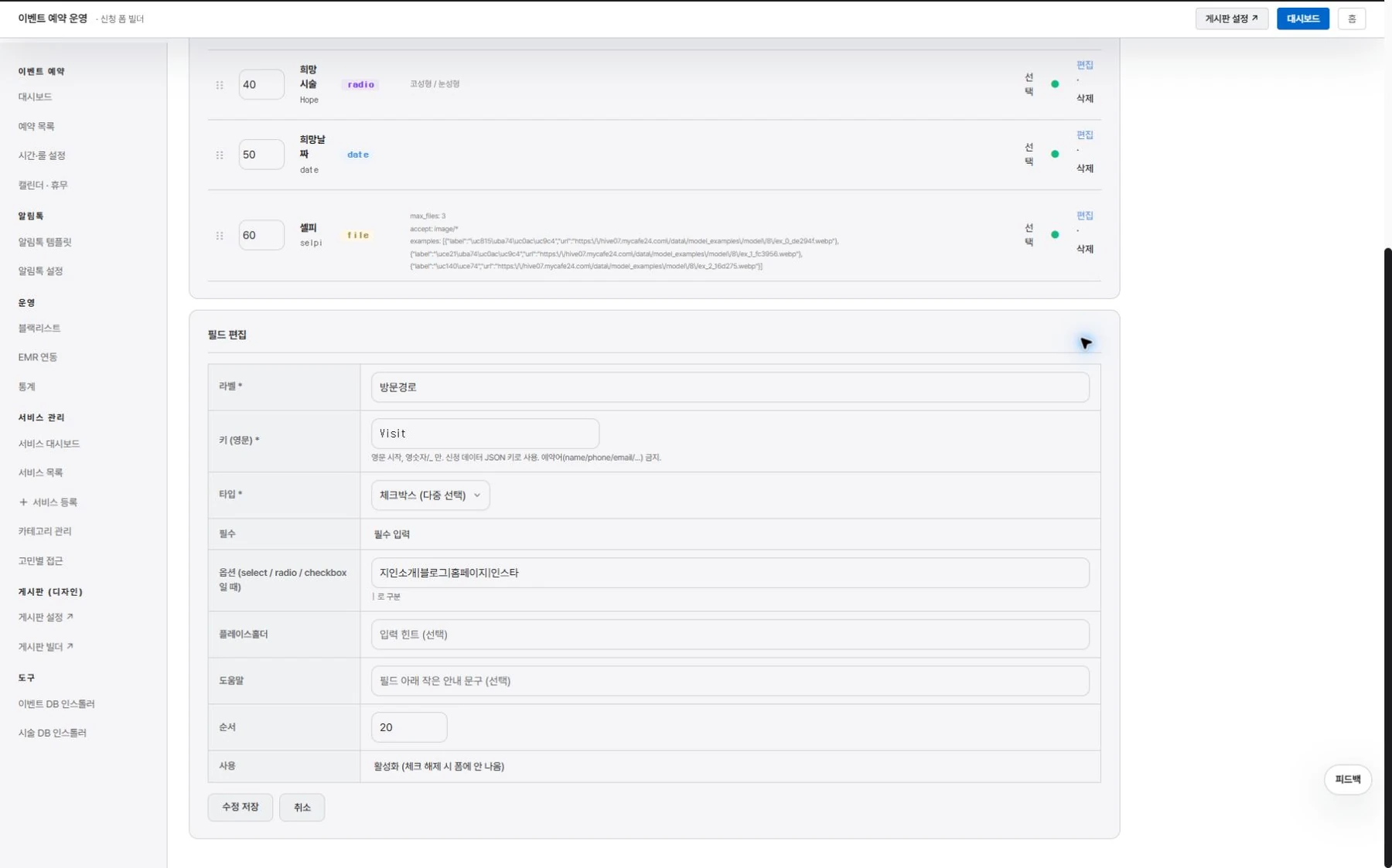
Model recruitment
Create recruitment posts and application forms, and manage the applicant list and progress status.
First, the essentials.

Create landing pages in the admin.

Event booking takes bookings by set times and rules.
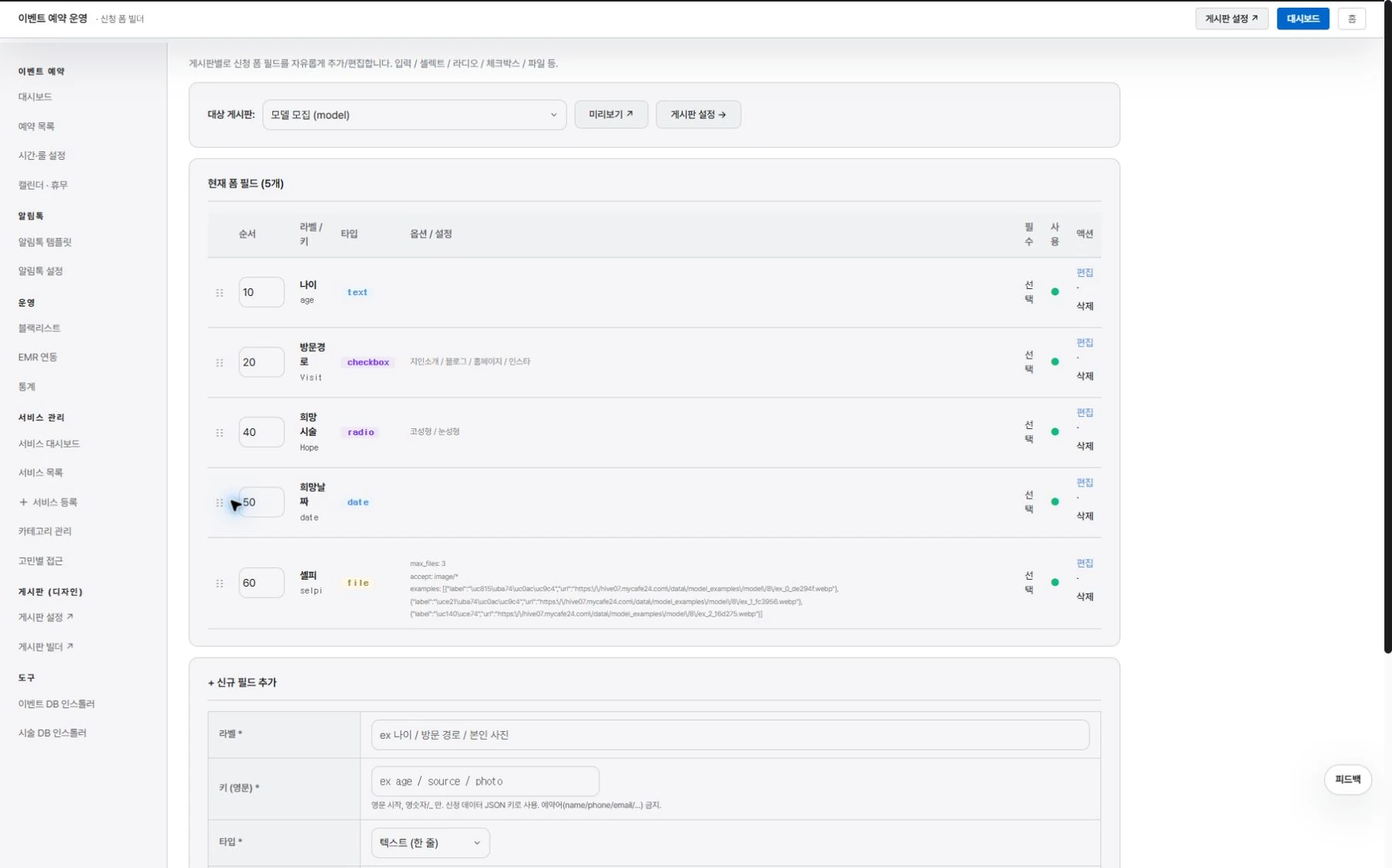
Model recruitment, from application to list.

Open membership-only benefits separately.
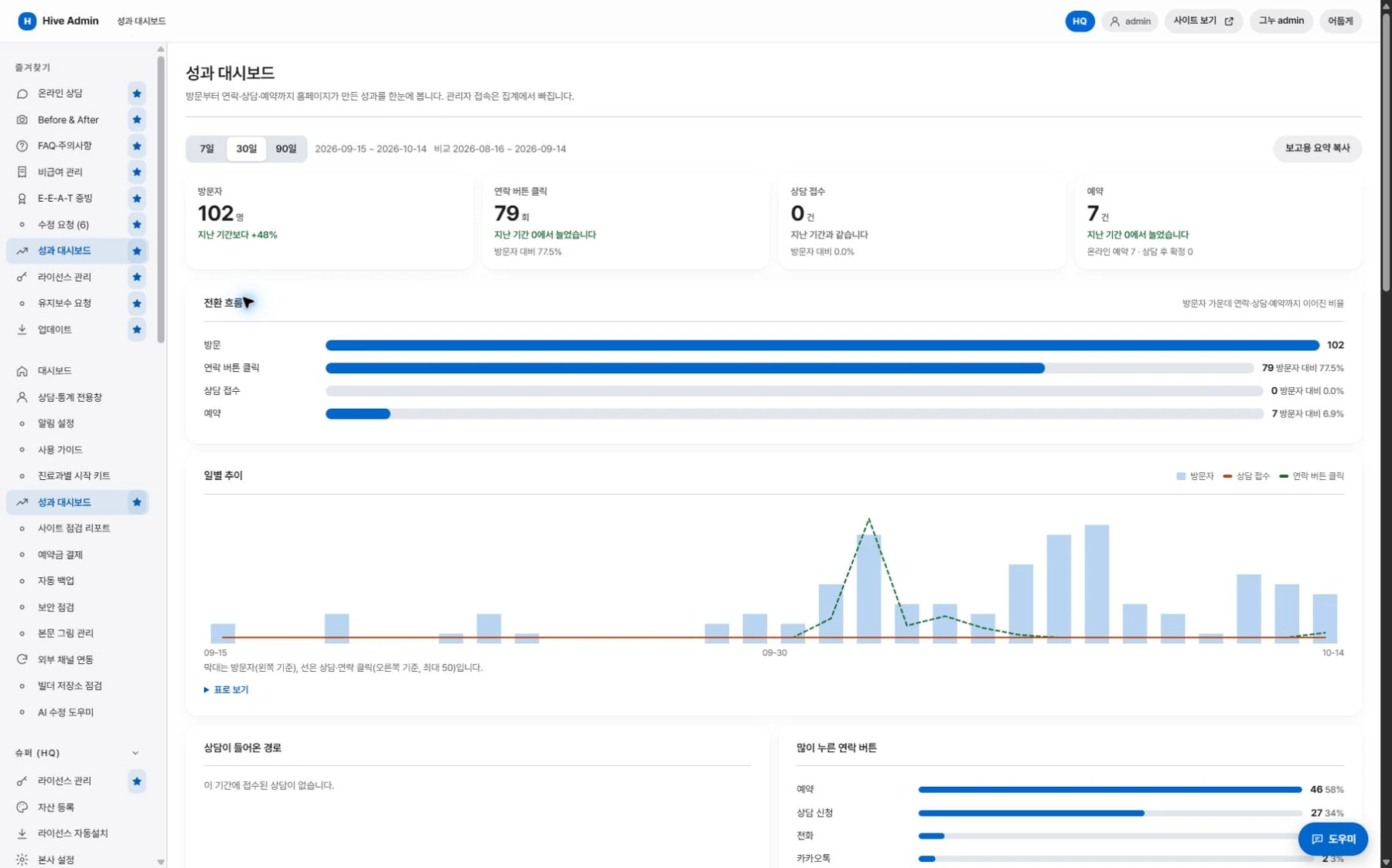
Review performance on one screen.

Performance review
From visit to booking, in one flow.
See which channels and pages led to inquiries.
Collect and review.
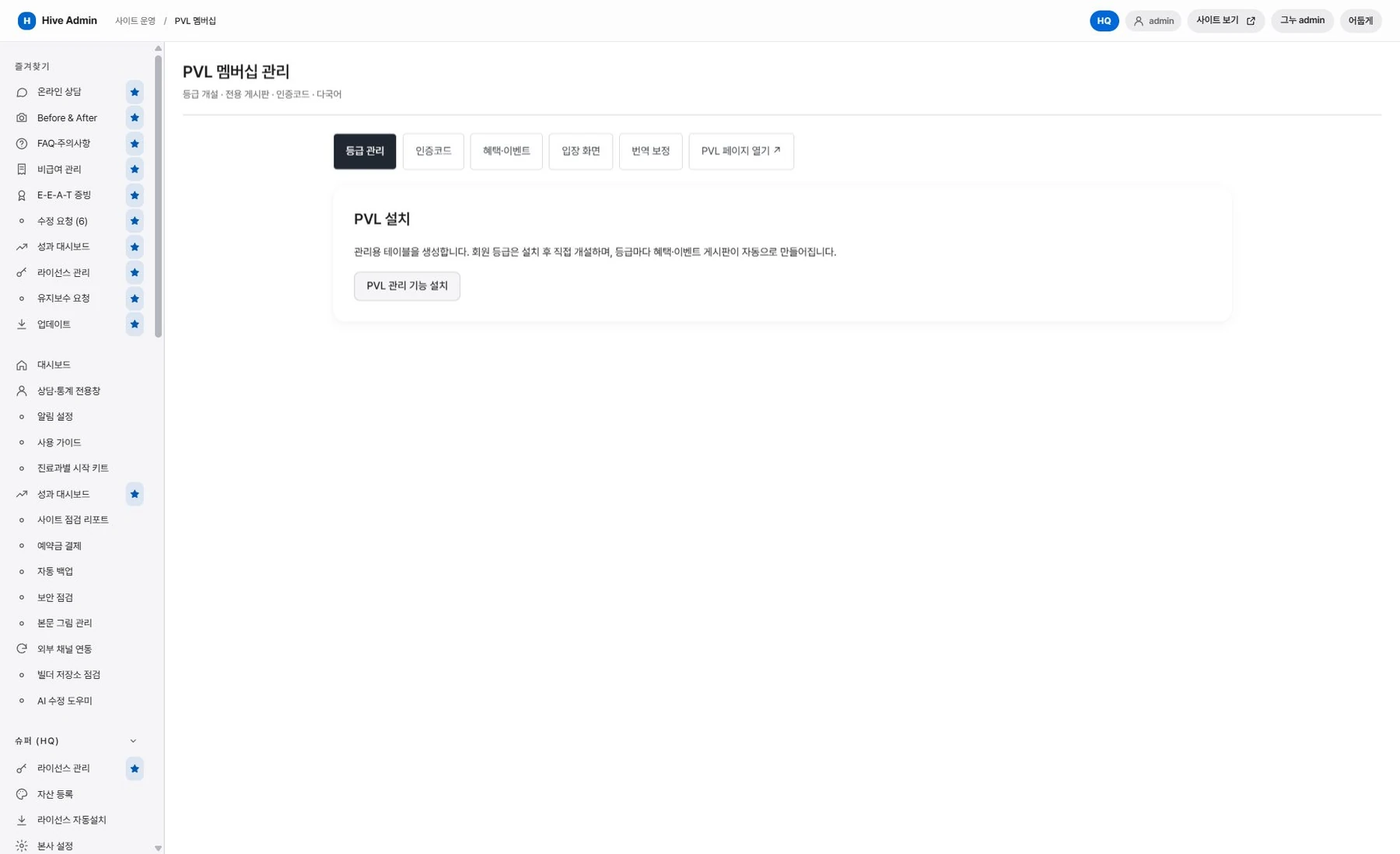
Membership.
Open tier-specific benefits and event boards, and verify members with a verification code.
Performance dashboard.
See the flow from visit to contact button click, consultation request and booking, plus results by channel, on one screen.
Visit statistics.
Alongside visit counts, see views and time on page for each page, and menu clicks.
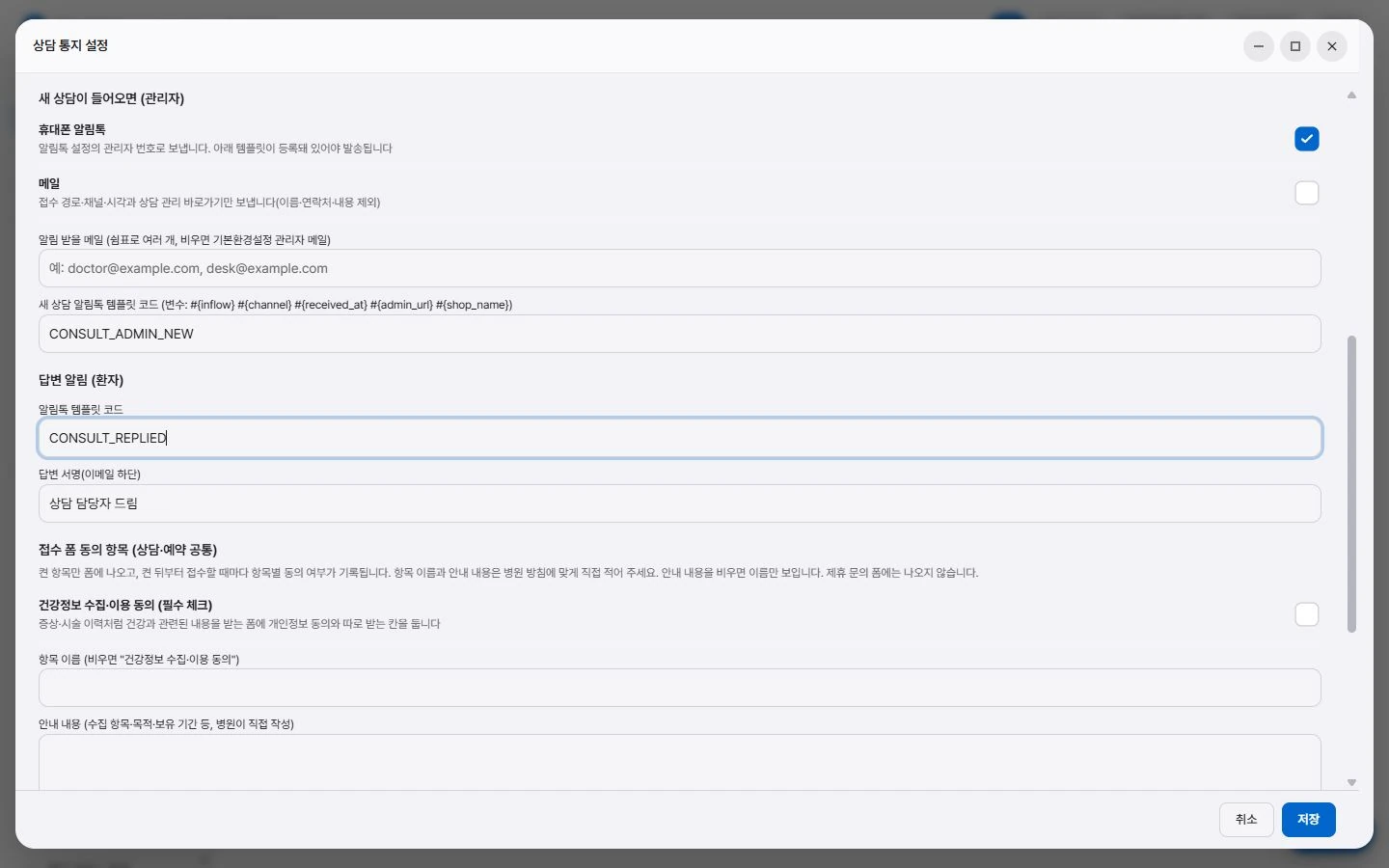
Notifications.
Notifies about bookings and consultation replies via KakaoTalk Alimtalk, text message and email. A messaging service integration is required.
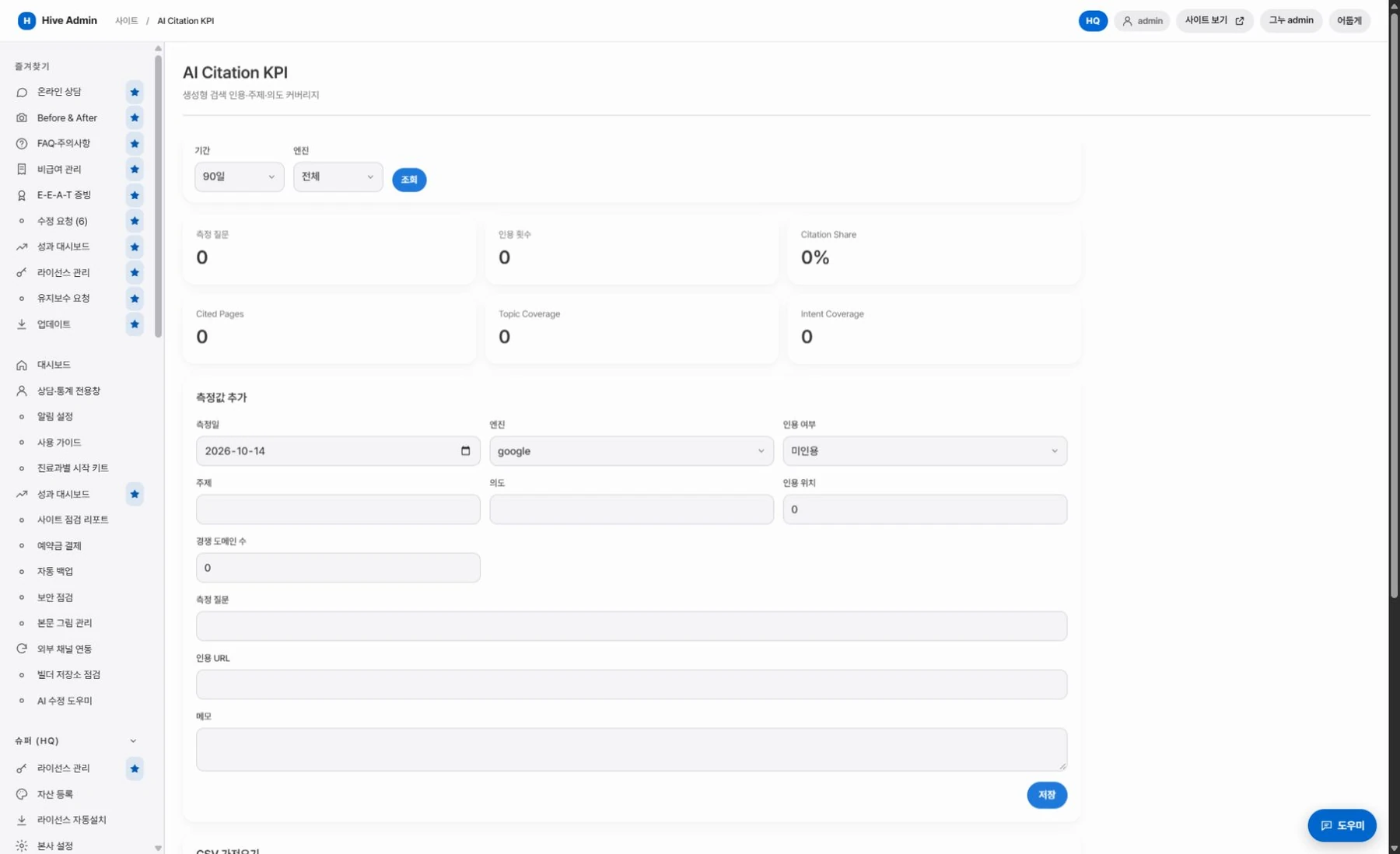
AI answer citation log.
Records measurements of whether the clinic is mentioned in AI search and shows the trend.
Showcase.
Gathers events, before and after photos and short videos into a screen you swipe through vertically.
Consultation.
어느 페이지에서든.
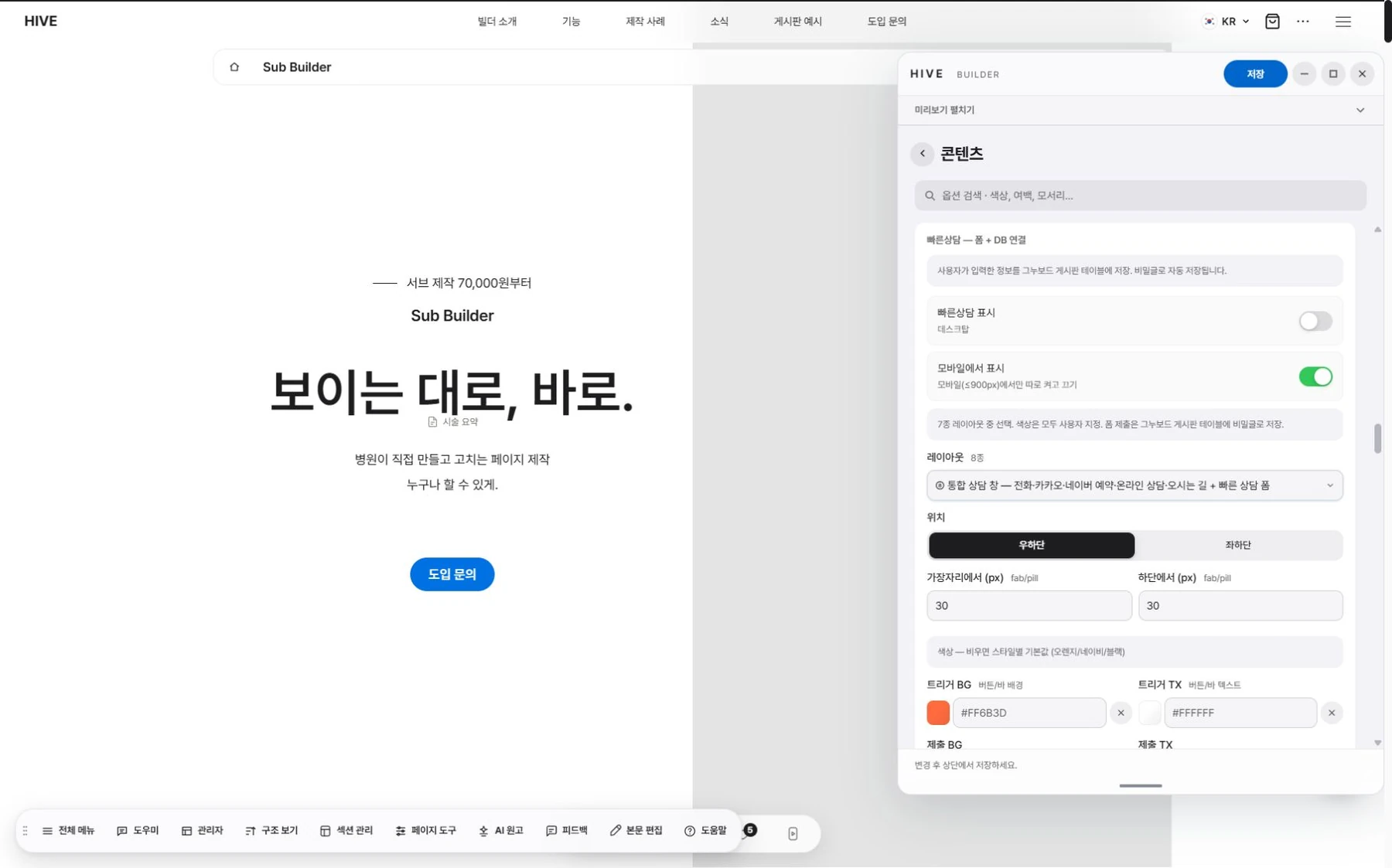
Quick consultation.
Leave an inquiry right from the intake bar at the bottom of the screen.
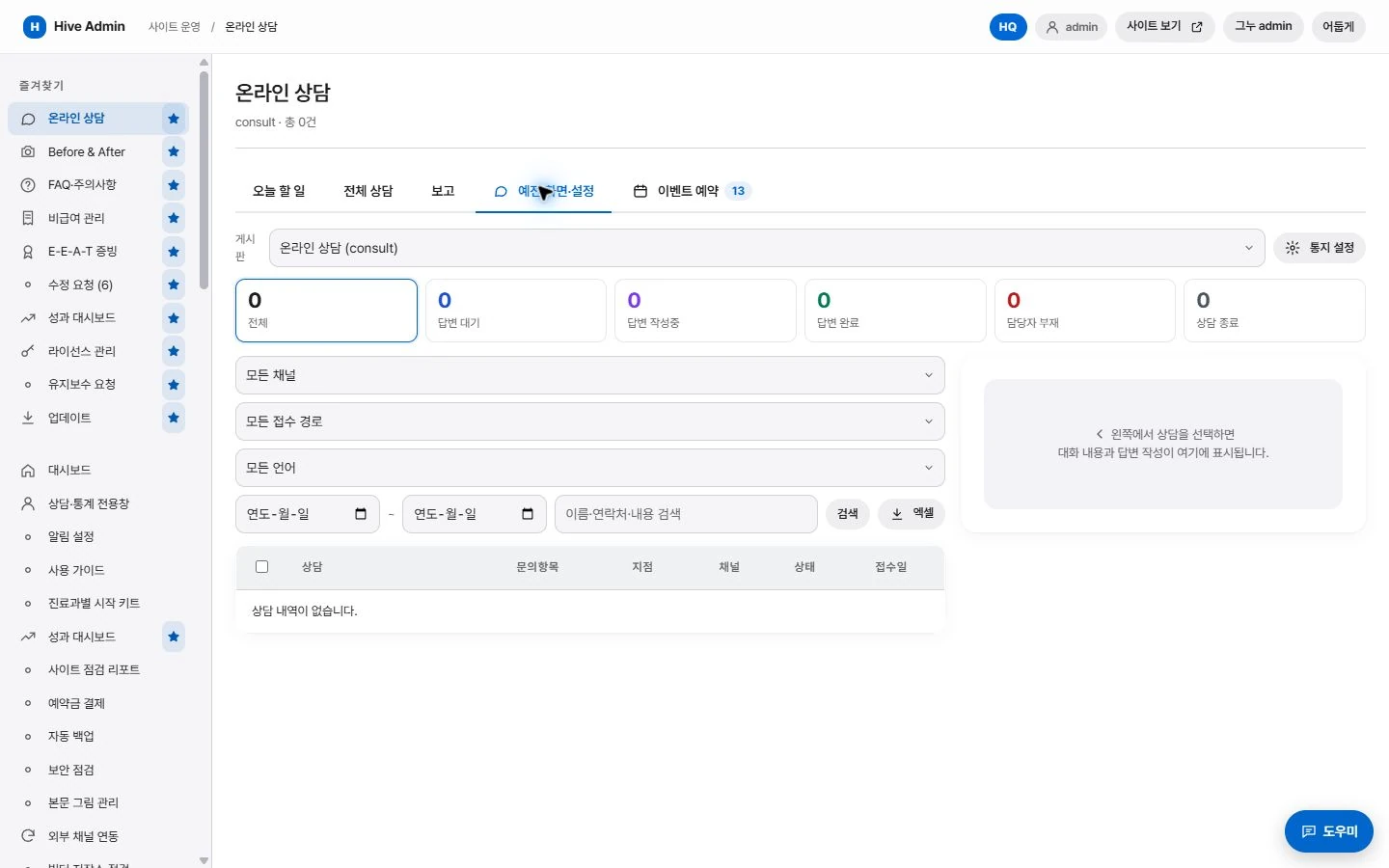
Consultation management.
Sort received inquiries by status.

Source tracking.
The page each inquiry came from is kept with it.
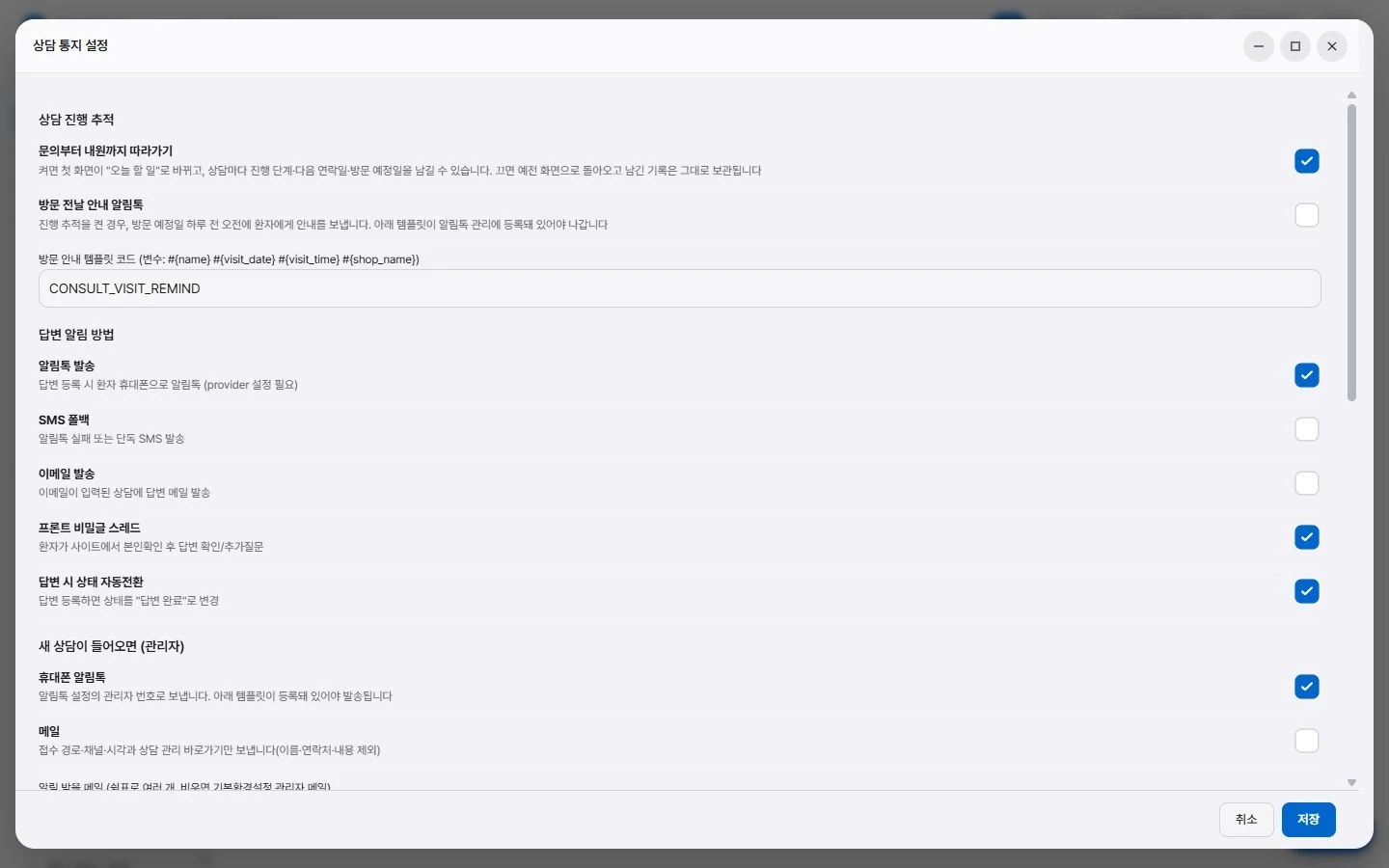
Notifications.
Notifies the administrator when a new inquiry arrives.
Search and AI answers. Structure, handled automatically.
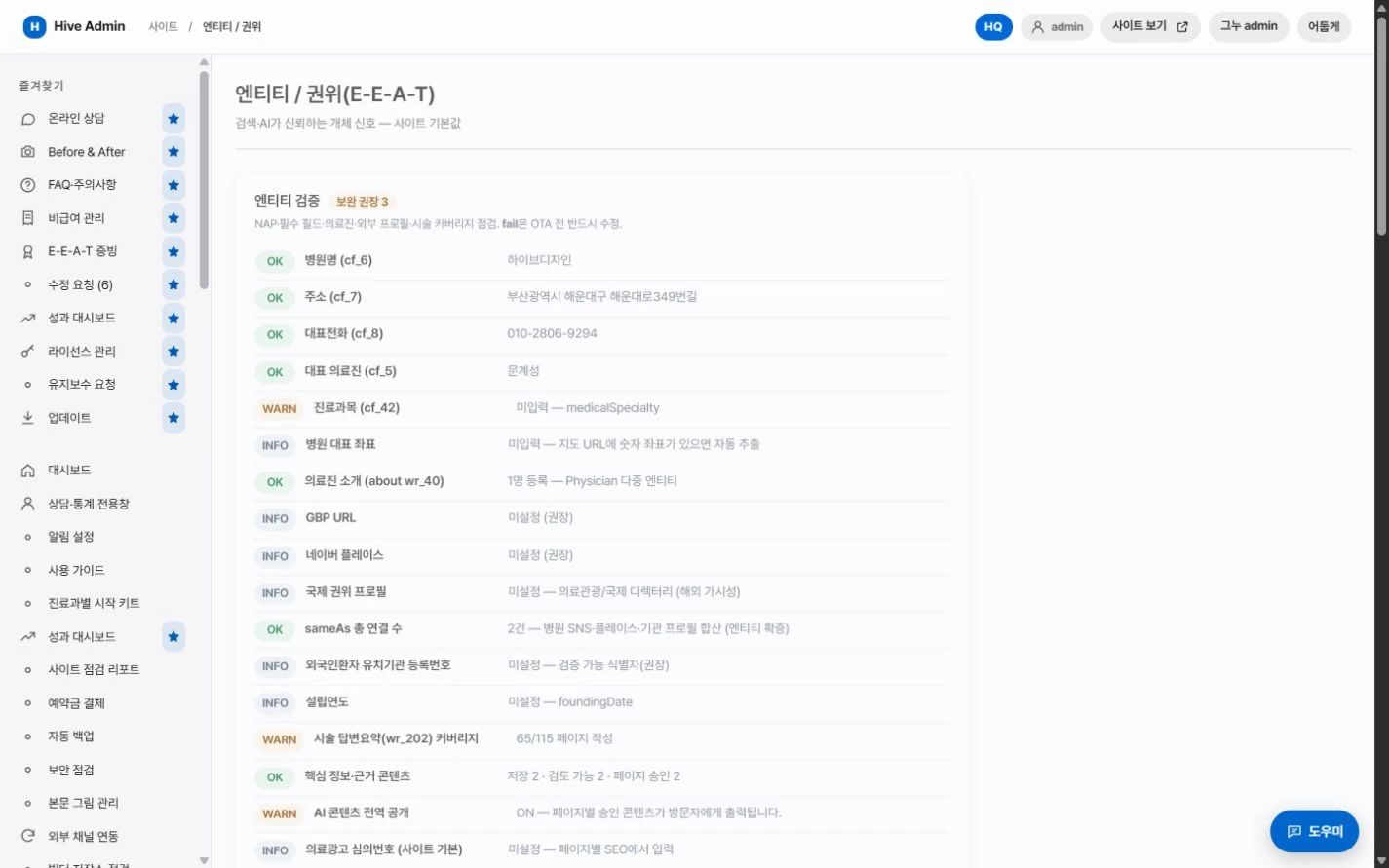
Structured data.
Clinic information, treatments and FAQ are output together in a standard format.

Answer summary.
Every page has a summary slot that AI answer engines can easily cite.
Multilingual.
Language-specific addresses are linked to each other.

Indexing requests.
When you publish a new post, the sitemap is updated and an indexing request is sent.