


Clinic information and supporting evidence, in one place. Clinic Content
About the clinic, FAQ, pre- and post-treatment care instructions, non-covered services, and credentials. Here are the features for managing the information every clinic needs.
First, the essentials.

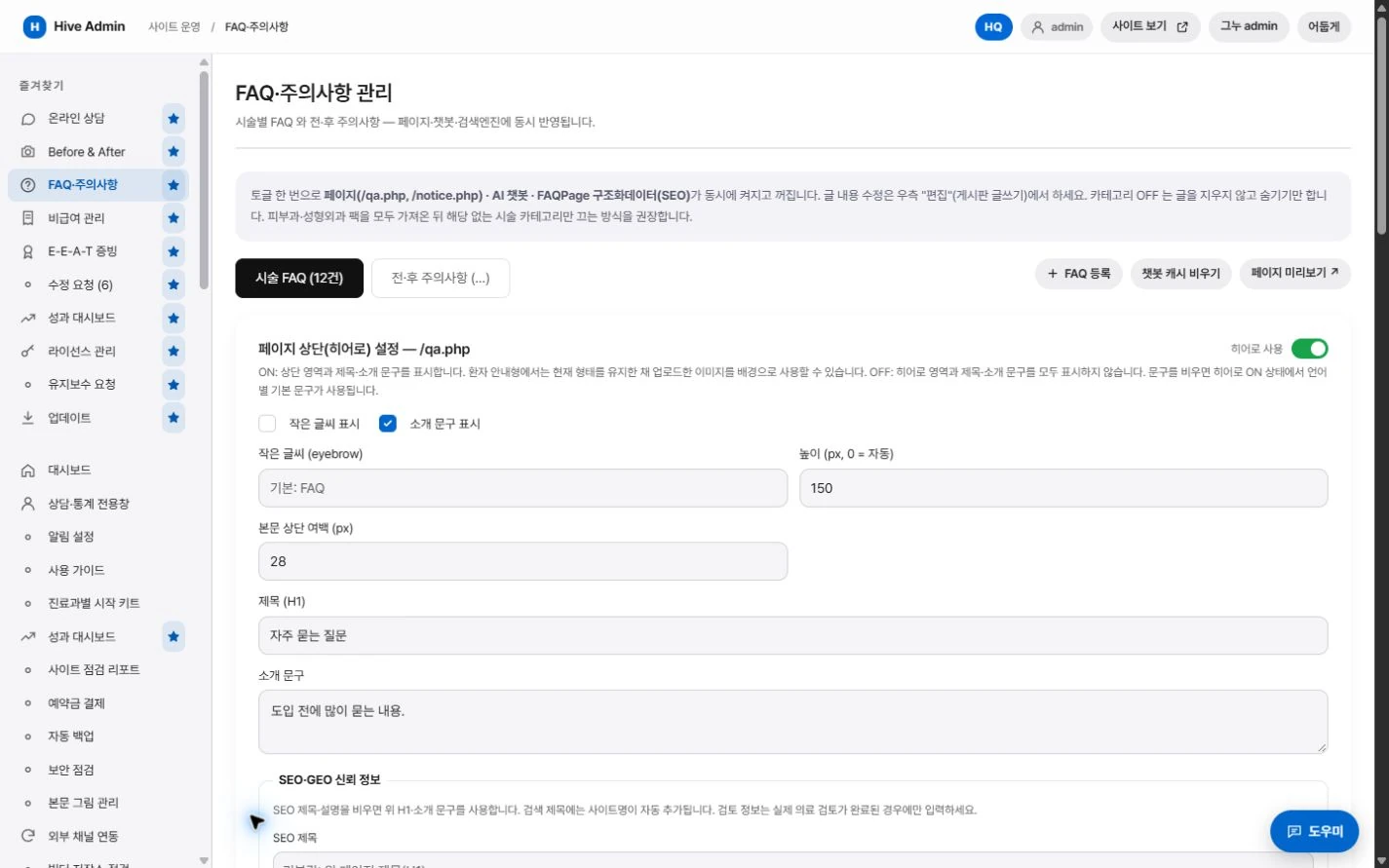
Questions and care instructions are managed by treatment.

Non-covered services are organized in a table.

Qualifications and certifications are shown with their proof.

Medical staff and directions go in the clinic profile builder.
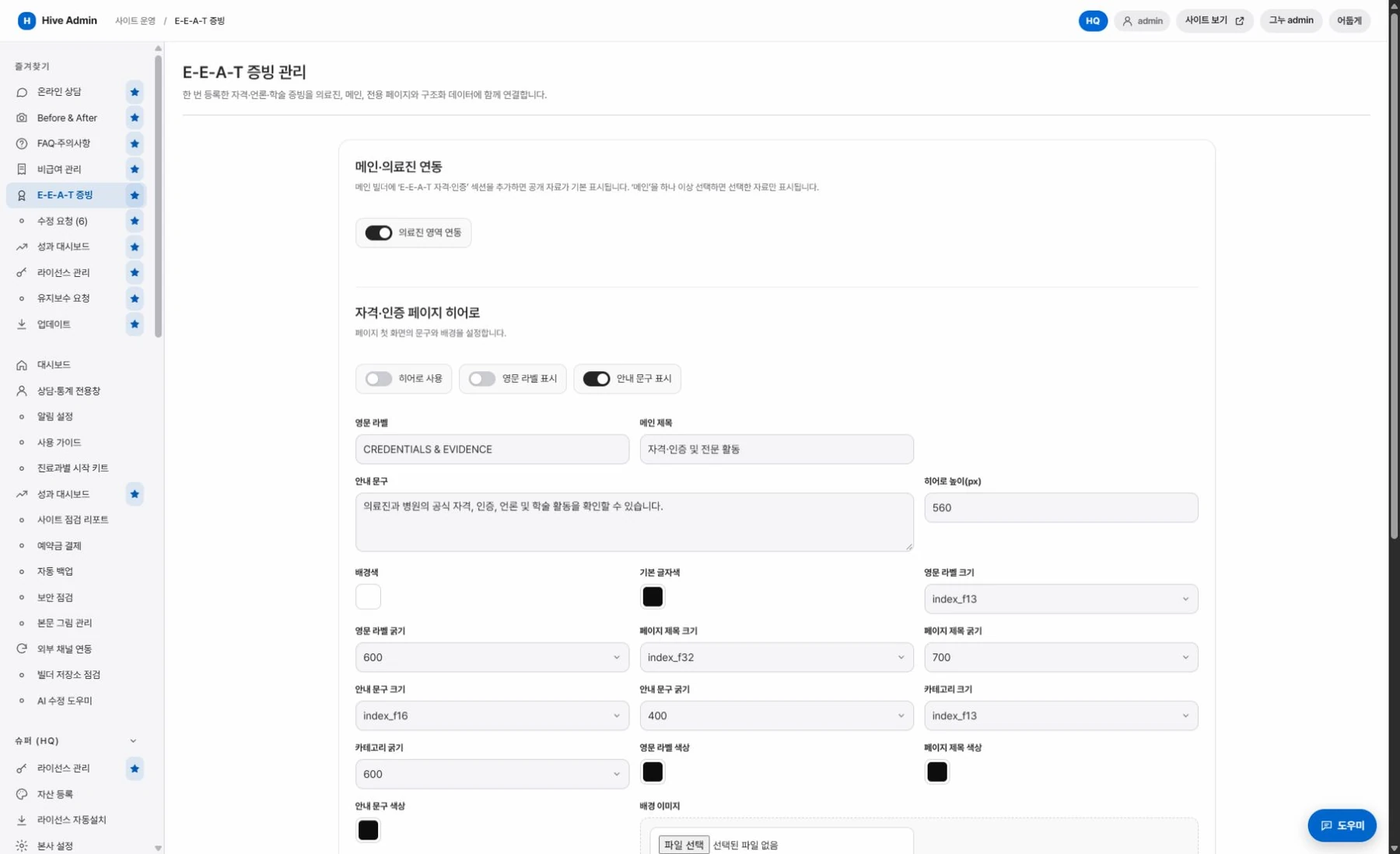
What you enter once appears in many places.
Clinic information and its evidence. All in one place.
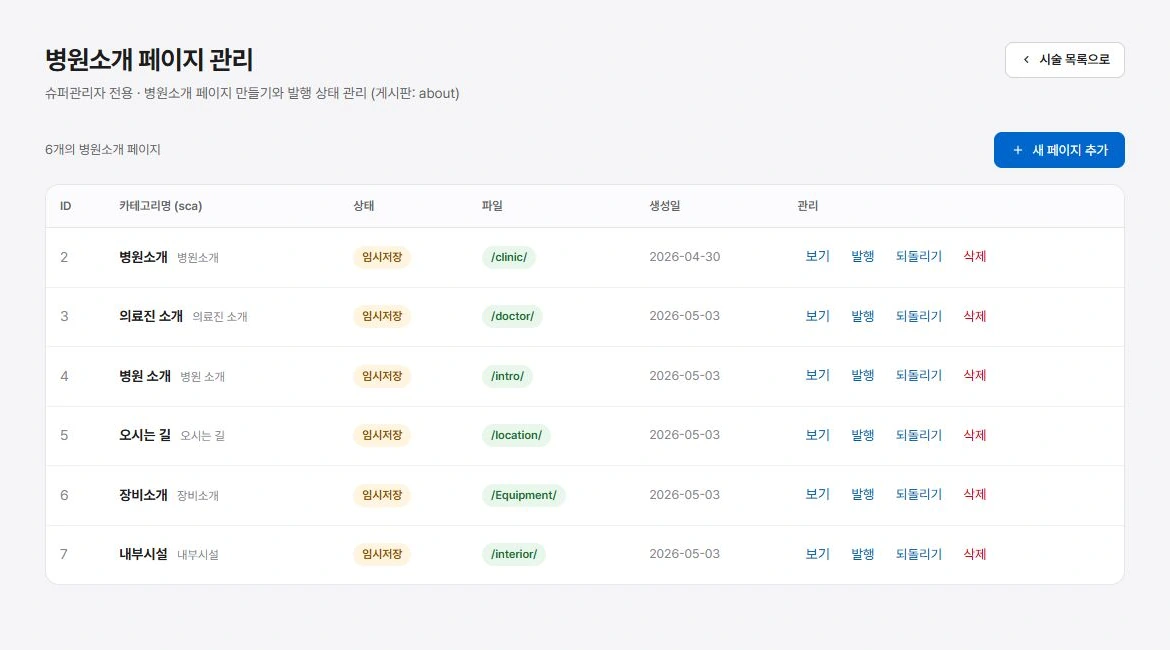
About Builder
Build the greeting, medical staff, equipment, facilities and directions as sections. Pick a layout for each section.
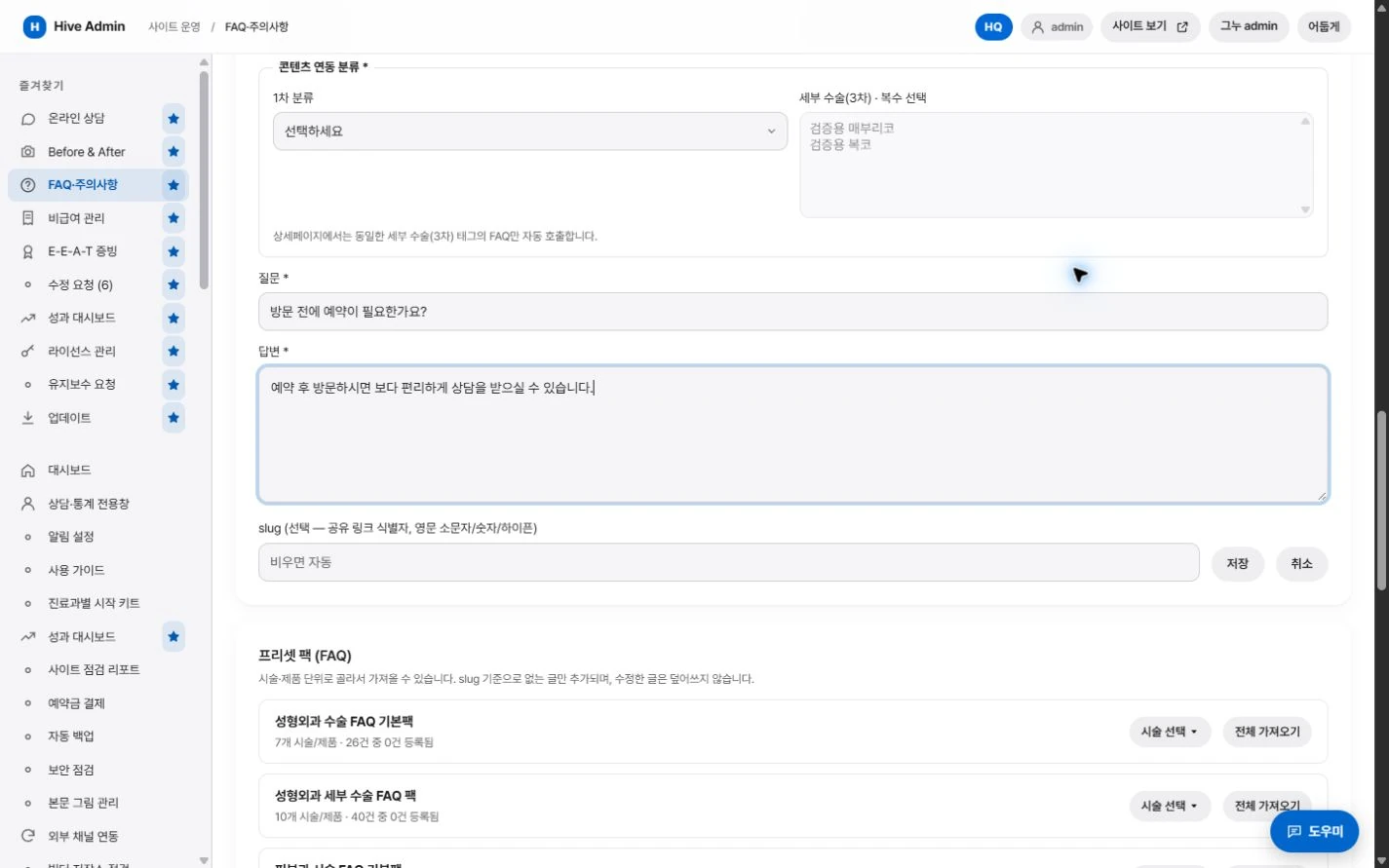
FAQ·Precautions
Manage treatment-specific questions and pre- and post-treatment care instructions by category. Turn visibility on and off for each category and post.
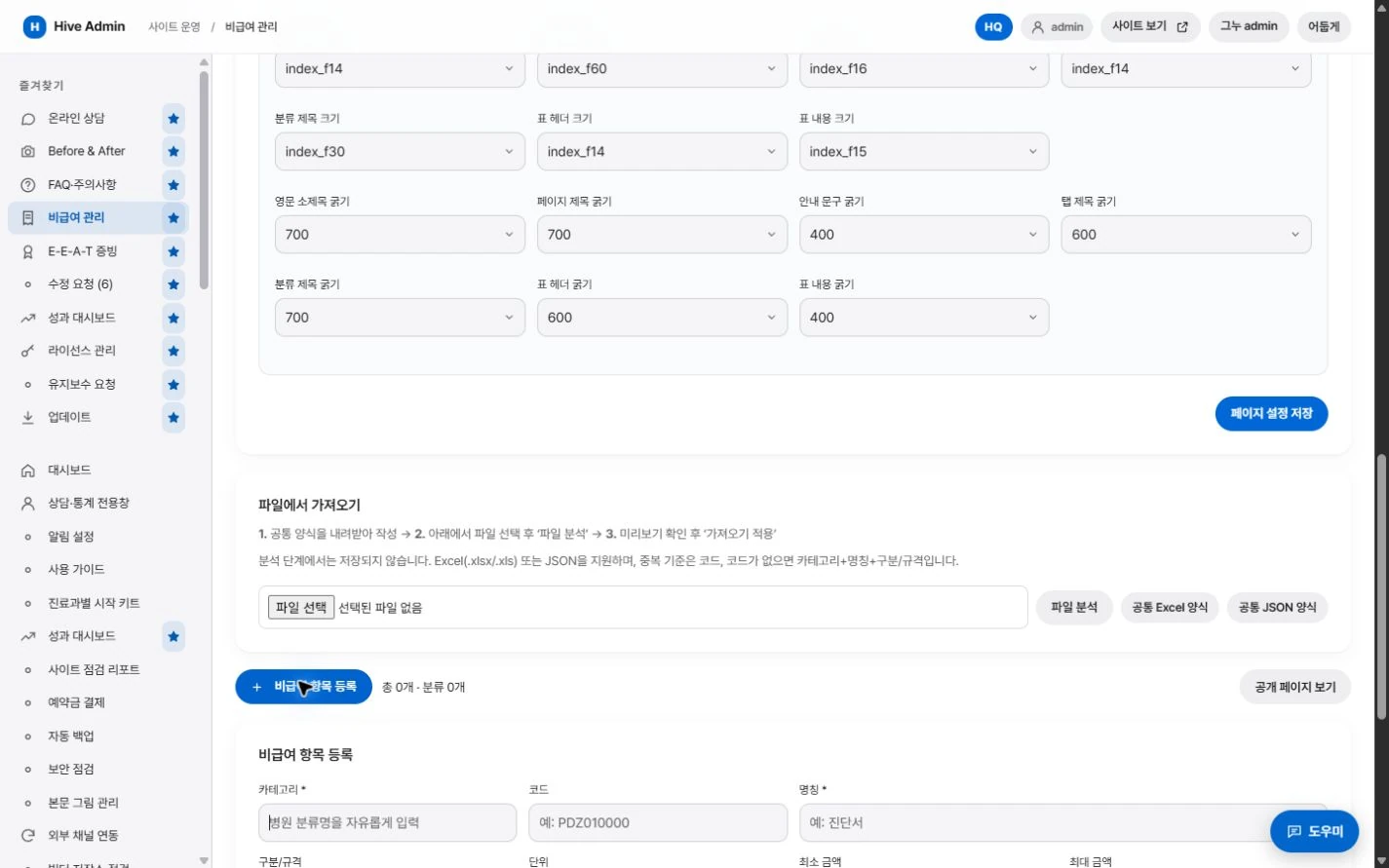
Non-covered services management
Manage non-covered services, codes and prices in one place and show them in a table.
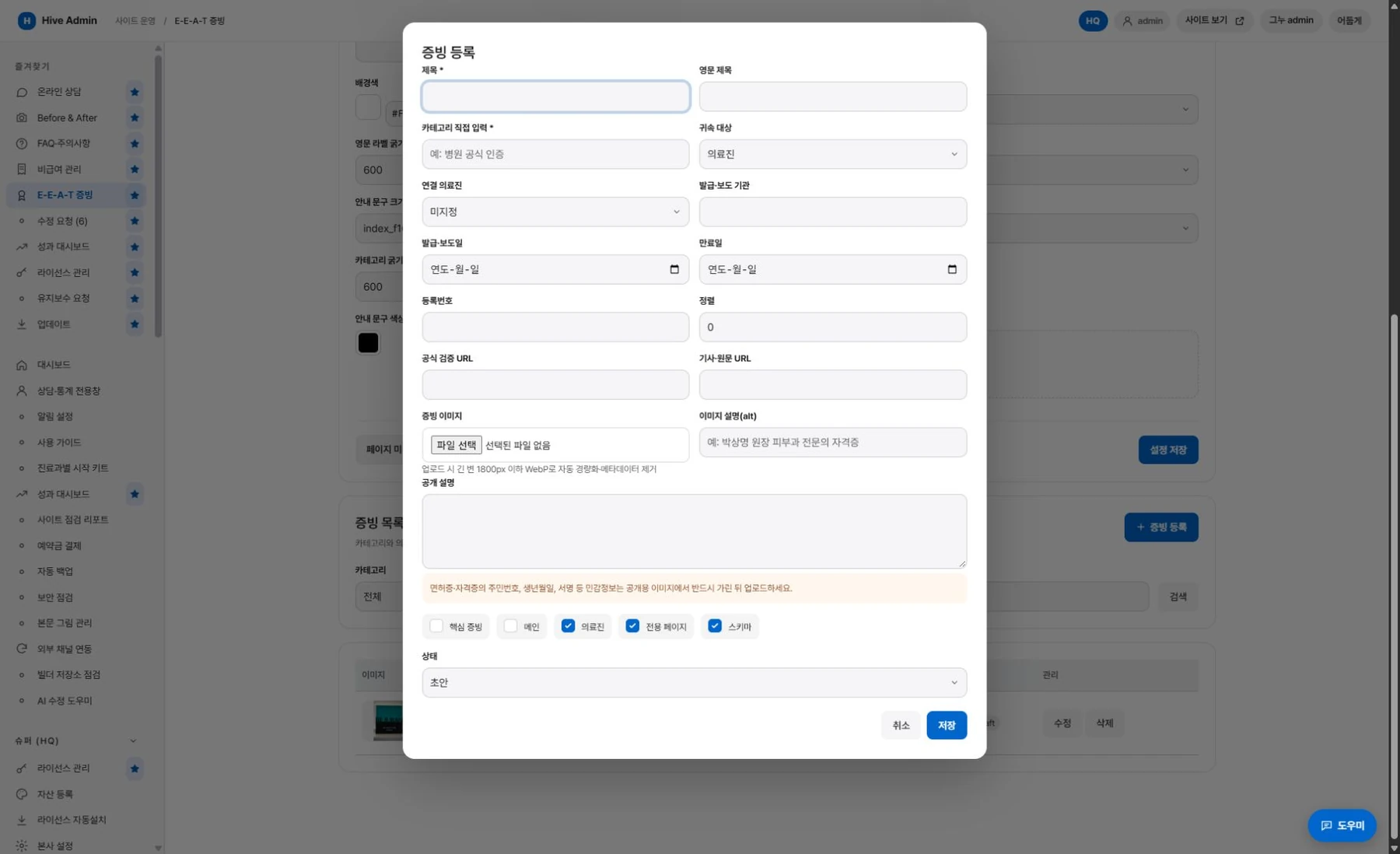
Credentials
Register proof such as specialist qualifications, certifications and awards, and decide whether to make each public. Published items are reflected on a dedicated page and in structured data.
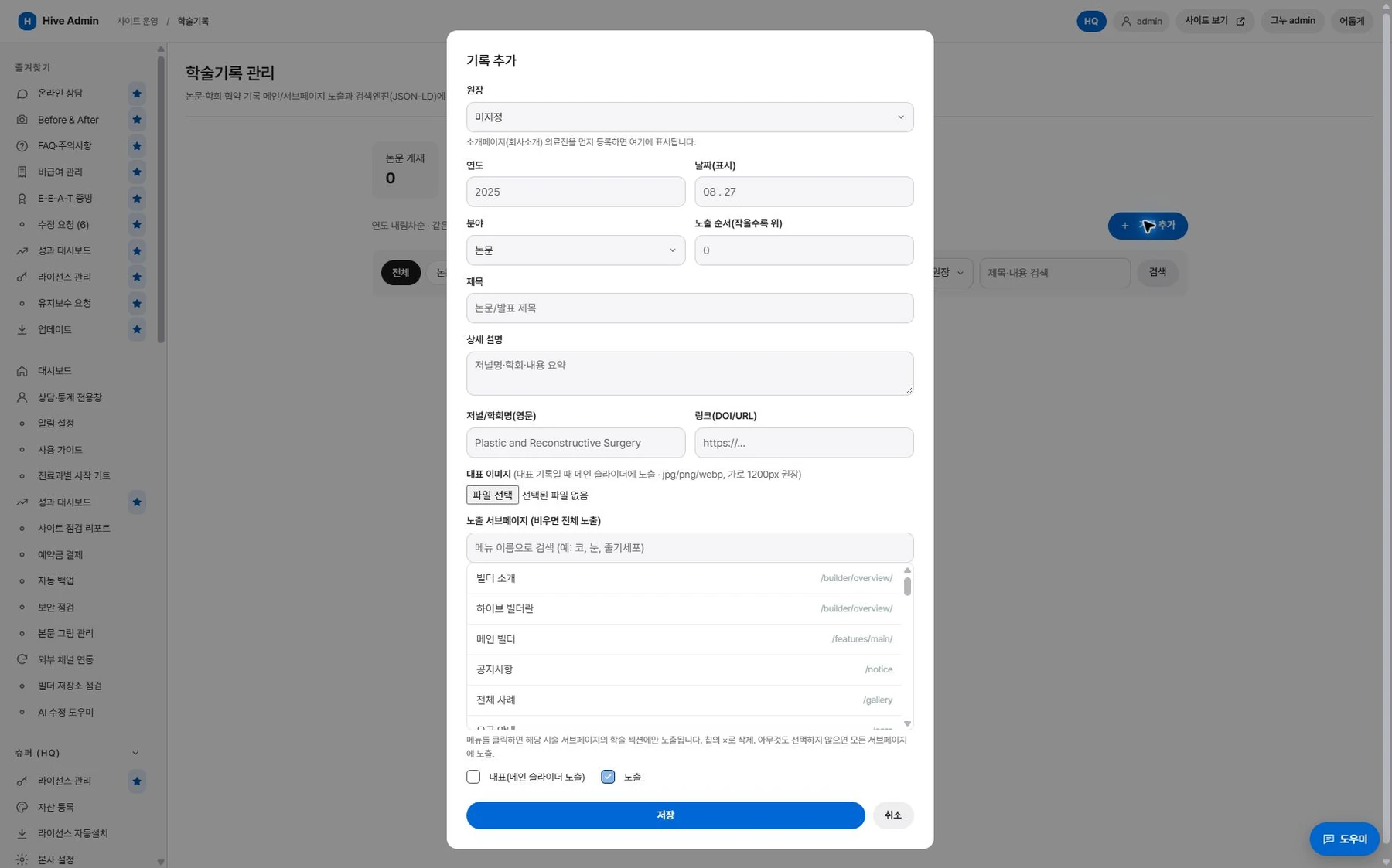
Academic records
Manage the medical staff's papers, conference activities and partnership records, and output them as page sections and structured data.

Enter once
Enter it once, use it in many places.
Reflected together on dedicated pages, treatment pages and the structure built for search.
Features that add evidence.
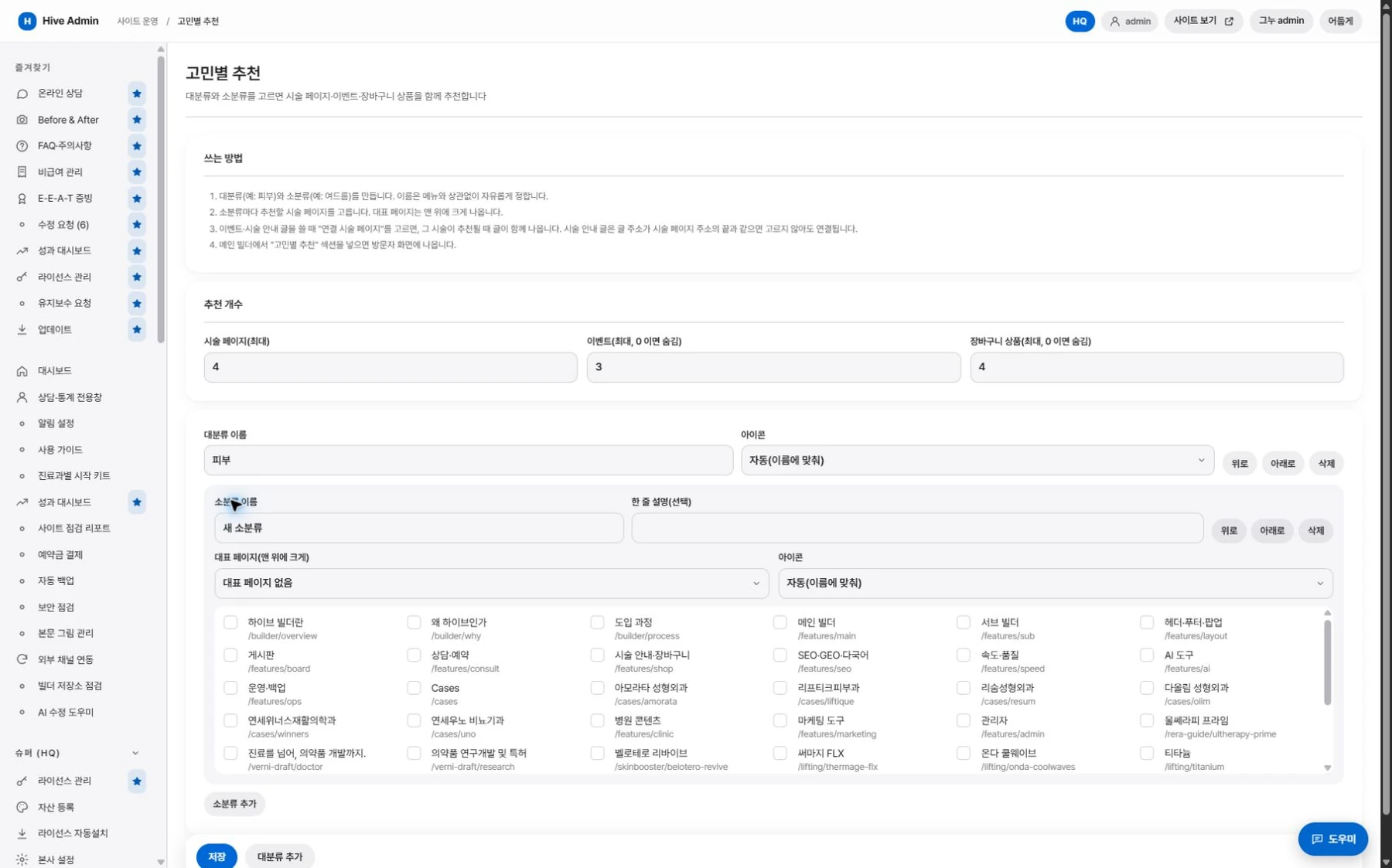
Guide by concern.
Create concern lists, checklists and comparison images, and link related treatments.
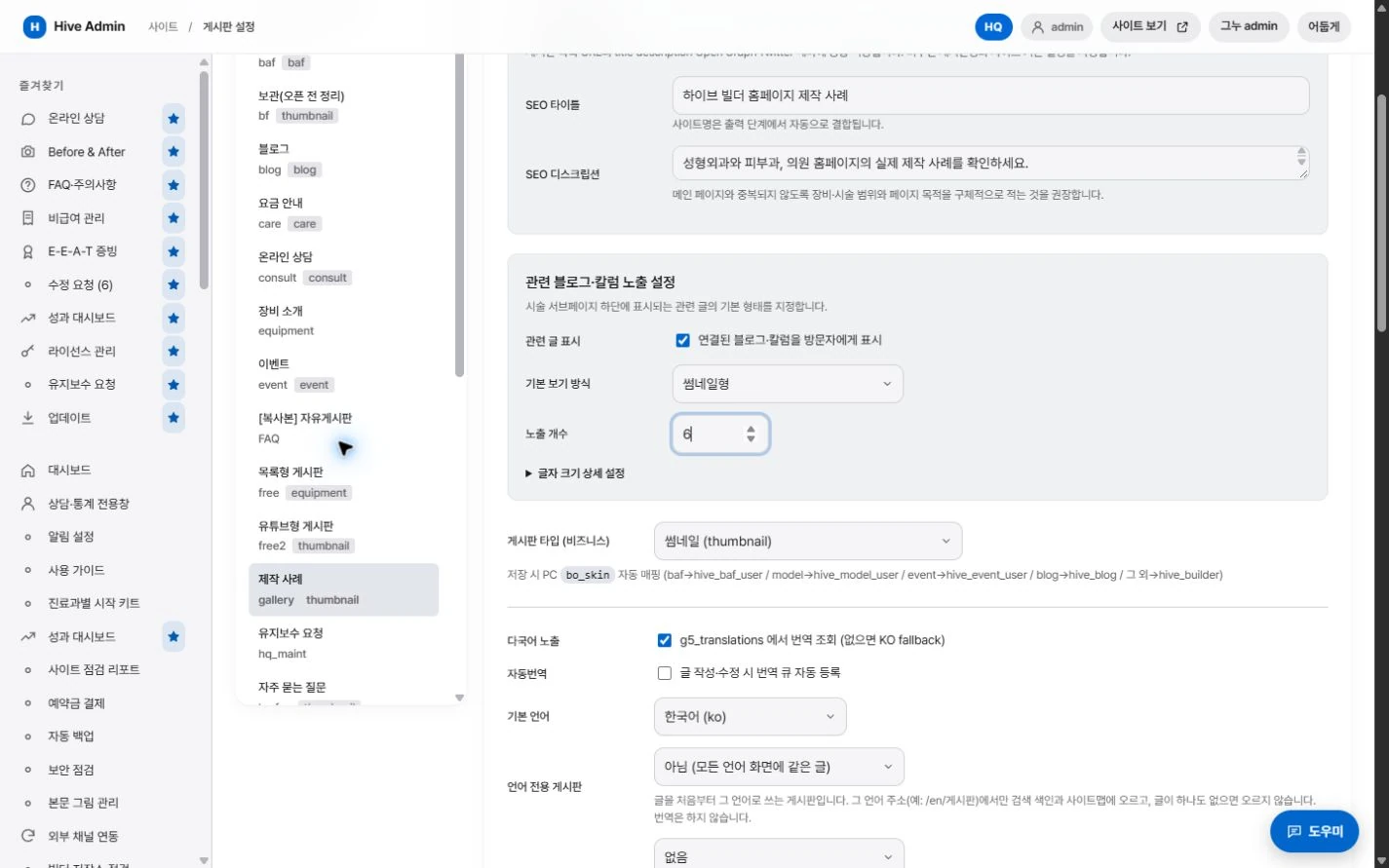
Treatment page integration.
Questions and care instructions in the same category appear together on the matching treatment page.

Help window link.
Registered questions are also used as answer material for the visitor help window.

Category·Tags.
Manage treatment categories and tags in one place to group boards and pages by the same standard.
Boards. Fit for clinics, from the start.

Before and after photos.
Flip through by angle and choose the view mode.
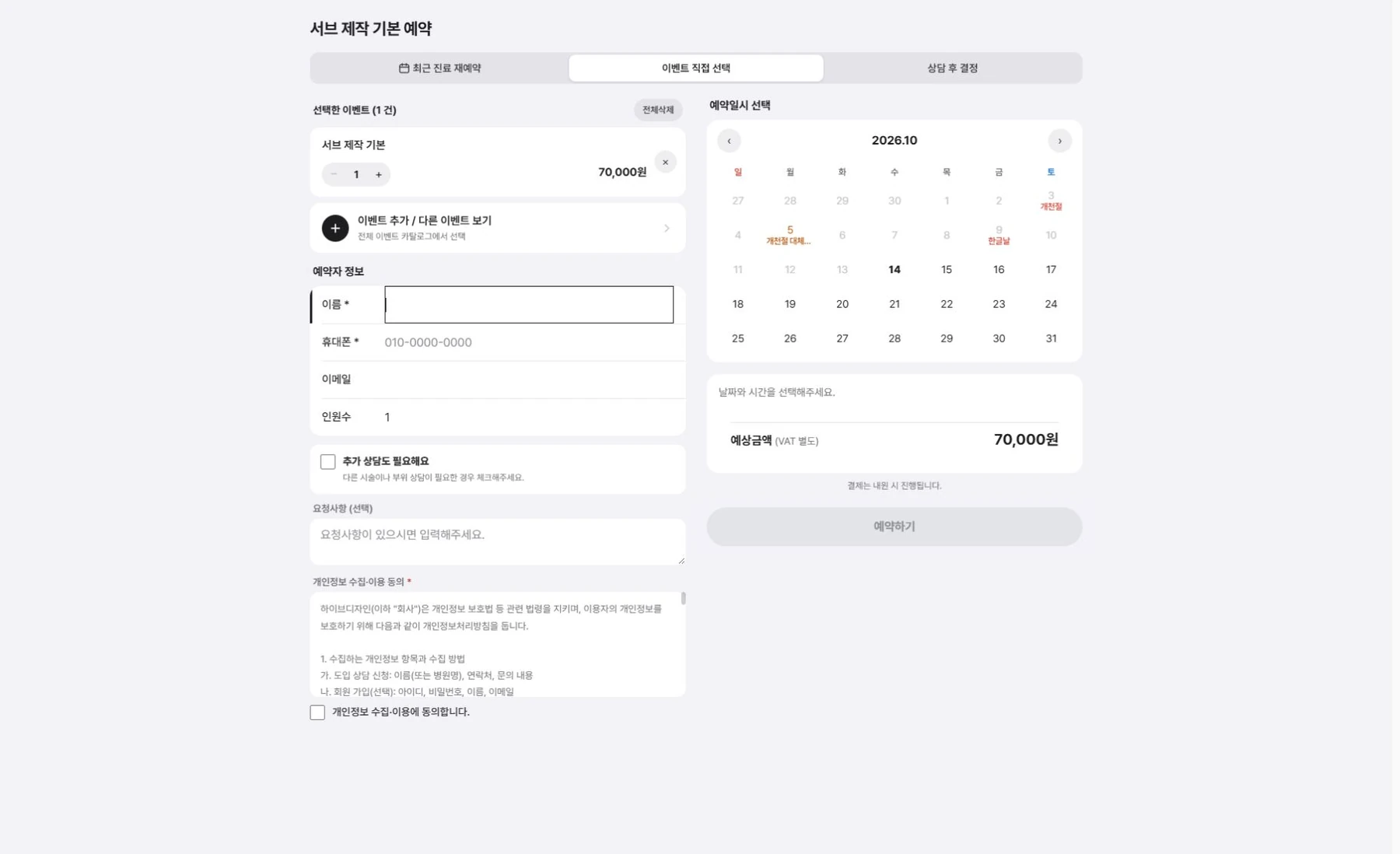
Events Reservation.
Add events and go straight to booking.
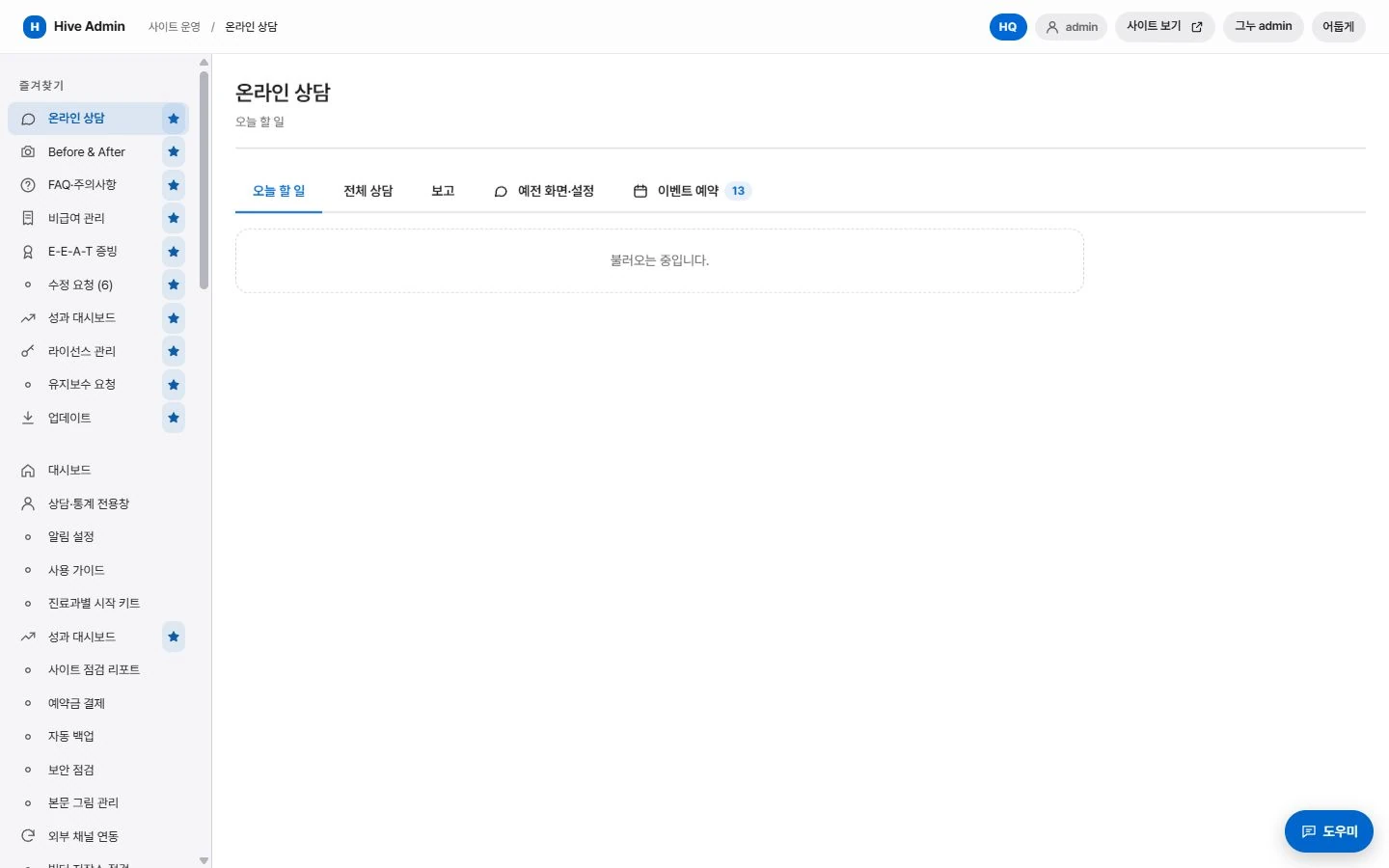
Online Consultation.
See intake, notifications and management on one screen.
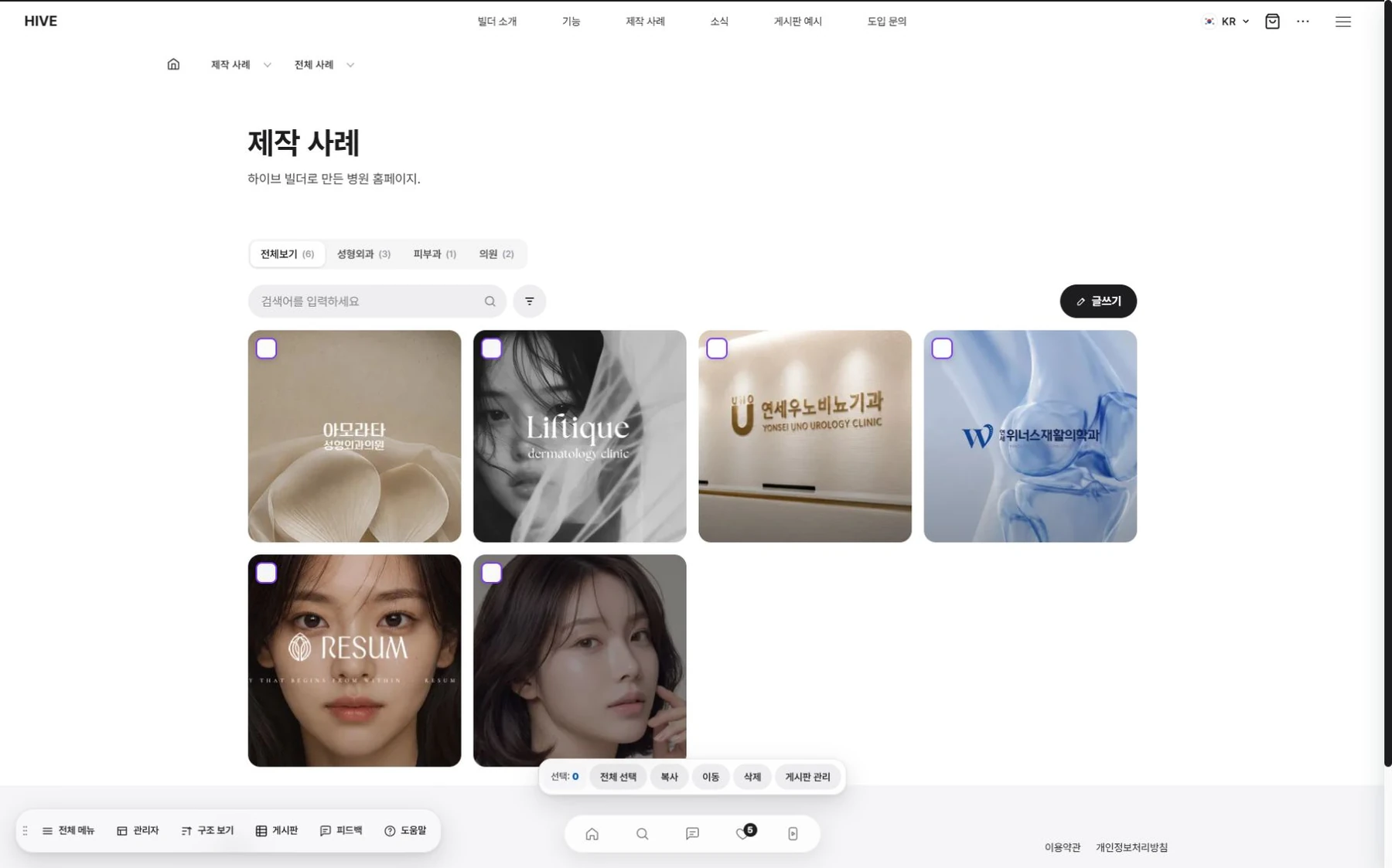
Case studies.
Shown by industry.
Search and AI answers. Structure, handled automatically.
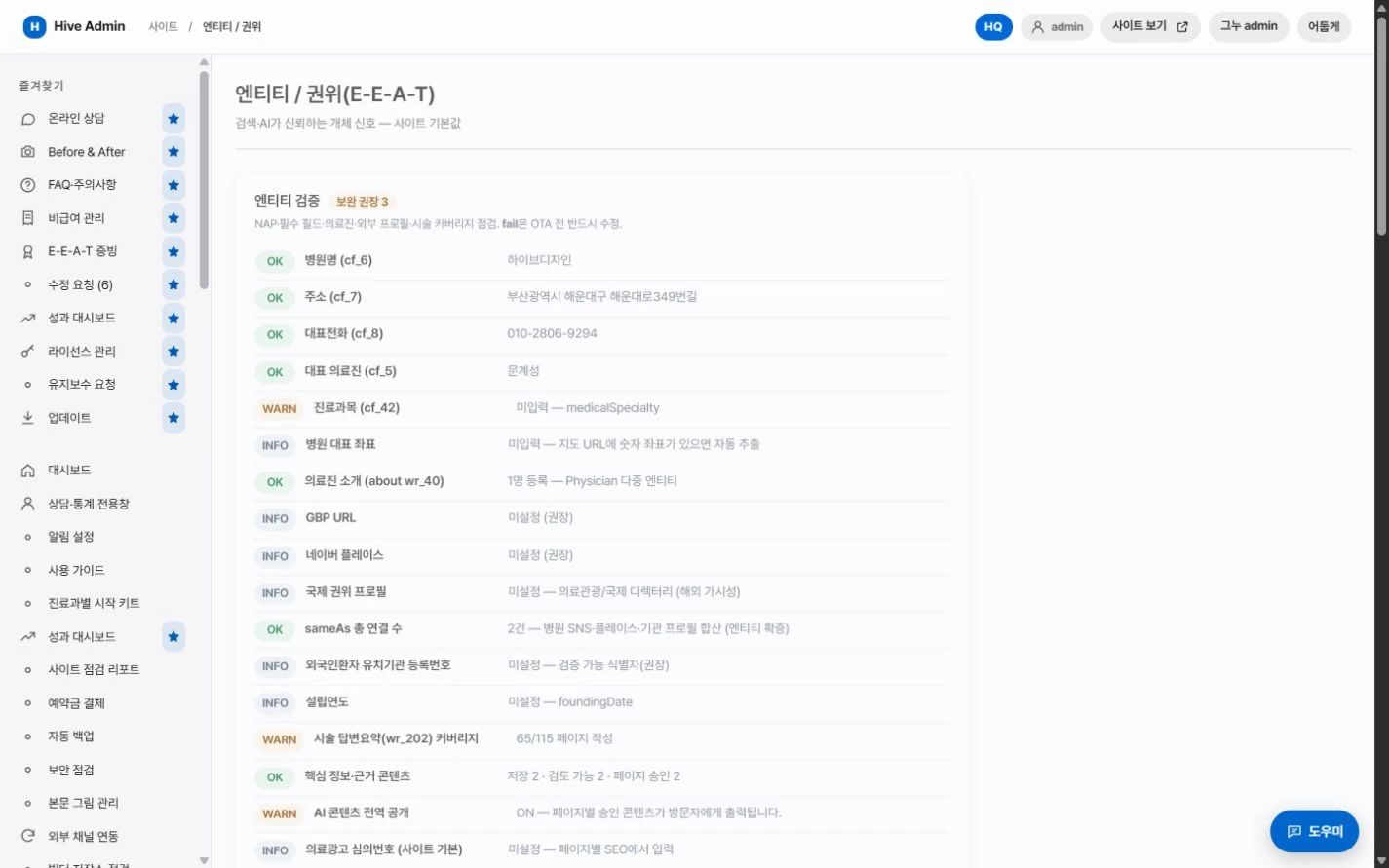
Structured data.
Clinic information, treatments and FAQ are output together in a standard format.

Answer summary.
Every page has a summary slot that AI answer engines can easily cite.
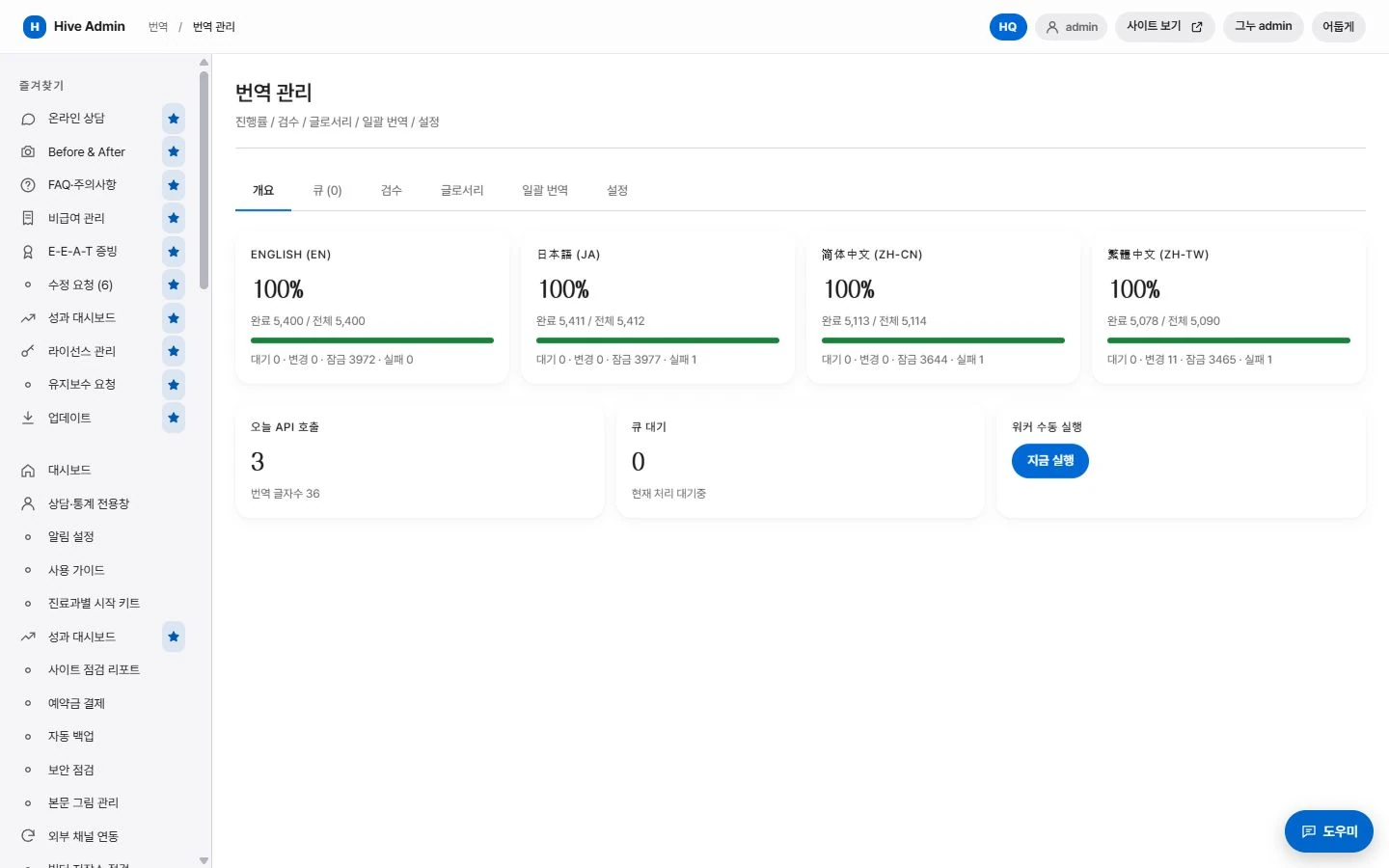
Multilingual.
Language-specific addresses are linked to each other.

Indexing requests.
When you publish a new post, the sitemap is updated and an indexing request is sent.