


The hospital's website, directly from the hospital. HIVE Builder
Introducing HIVE Builder, a website builder made for clinics that lets them create and edit pages themselves.
First, the essentials.
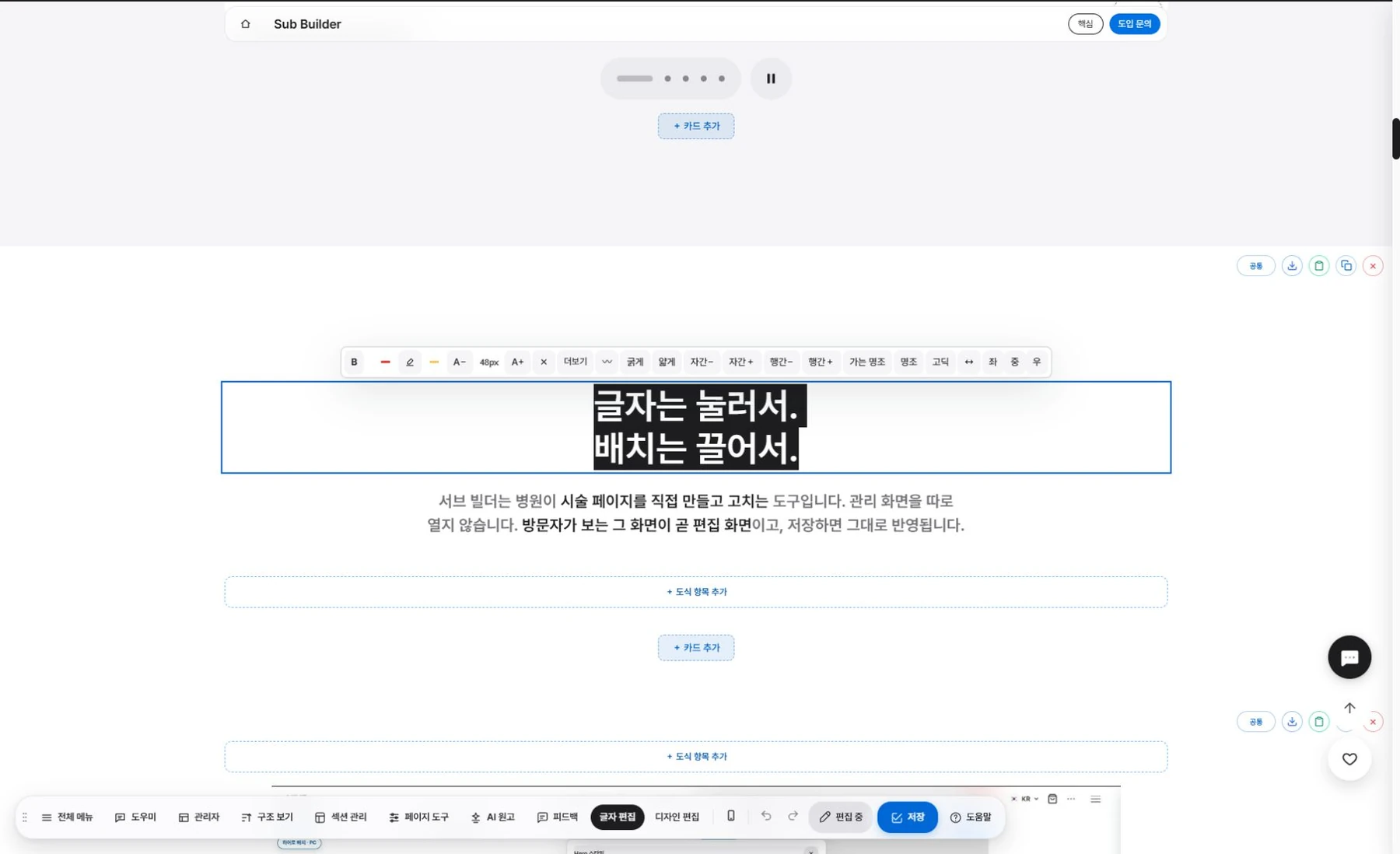
Click text to edit it. No need to open the code.

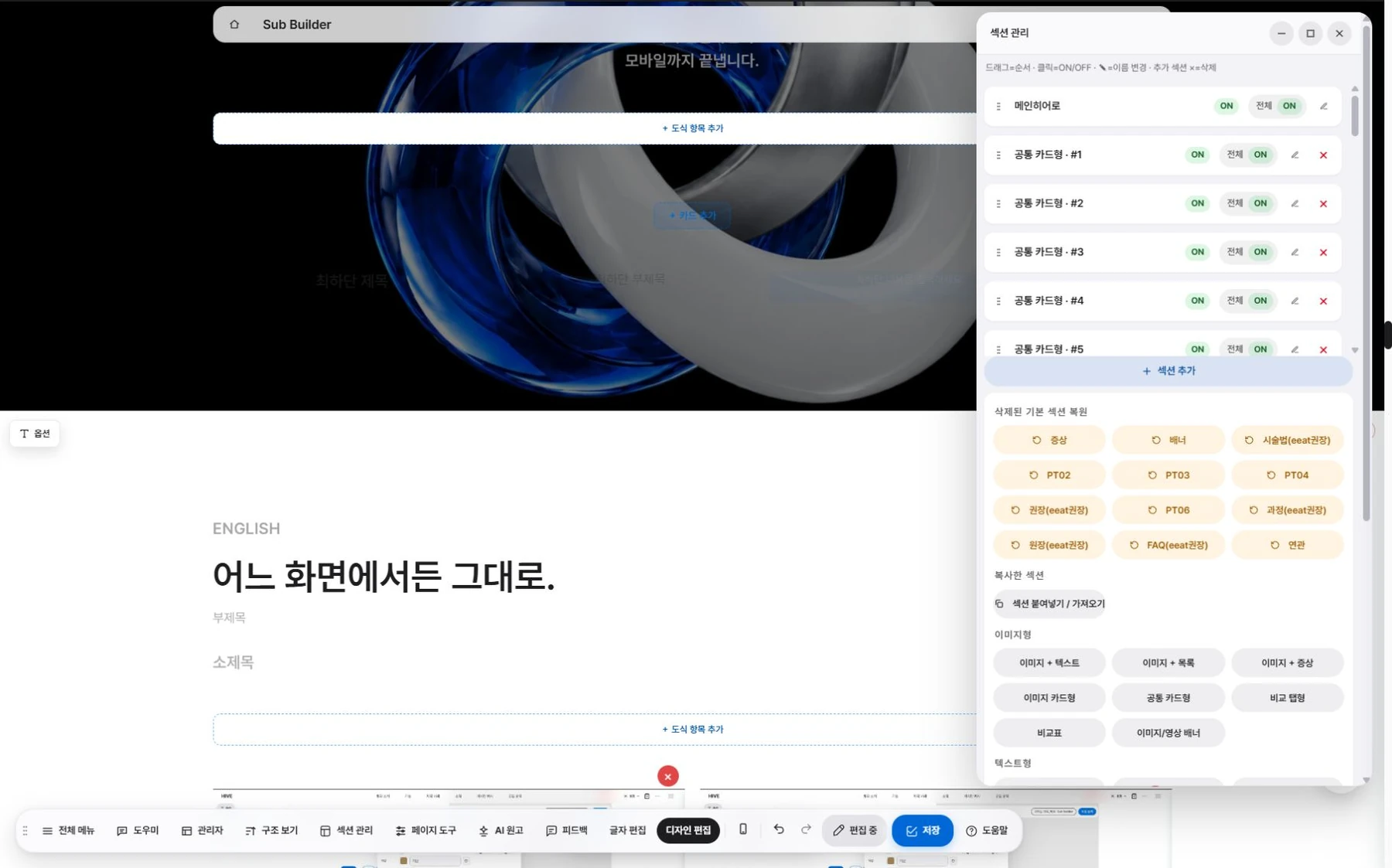
Drag a section to change the order.

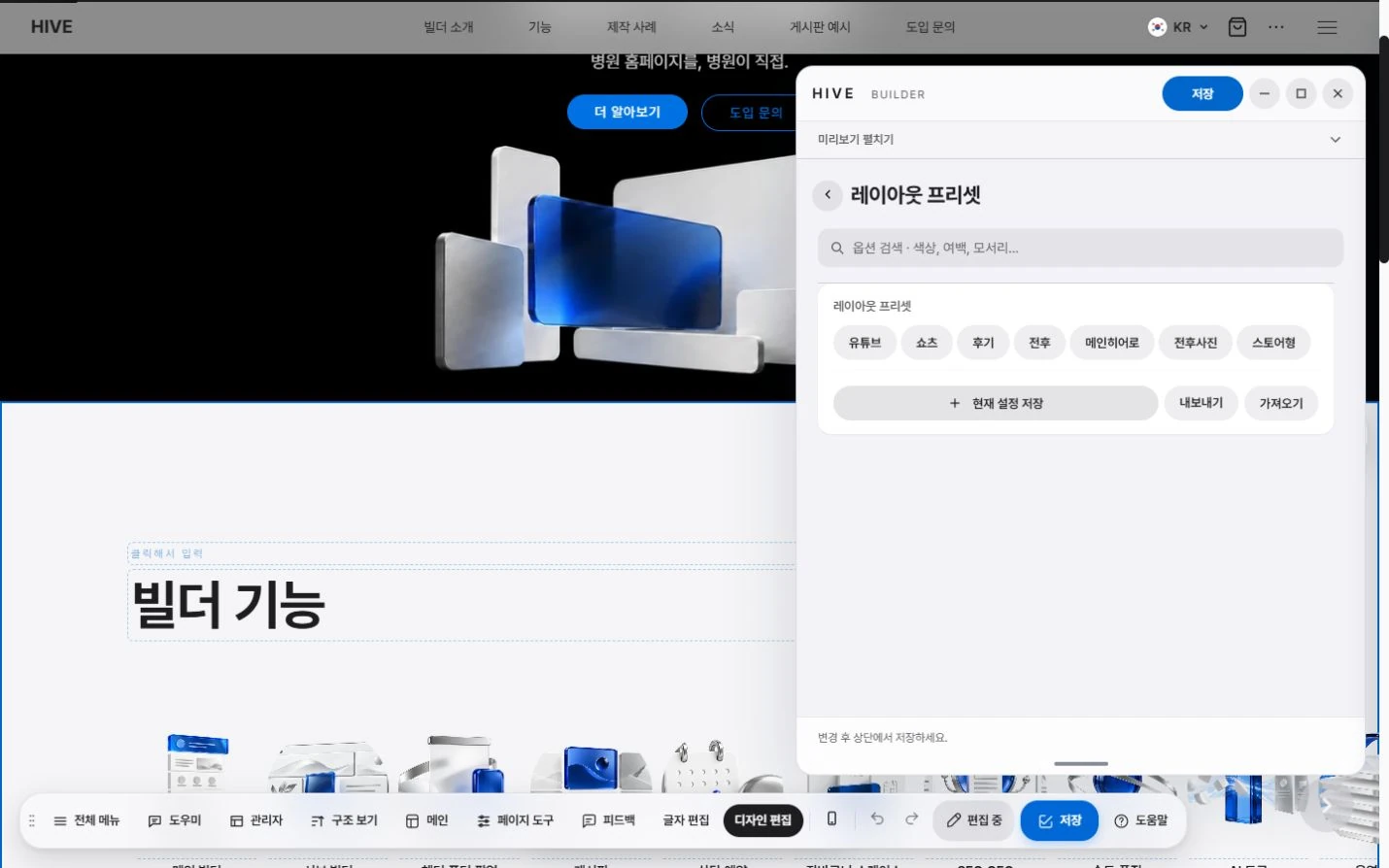
The layouts clinics need are built in from the start.

Structure for search is applied automatically.

From the home page to boards, everything works the same way.
Your whole site, with one tool.
Home page
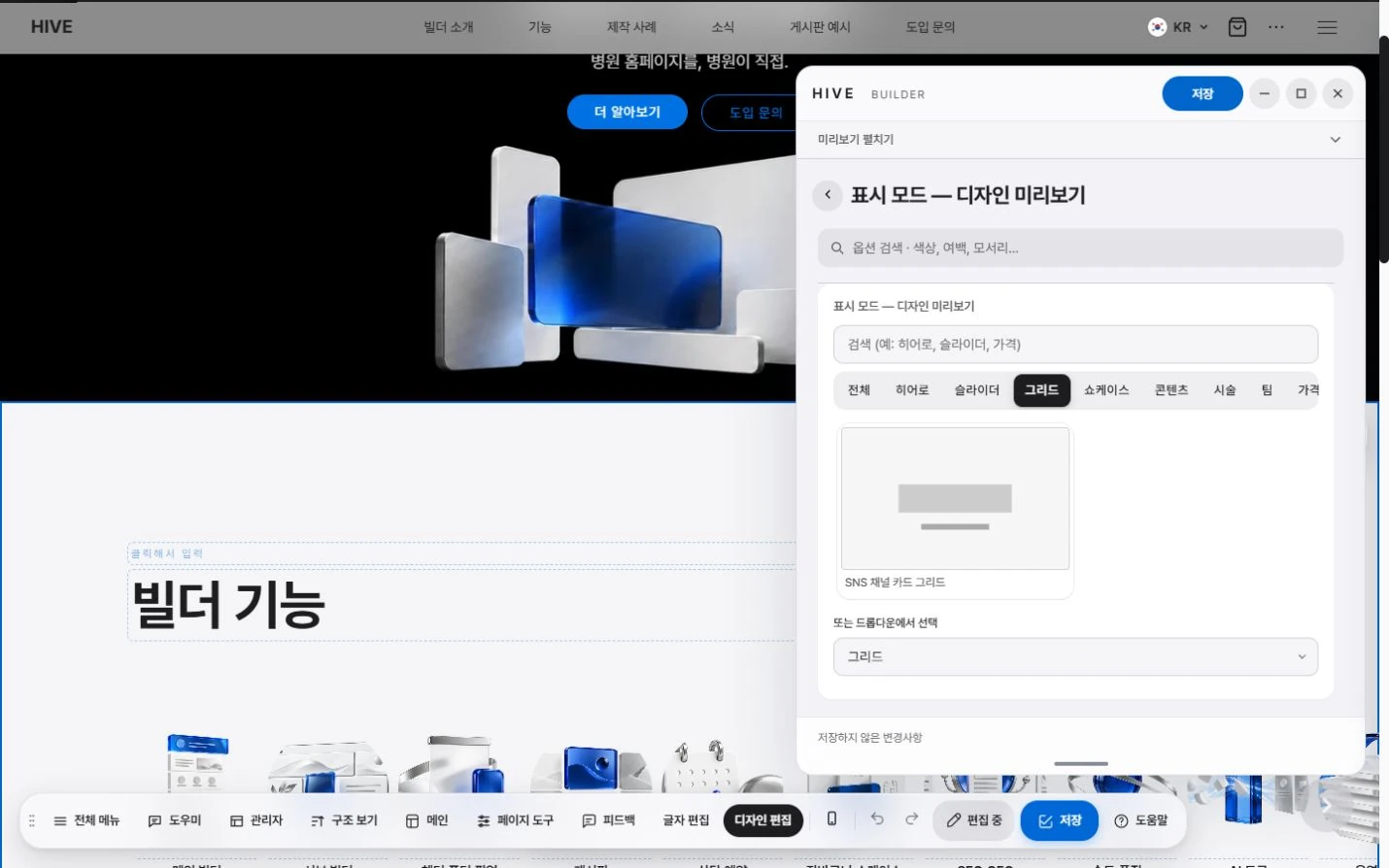
Build the home page by stacking general-purpose sections. Choose slides, grids and large photo cards as options.
Subpages
A single common section covers treatments, process, care instructions and FAQ.
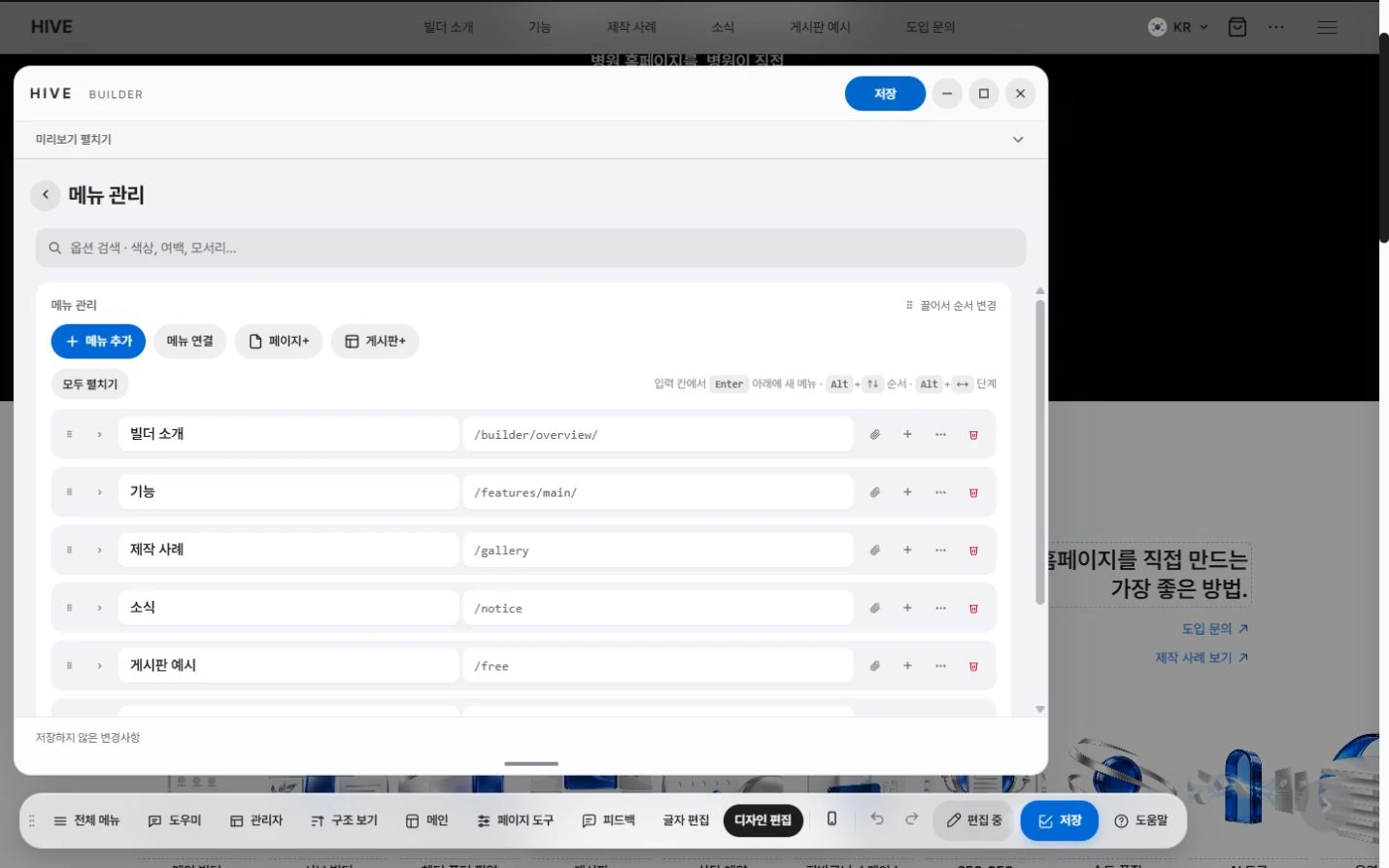
Header, footer, popup
Set up the menu, logo, footer information and banner popup in their own builders.
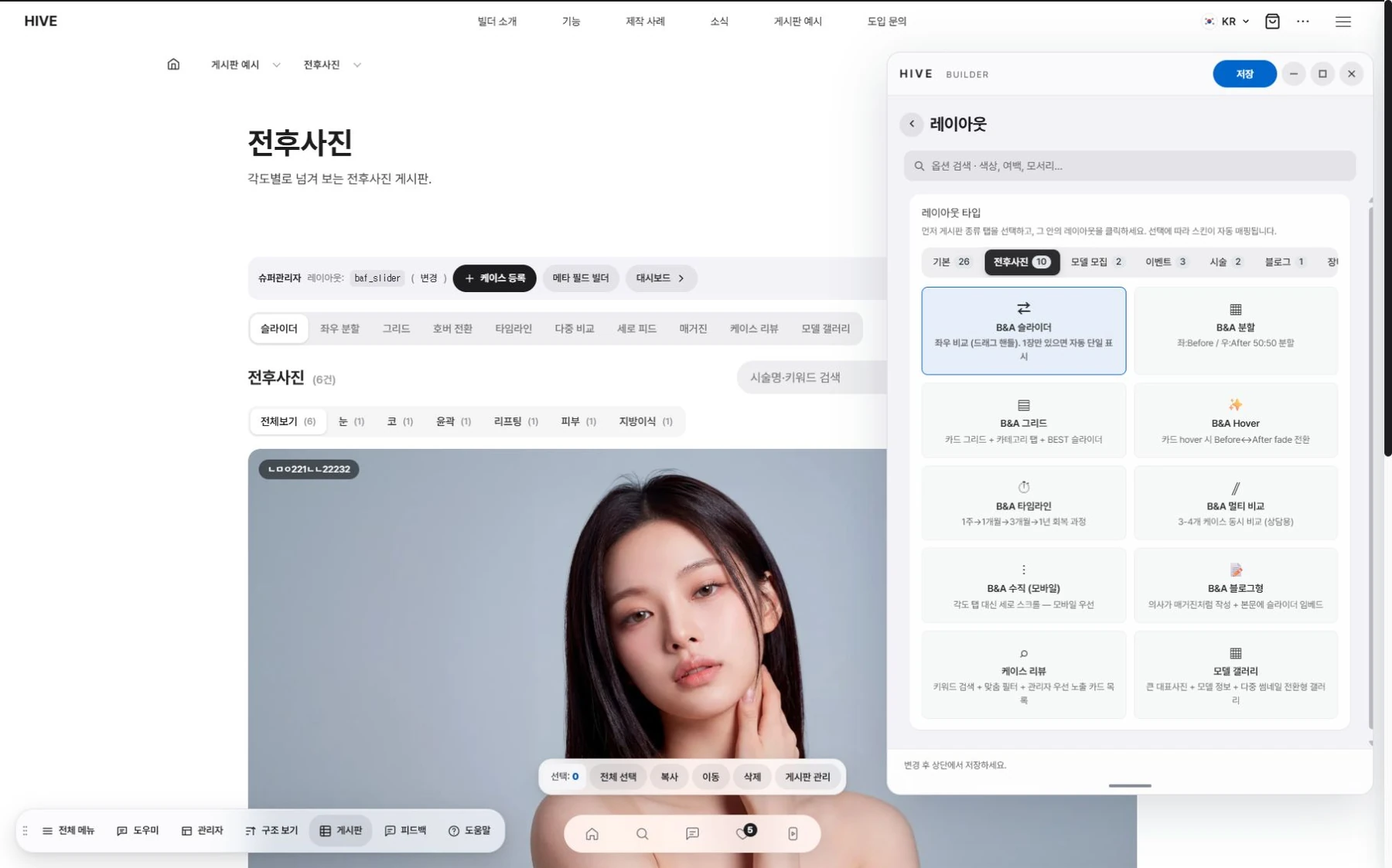
Boards
Before and after photos, reviews, events, the blog and FAQ come ready with dedicated layouts.

One tool
Your whole site, with one tool.
From the home page to boards, everything works the same way.
Steps
The steps are simple.

Add a section.
Pick the section you need and it comes in with a default layout already filled in.

내용 입력.
Click text to edit it right away, and drag and drop photos.

Adjust the design.
Set spacing, column count and font size with on-screen handles.

Save.
Once saved, changes appear on the visitor site right away.
Procedures Page.
What you see, right away.
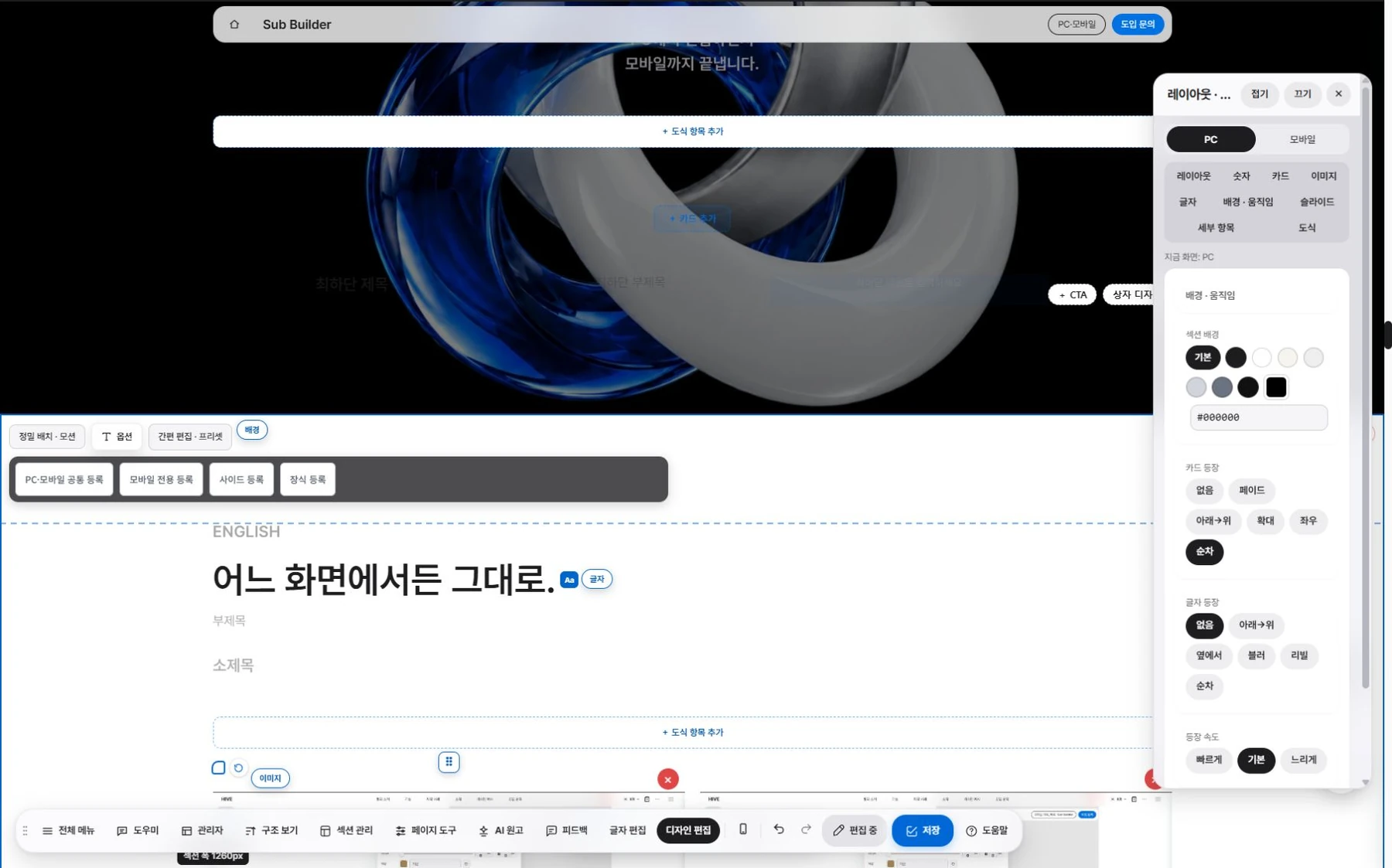
Text editing.
Click text on the page to edit it right away.
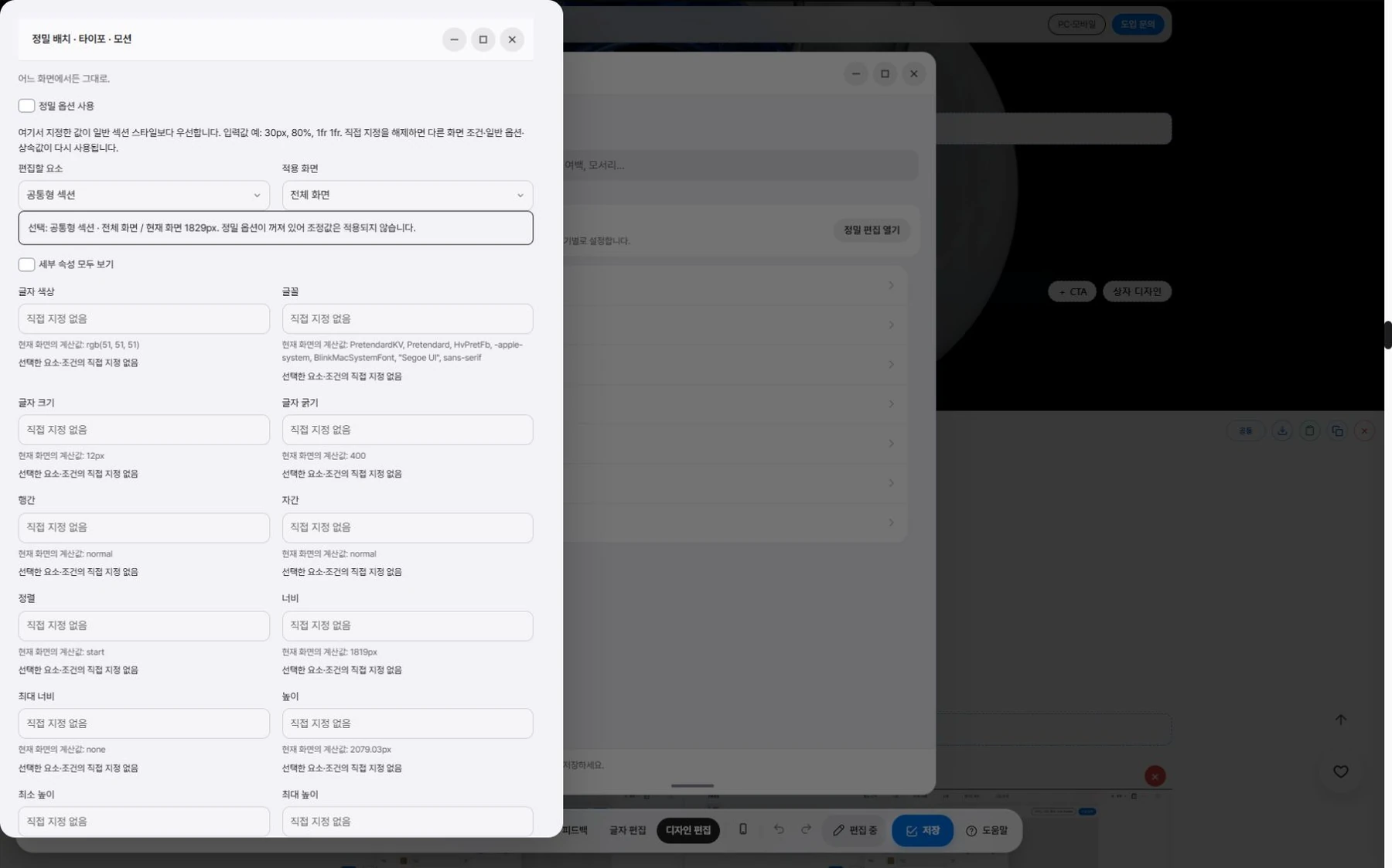
Design editing.
Drag to set width, spacing and card height.
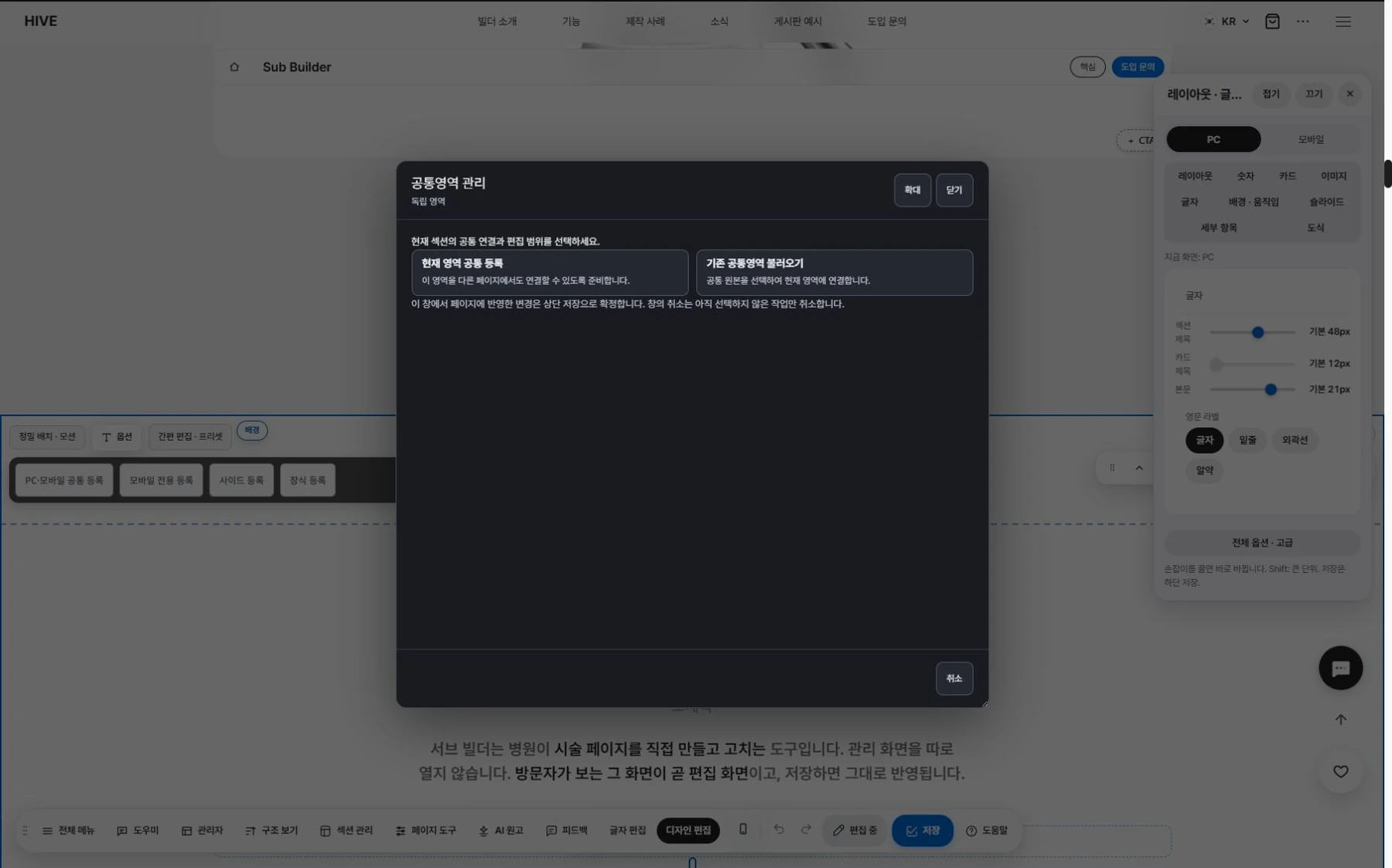
Section library.
Save sections you have made and add them to other pages.

PC and mobile.
Values are saved separately.
Search and AI answers. Structure, handled automatically.
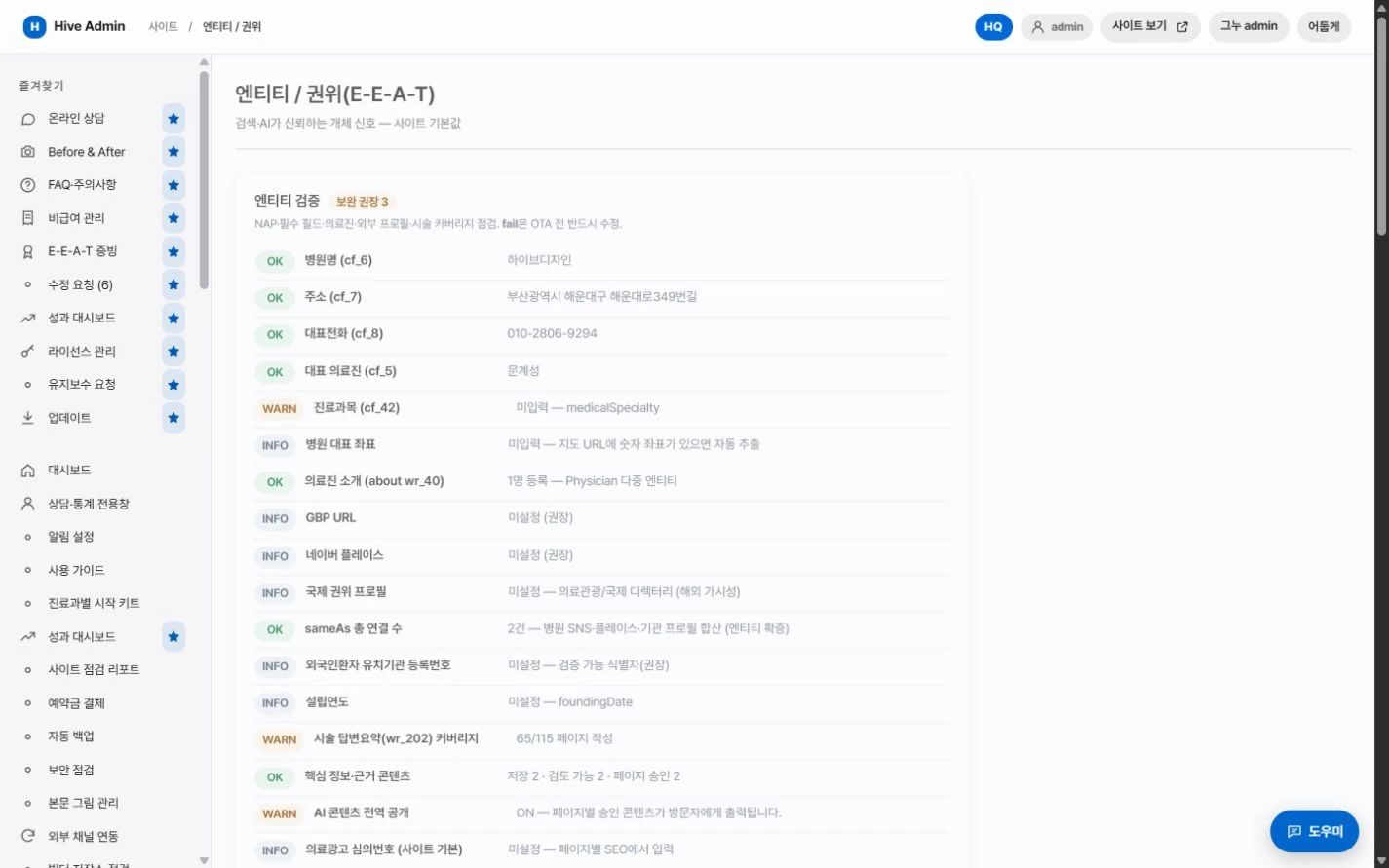
Structured data.
Clinic information, treatments and FAQ are output together in a standard format.

Answer summary.
Every page has a summary slot that AI answer engines can easily cite.
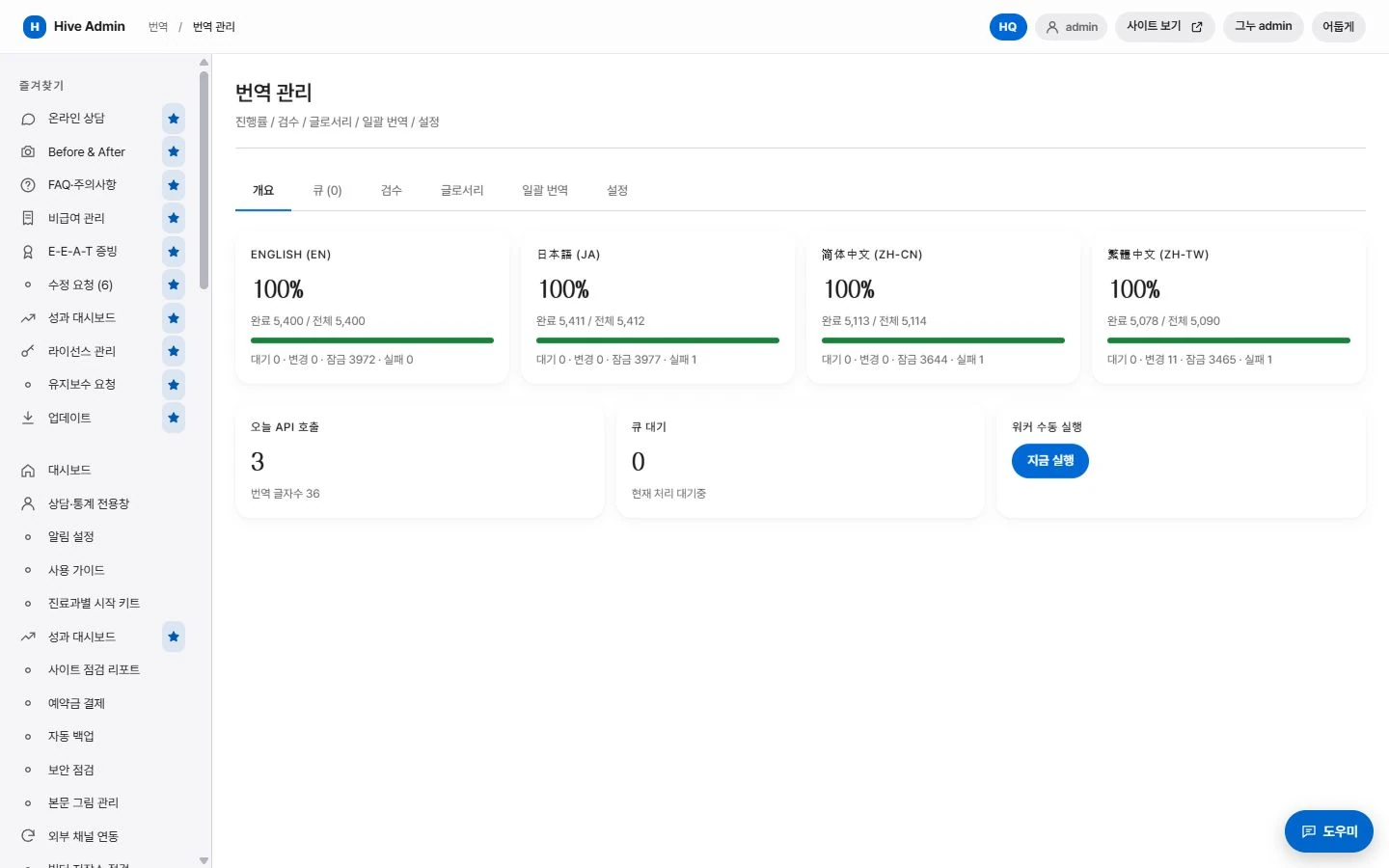
Multilingual.
Language-specific addresses are linked to each other.

Indexing requests.
When you publish a new post, the sitemap is updated and an indexing request is sent.