


More ways for inquiries to come in. Consultation
From inquiry intake to management. Here are the consultation and booking features.
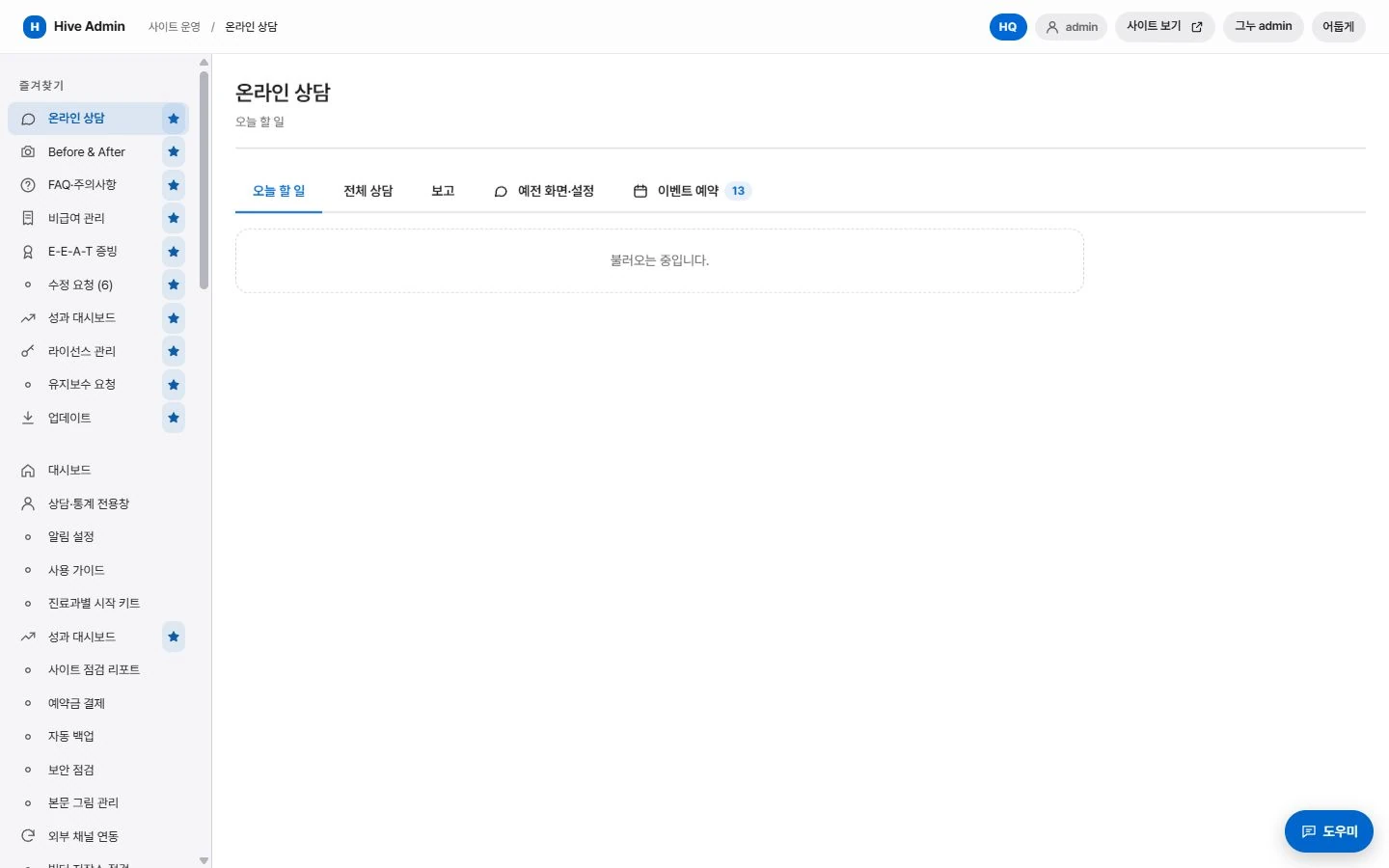
Easy to submit, easy to manage.
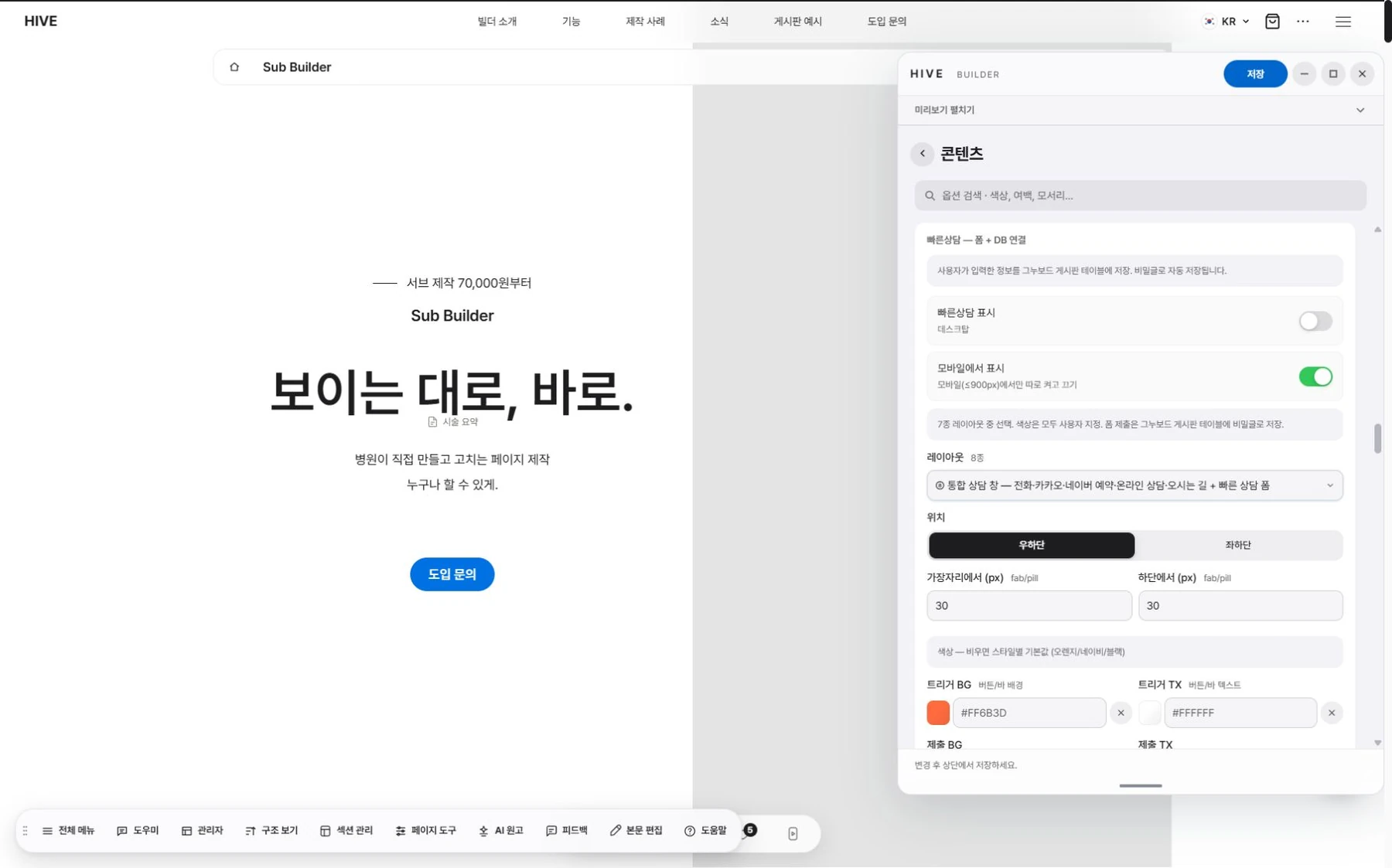
Quick consultation
Visitors leave an inquiry right from the intake bar fixed at the bottom of the screen.
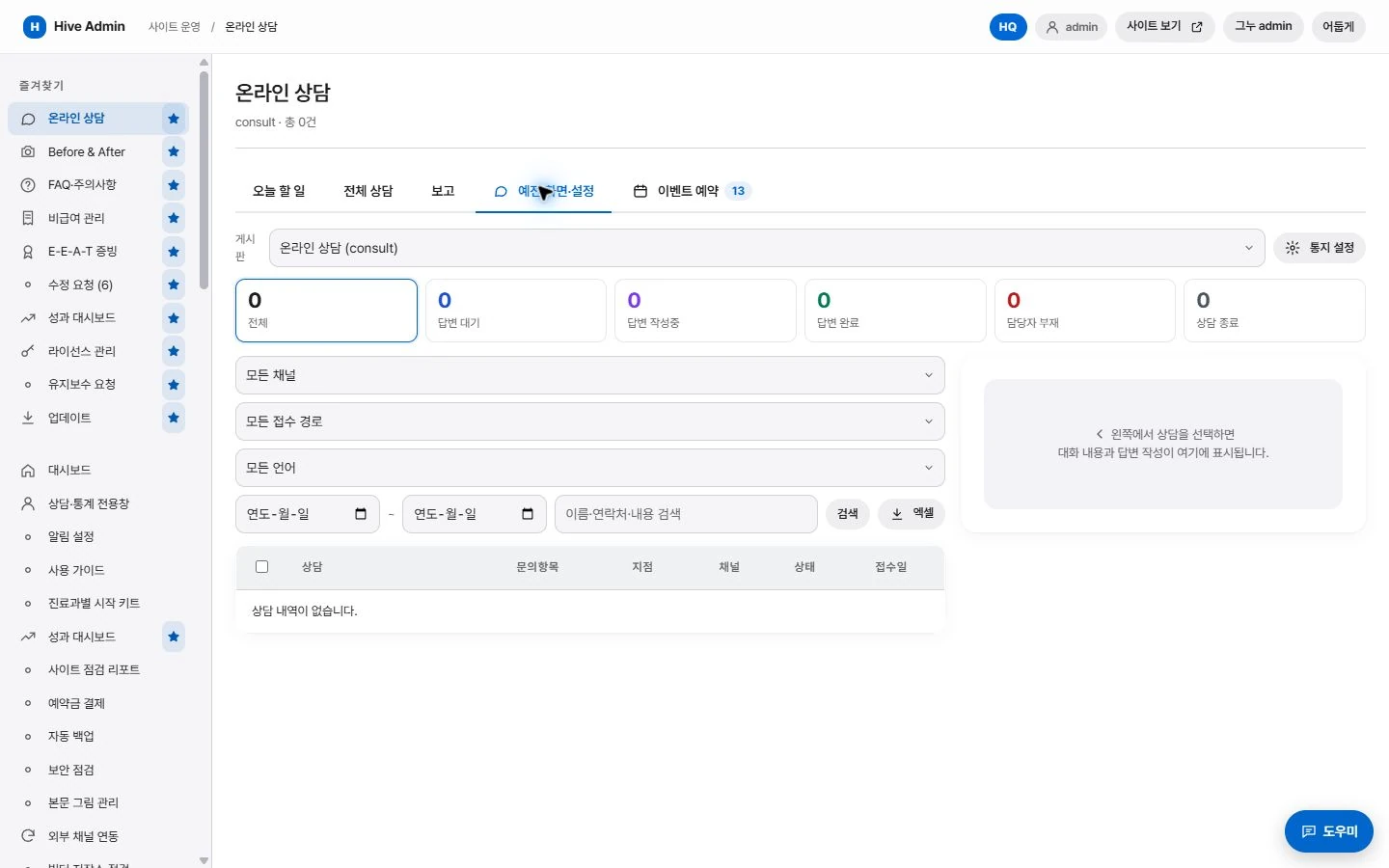
Consultation management
Sort received inquiries by status and add notes.

Source tracking
Each inquiry is recorded together with the page it came from.

Intake field settings
Choose which fields to collect, such as name, contact details and treatment of interest.
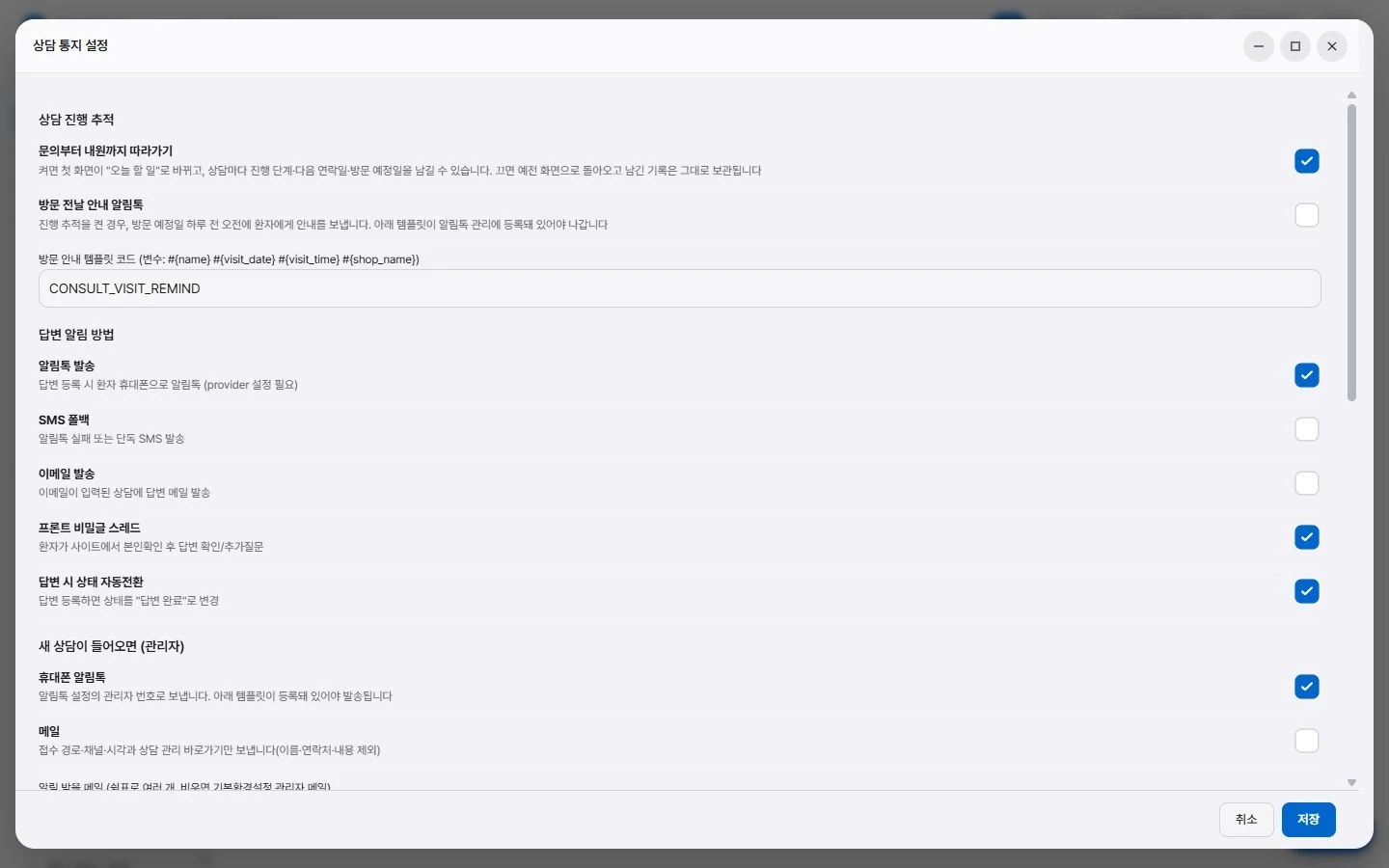
Notifications
Notifies the administrator when a new inquiry arrives.
First, the essentials.

Leave a consultation request from any page.
Check received inquiries in one place.

The page they came from is recorded too.
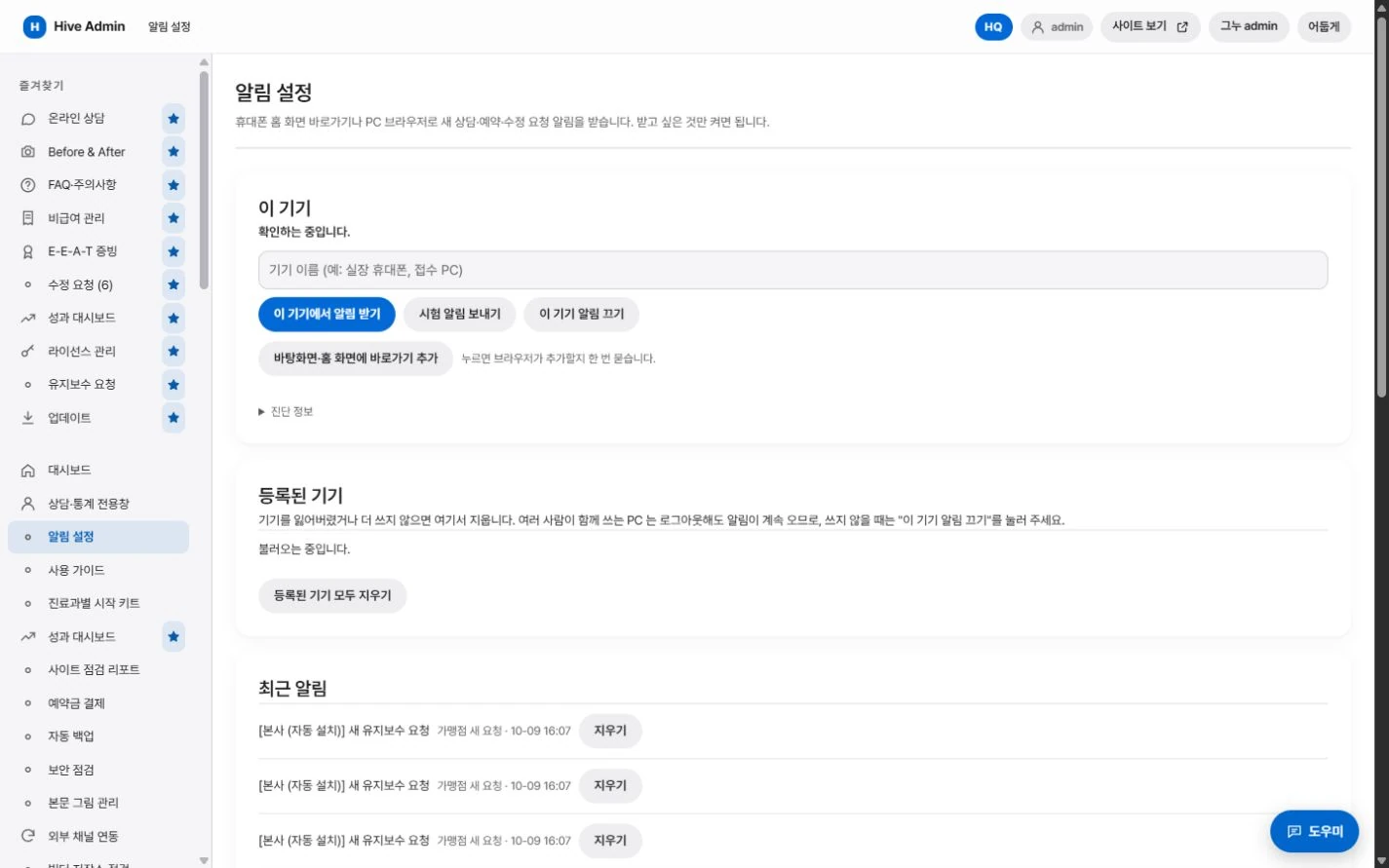
New inquiries arrive as notifications.
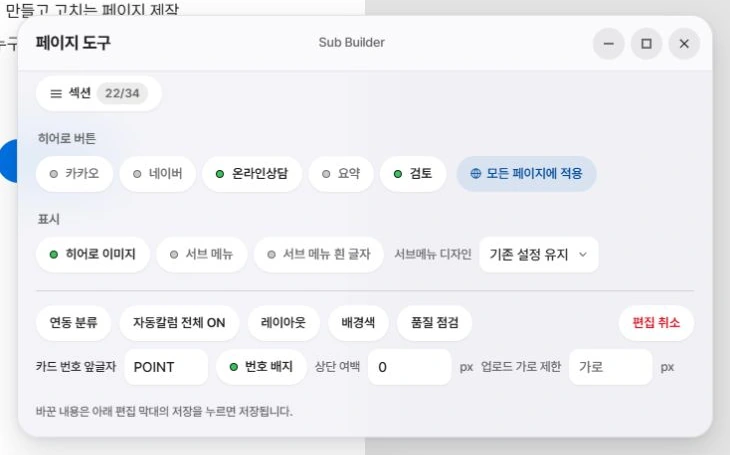
Kakao consultation and Naver booking can be connected too.

Source tracking
Where each inquiry came from is kept with it.
The page an inquiry came from is recorded with its details.
Even what comes after intake.
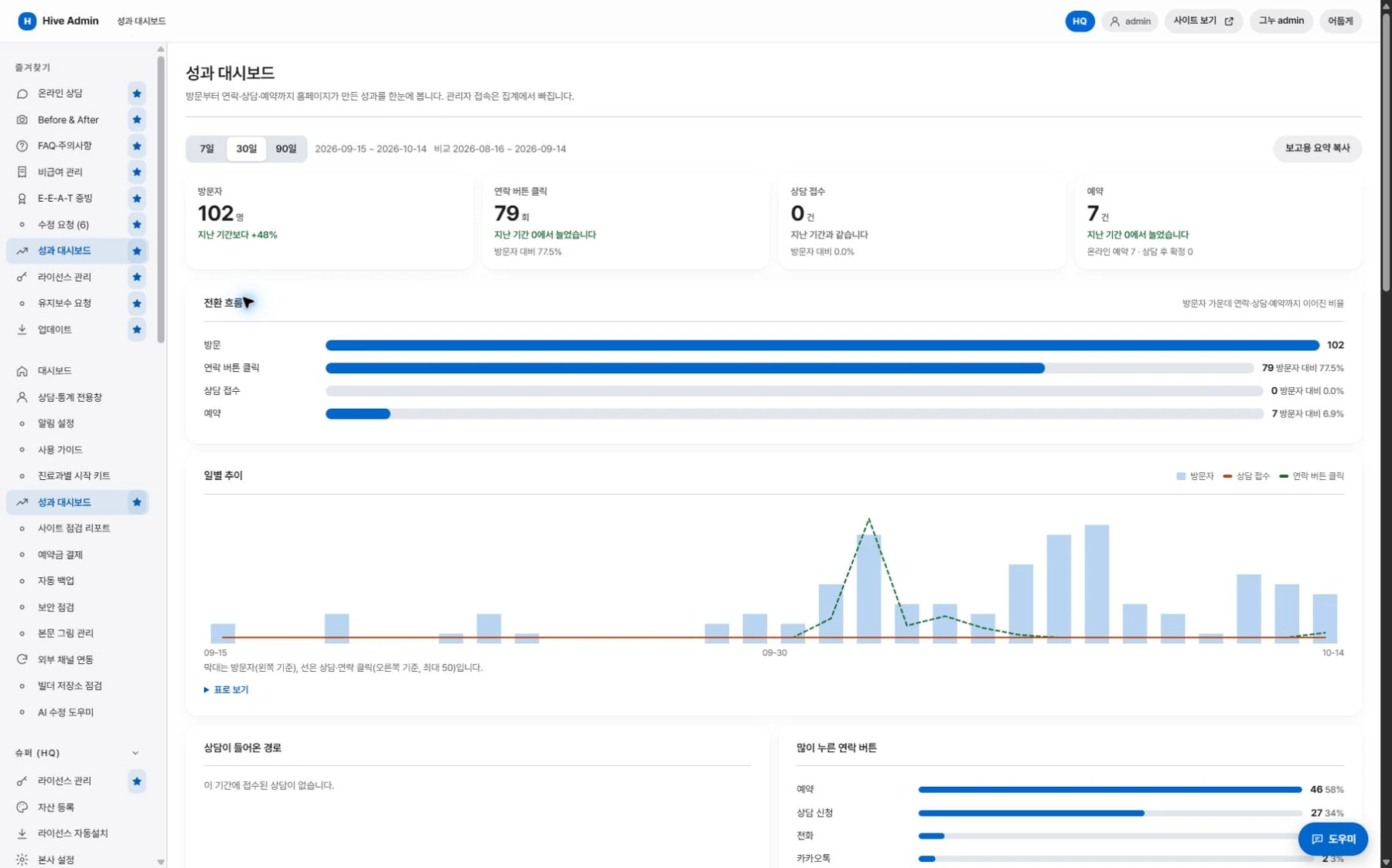
Interest stats.
Tallies the treatments visitors viewed most, by date.
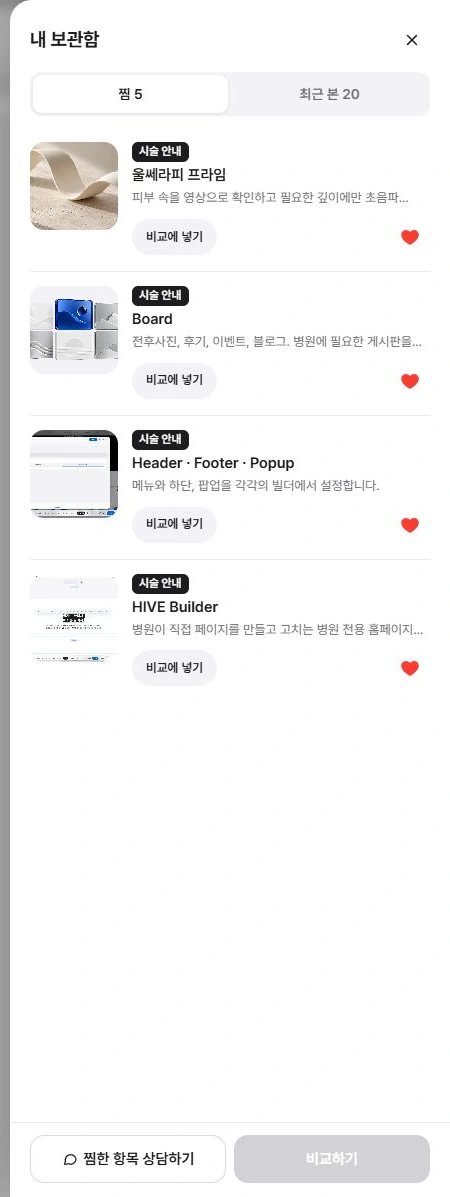
Saved.
Visitors save treatments they are interested in and compare them.
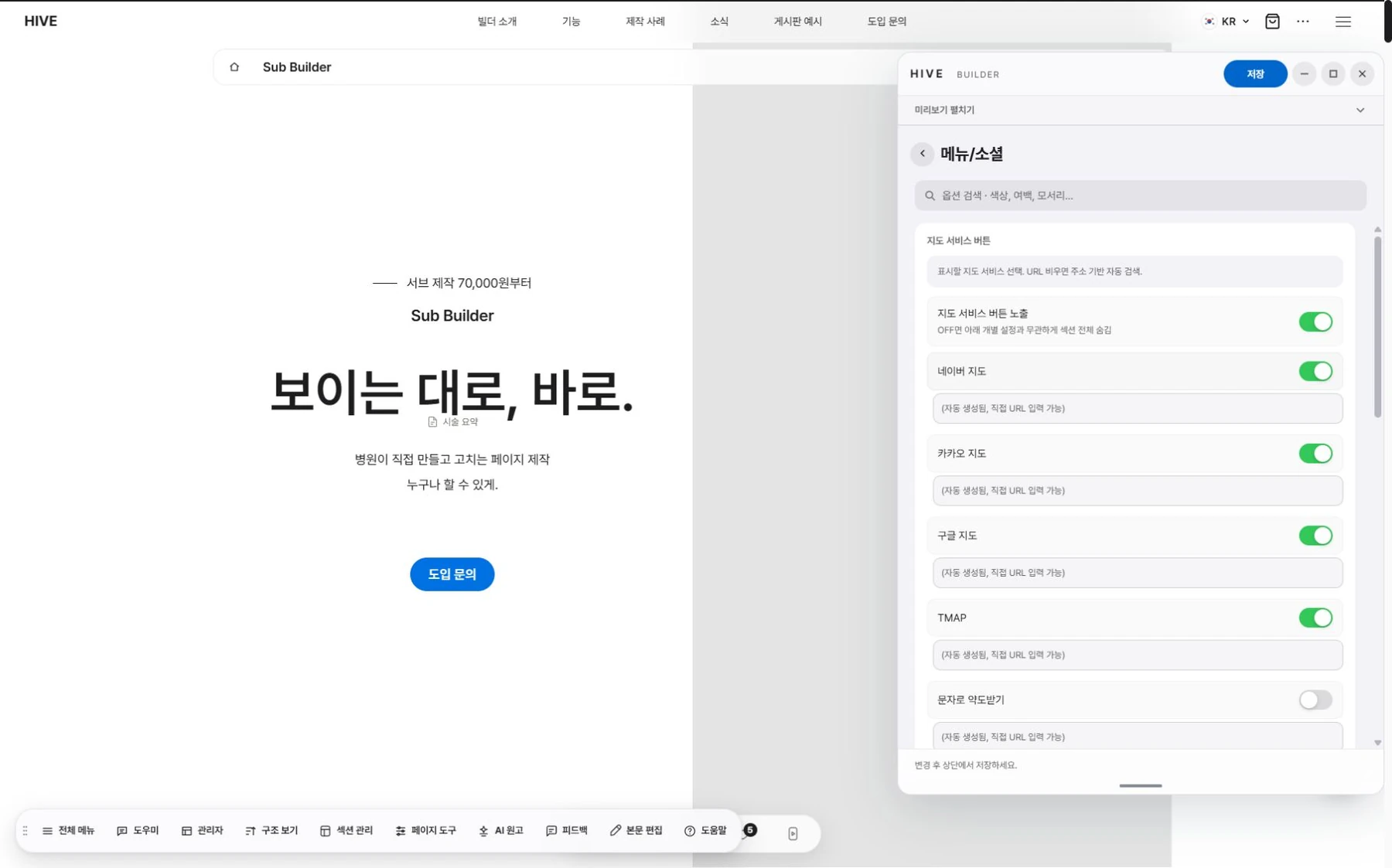
External channel links.
Connects Kakao consultation and Naver booking buttons.
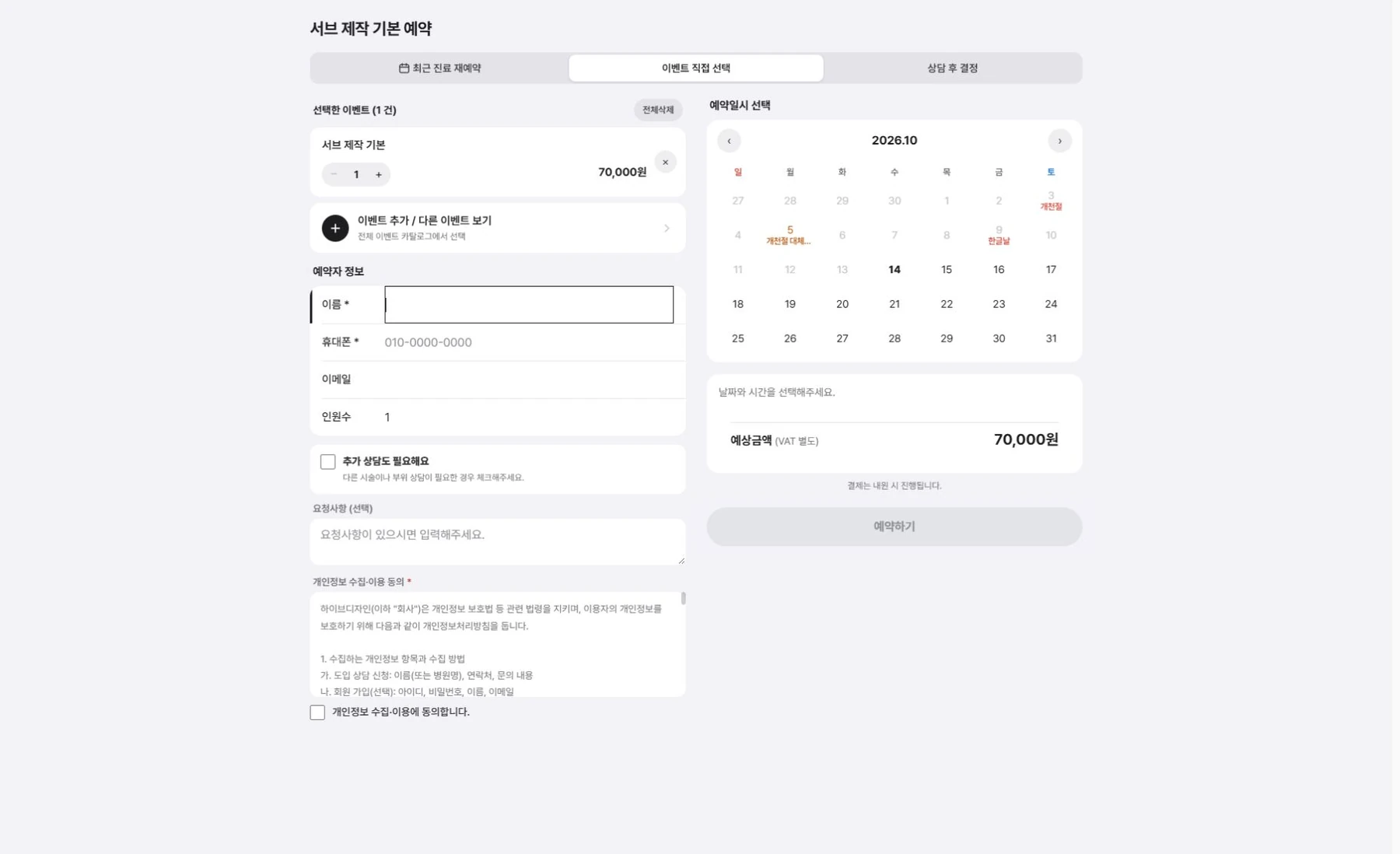
Privacy consent.
Set the fields to collect and the consent wording.
Boards. Fit for clinics, from the start.

Before and after photos.
Flip through by angle and choose the view mode.
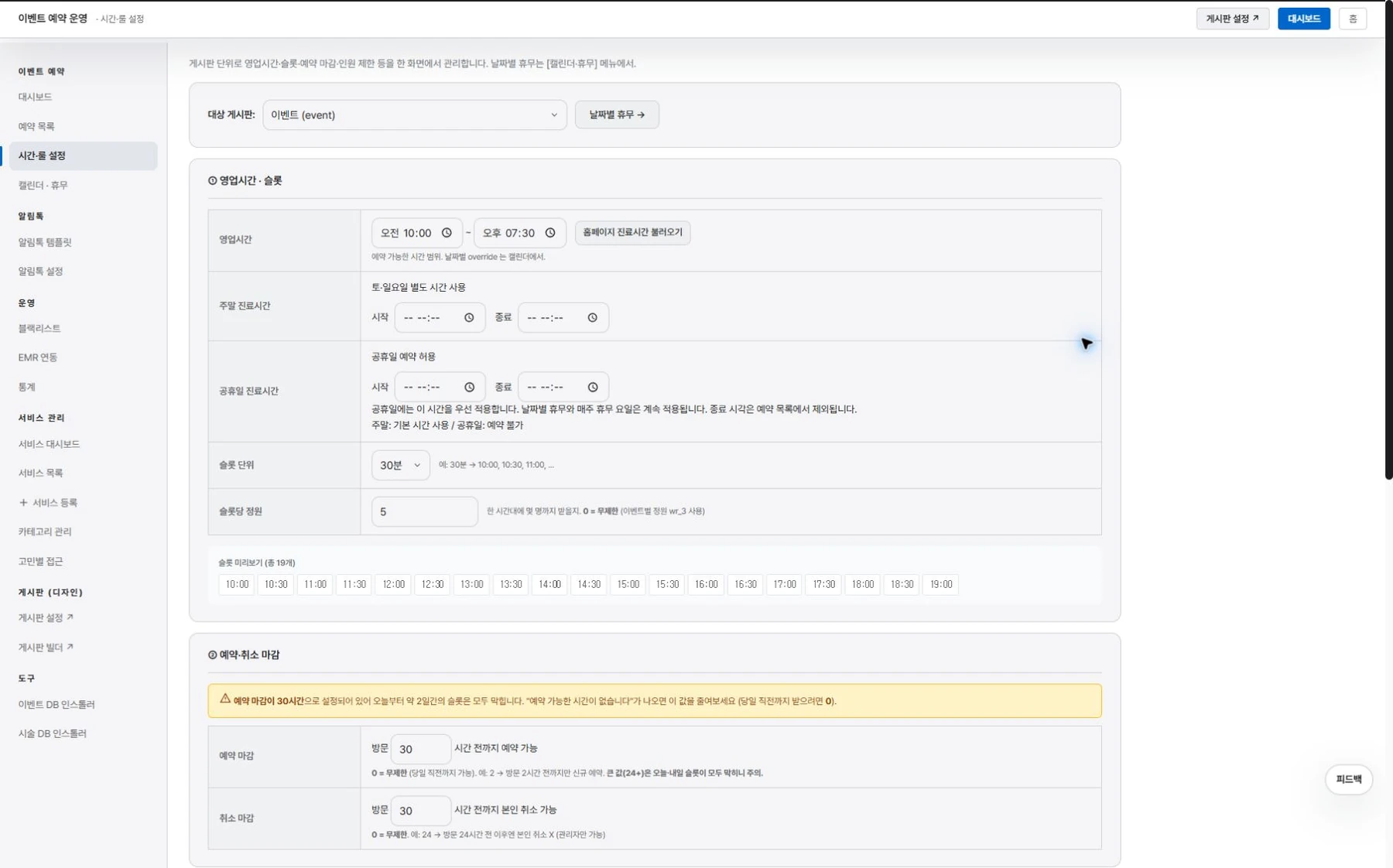
Events Reservation.
Add events and go straight to booking.
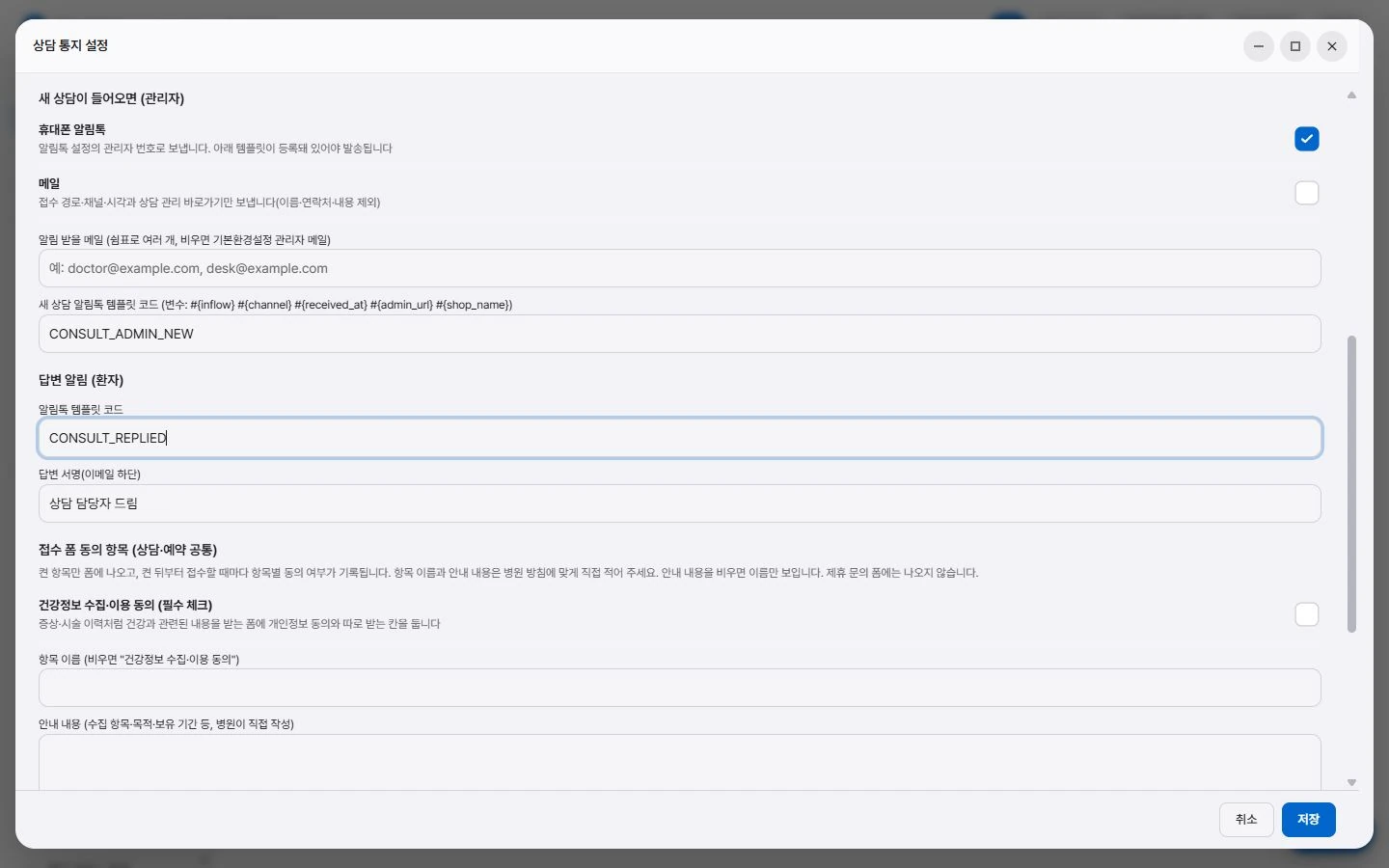
Online Consultation.
See intake, notifications and management on one screen.
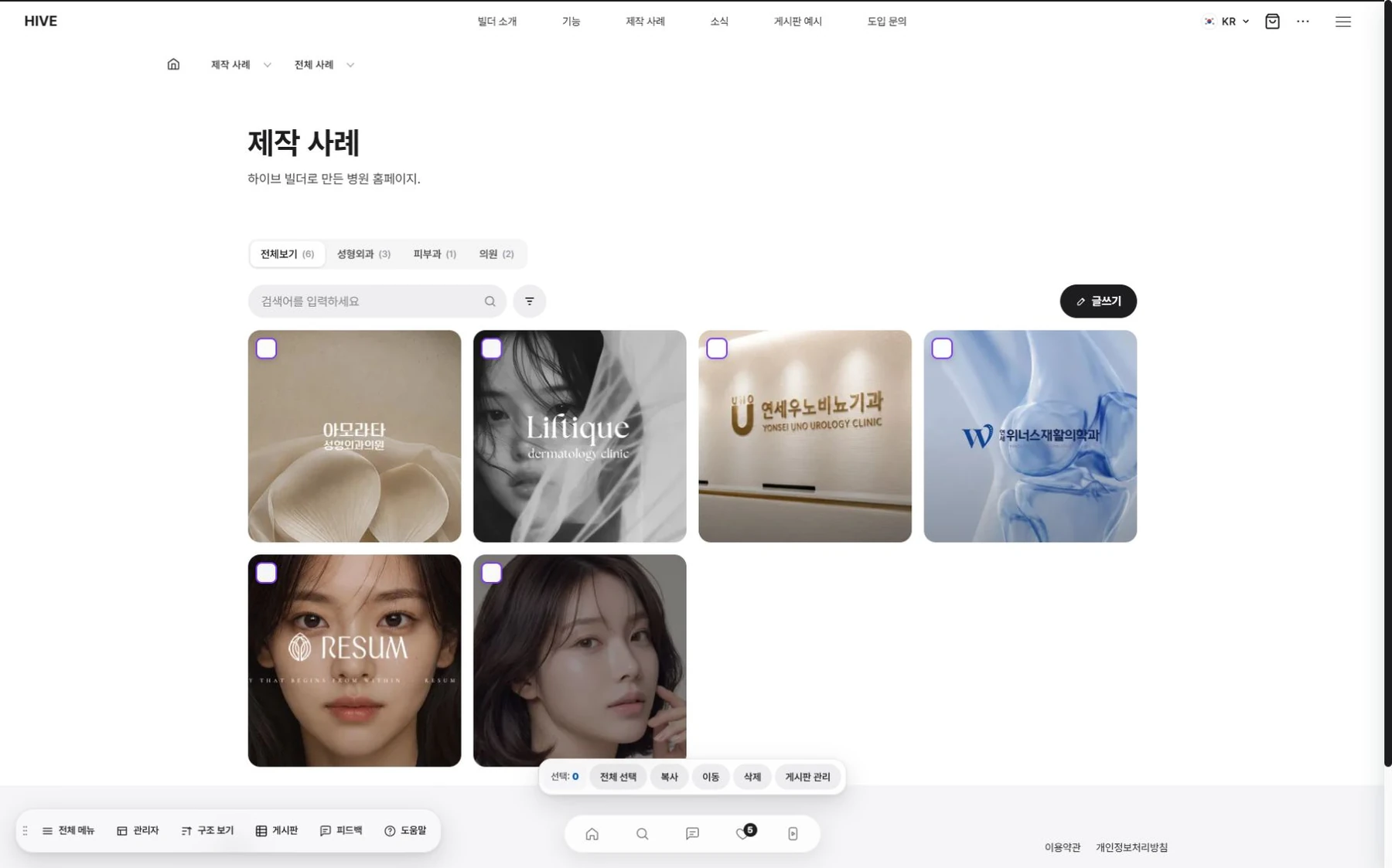
Case studies.
Shown by industry.
Operations. Always reversible.
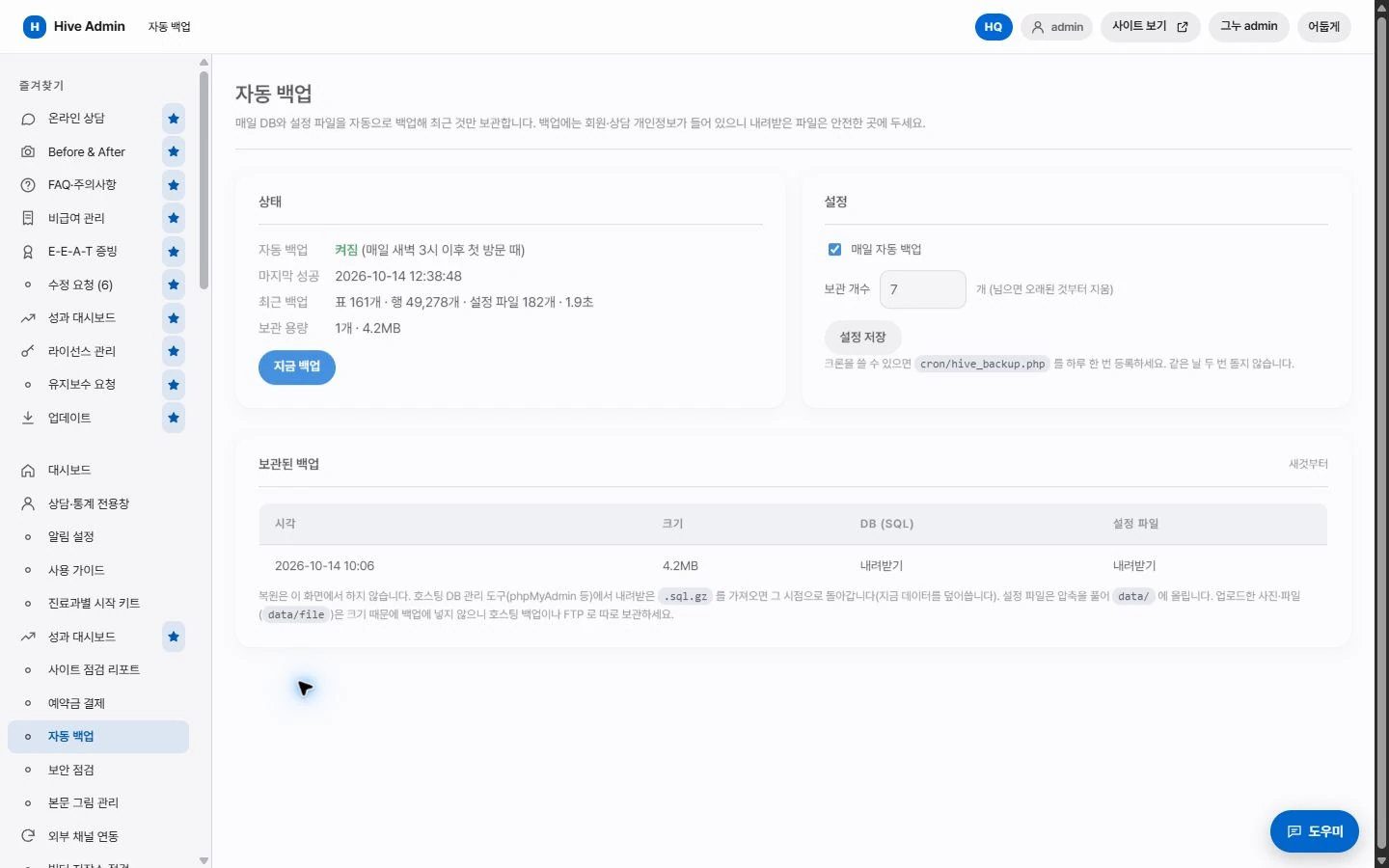
Automatic backup.
Data and settings are backed up once a day.

Restore.
Pick an earlier state from the edit history and restore it.
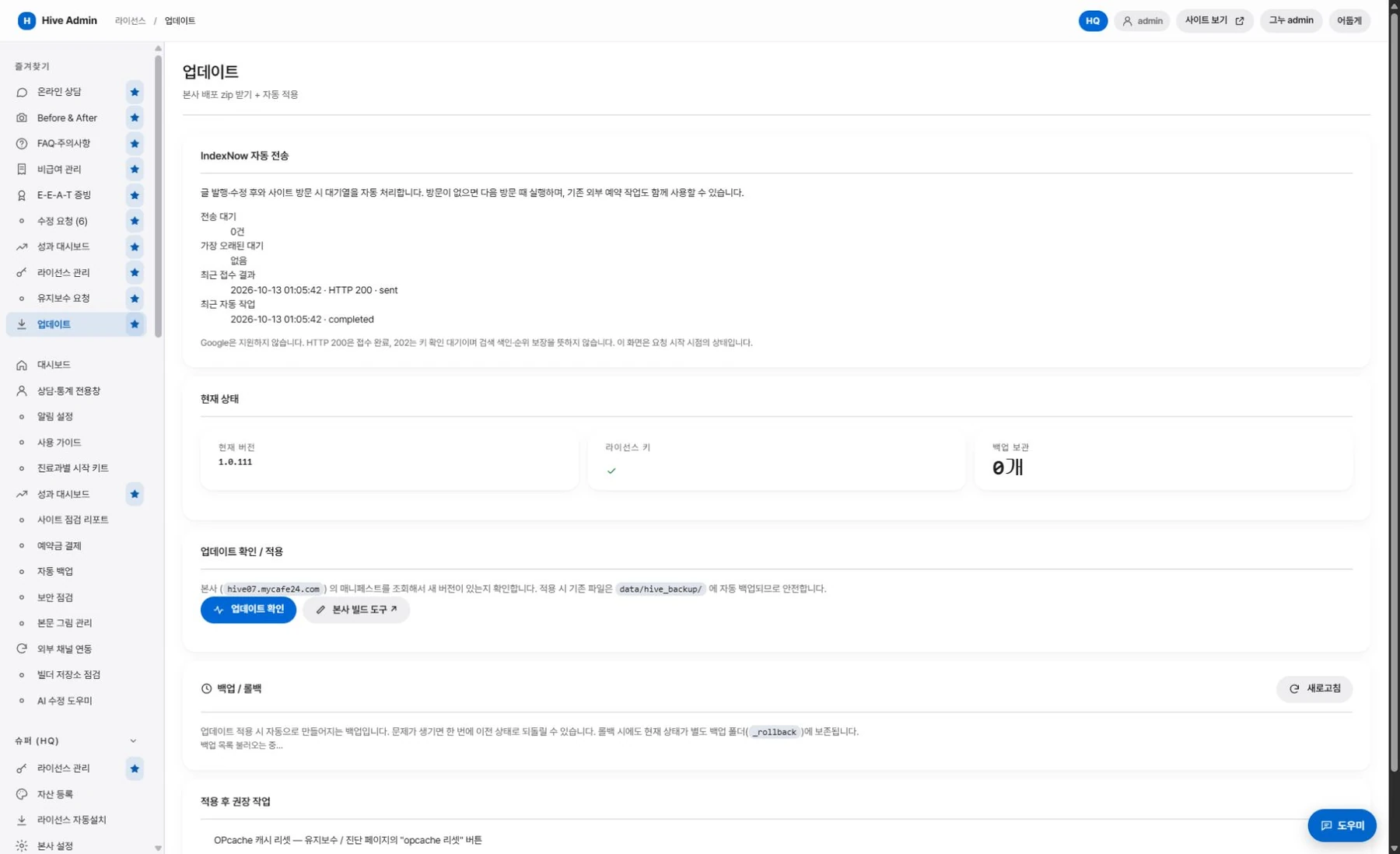
Remote update.
New features arrive as updates.
Draft and publish.
Create new pages as drafts and publish them when they are ready.