First, the essentials.
See new inquiries and visits
on the first screen.

The audit report
shows you what to fix.
Create a board
and diagnose it right away.

Old addresses
redirect to new ones.
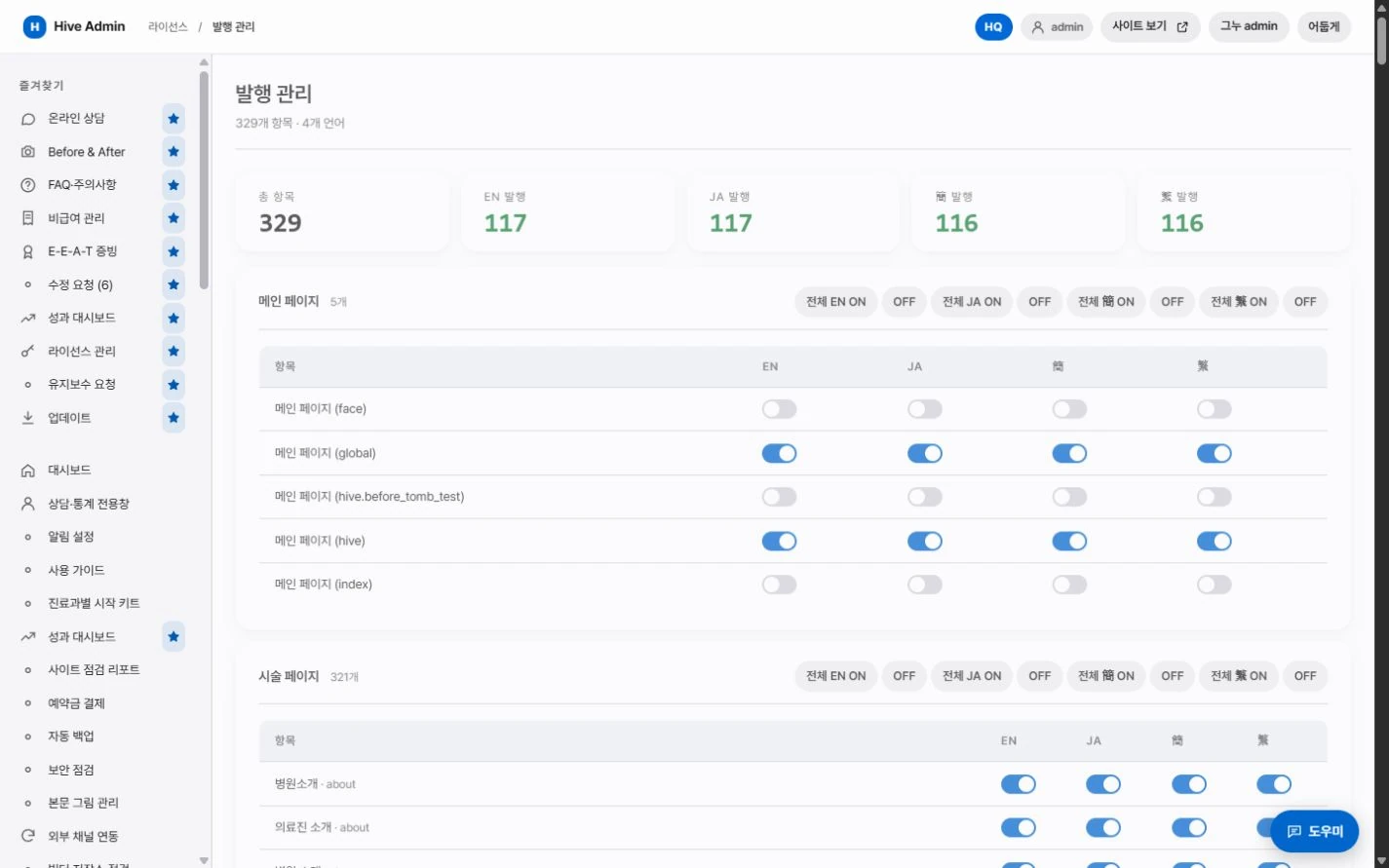
Manage translation and publishing
by language.
A closer look.
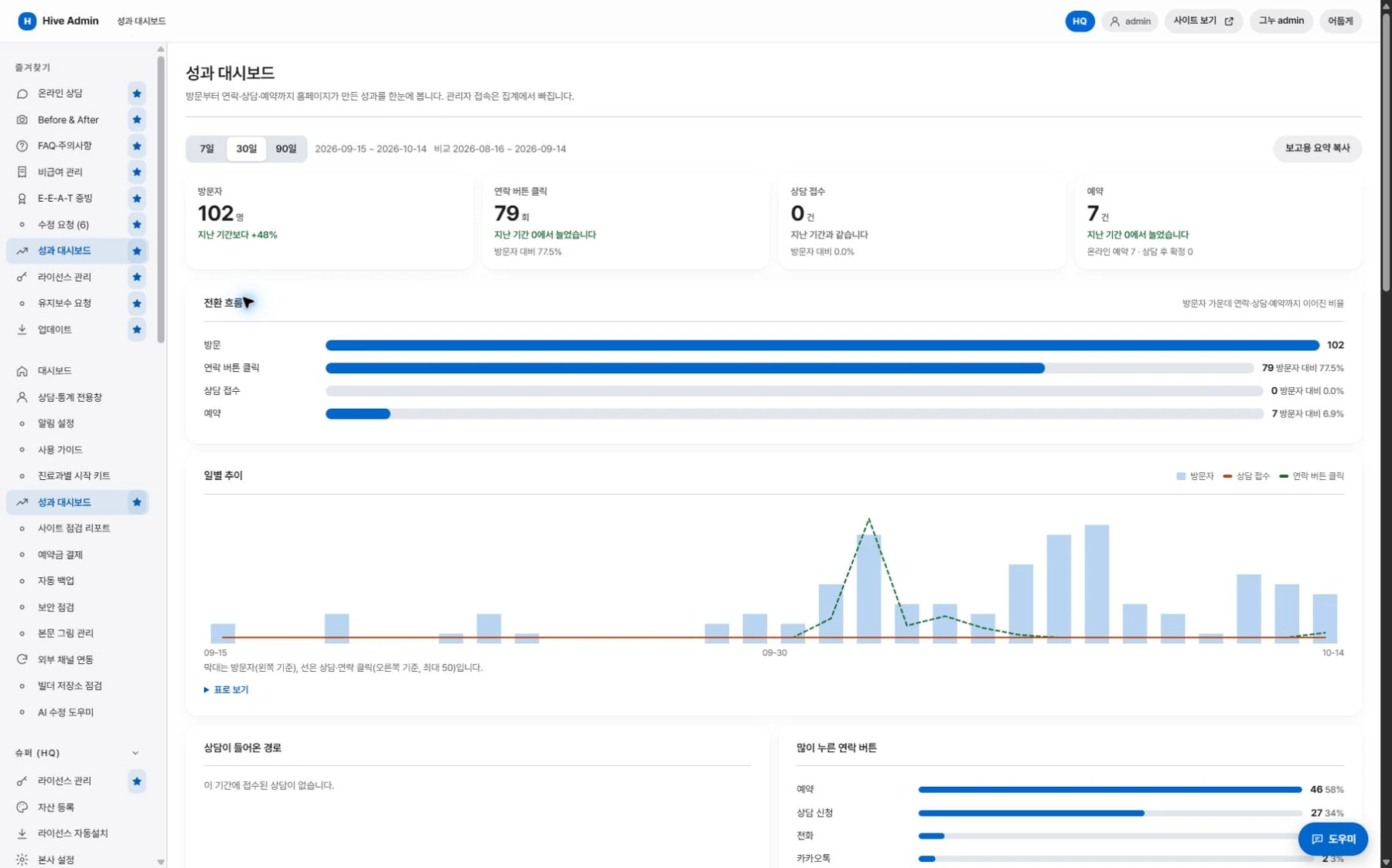
Dashboard
Check new inquiries and bookings, visit totals, and new board posts on the first screen.

Site audit report
It fetches every page exactly as visitors see it and checks search visibility items, image descriptions, structured data, sample text, and medical advertising wording in one pass.

Board settings and diagnostics
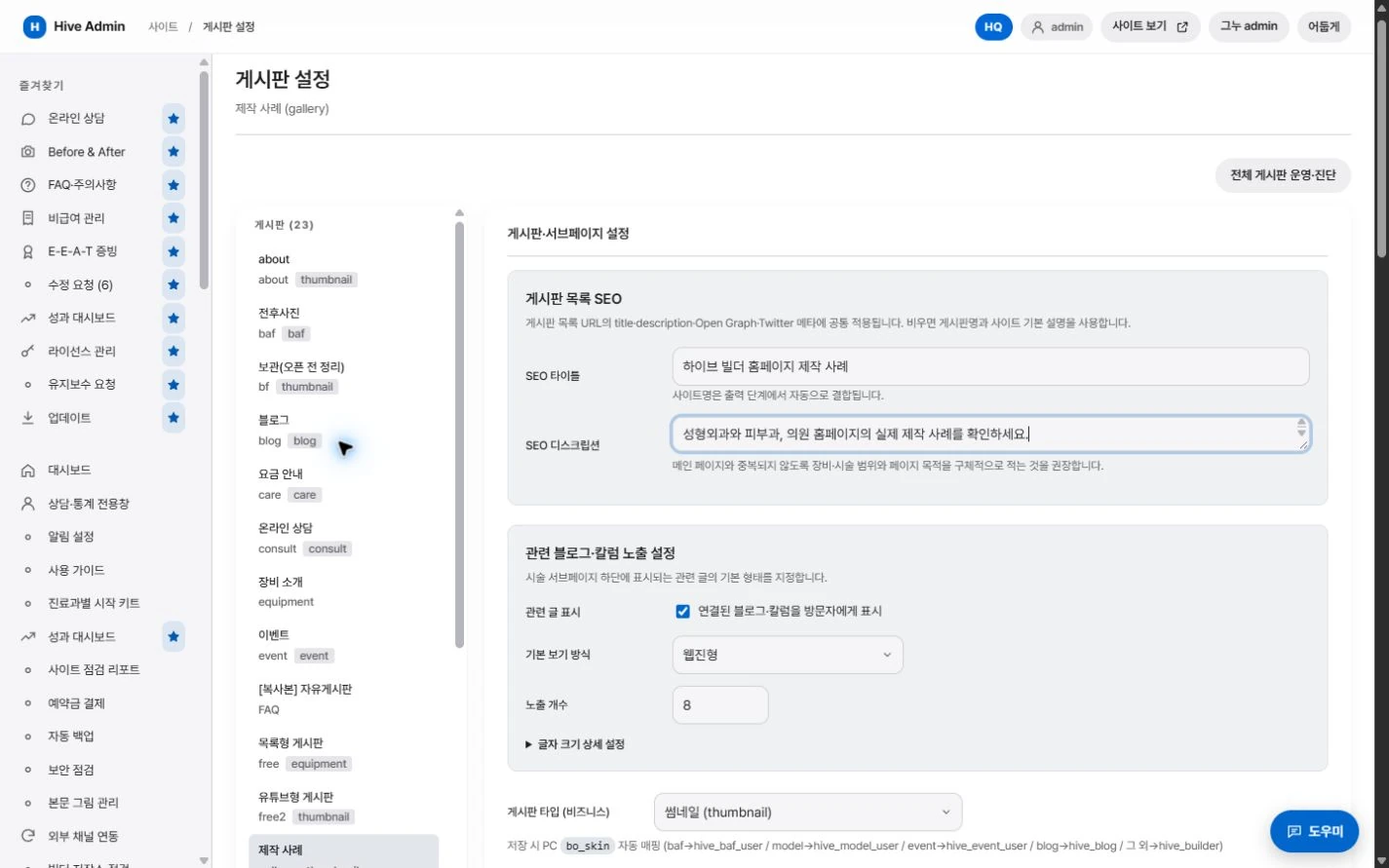
Create a board and set its type, categories, and permissions. Check its readiness on the diagnostics screen.
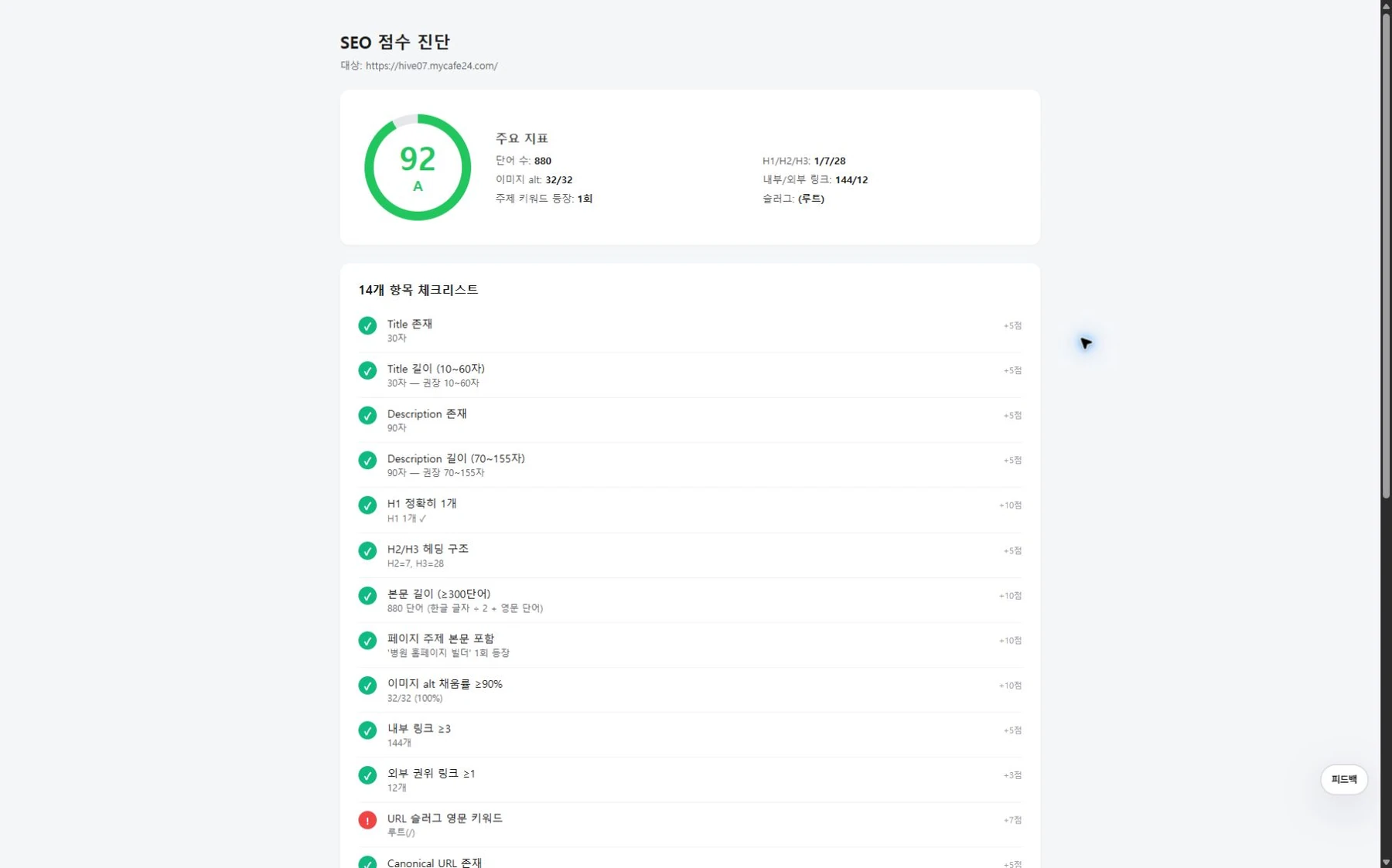
Search check tools
Check search scores by page, duplicate titles, and the consistency of your name, address, and phone listings.
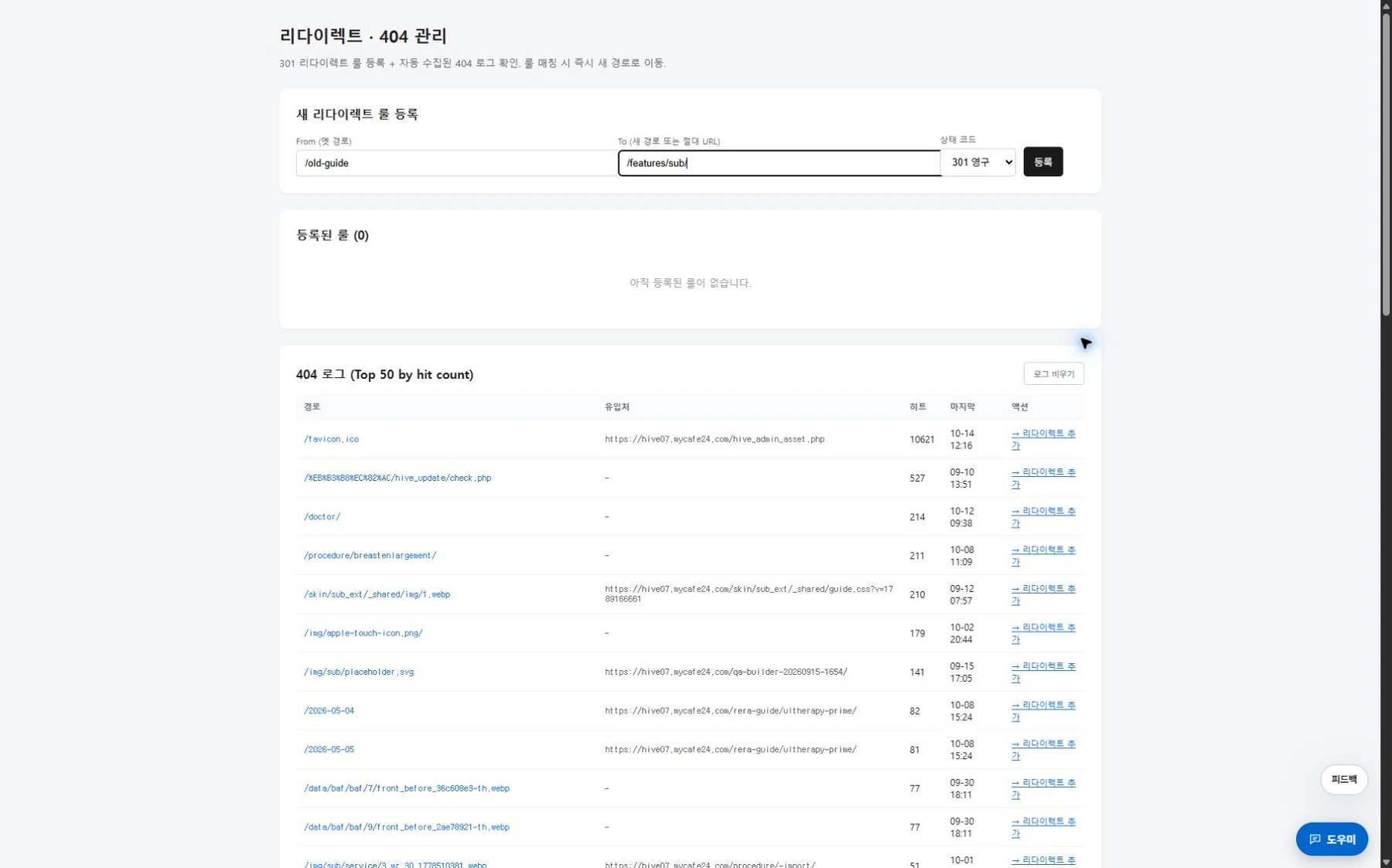
Redirects and 404
Register rules that redirect old addresses to new ones, and review the log of addresses that could not be found.

Site audit
It shows you what to fix,
first.
It fetches and checks every page
exactly as visitors see it.
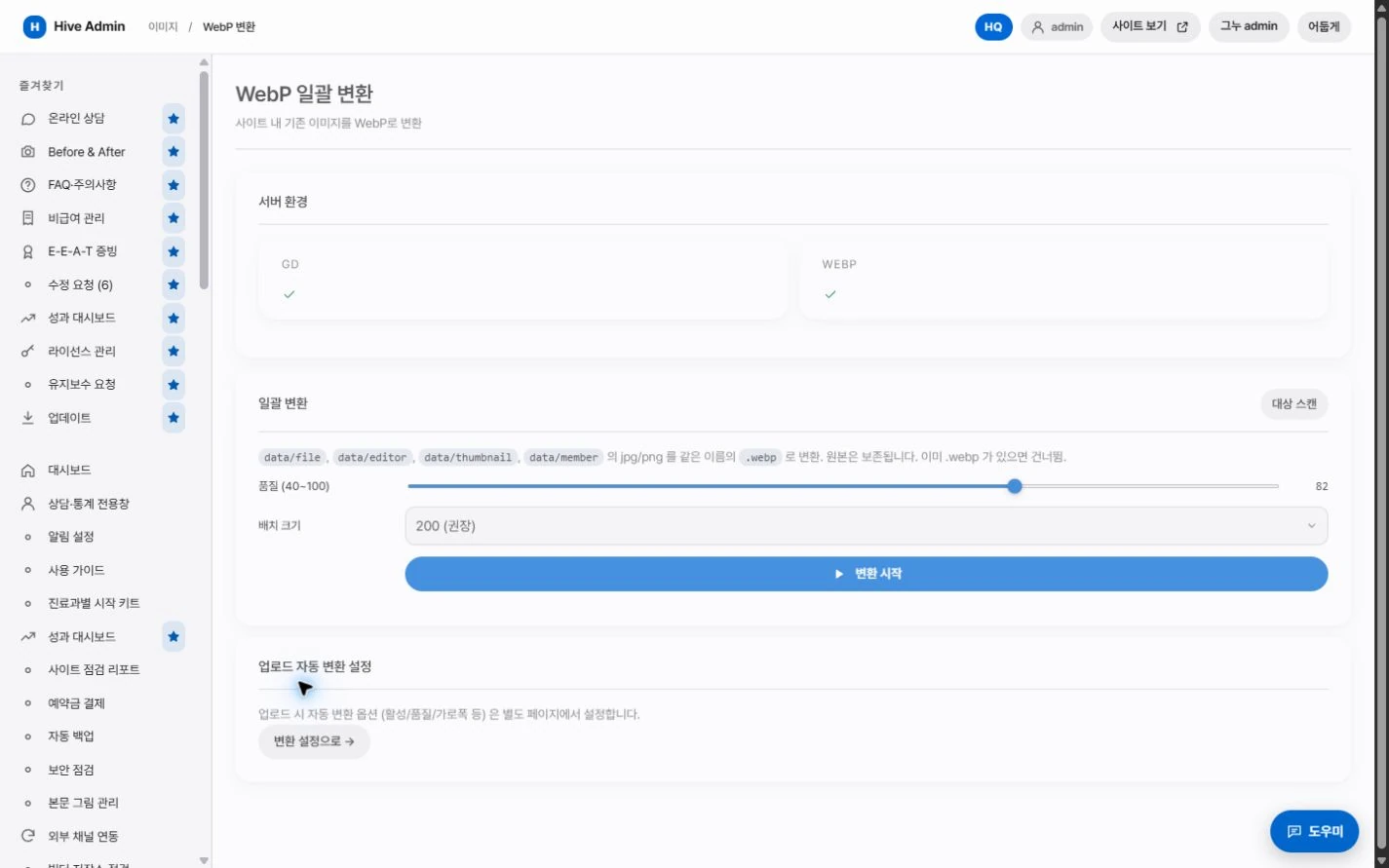
Image and video optimization.
Uploaded images are converted to WebP, and videos are compressed in bulk.

Translation management.
Manage the translation queue, the glossary, and publishing by language.

Basic site information.
Enter the clinic name, contact details, opening hours, and search information on one screen.

Updates and inquiries.
Get new versions in the admin and send 1:1 inquiries to the agency.
Operations.
Always reversible.
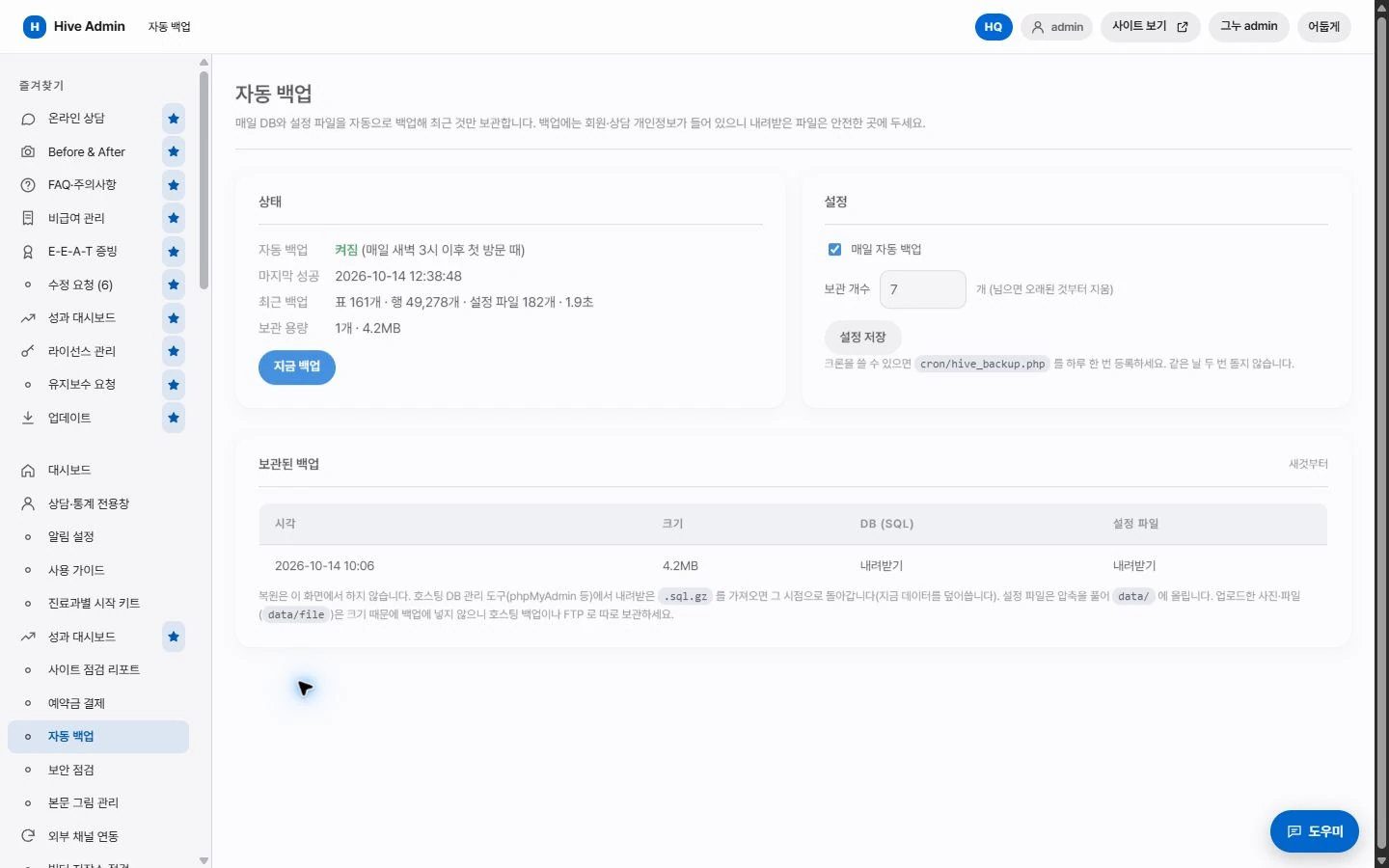
Automatic backup.
Data and settings are backed up once a day.

Restore.
Pick an earlier state from the edit history and restore it.
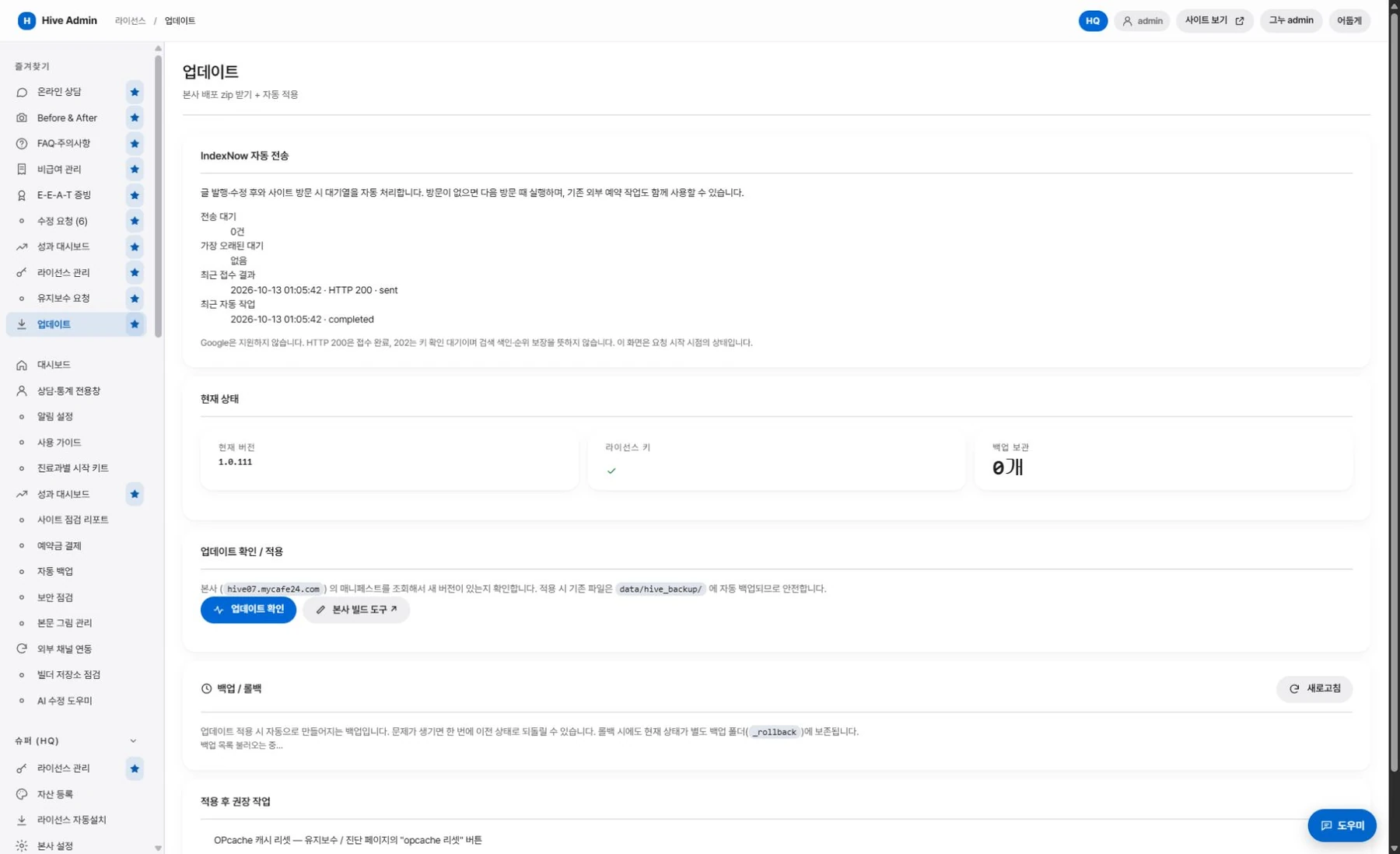
Remote update.
New features arrive as updates.
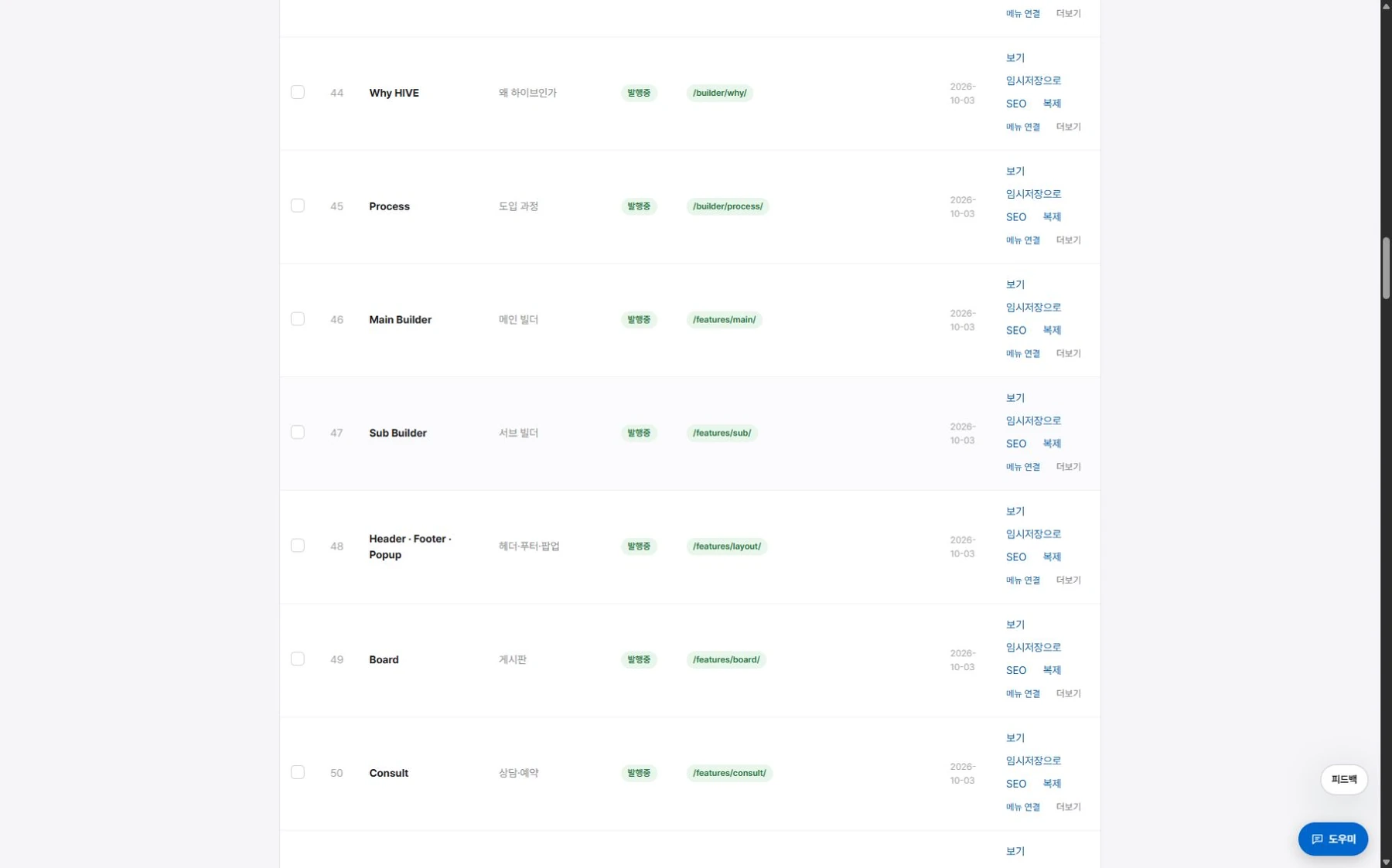
Draft and publish.
Create new pages as drafts and publish them when they are ready.
Speed and quality.
Standards from the start.

Speed.
Only what the first screen needs is loaded first.

Accessibility.
We meet the standards for image descriptions, focus movement, and contrast.
Standards.
No editing code is sent to the visitor side.

Responsive.
It displays properly on PC, tablet, and mobile.