


The first screen, built by stacking sections. Main Builder
A home page built by stacking sections. Meet the features of HIVE Main Builder.
First, the essentials.
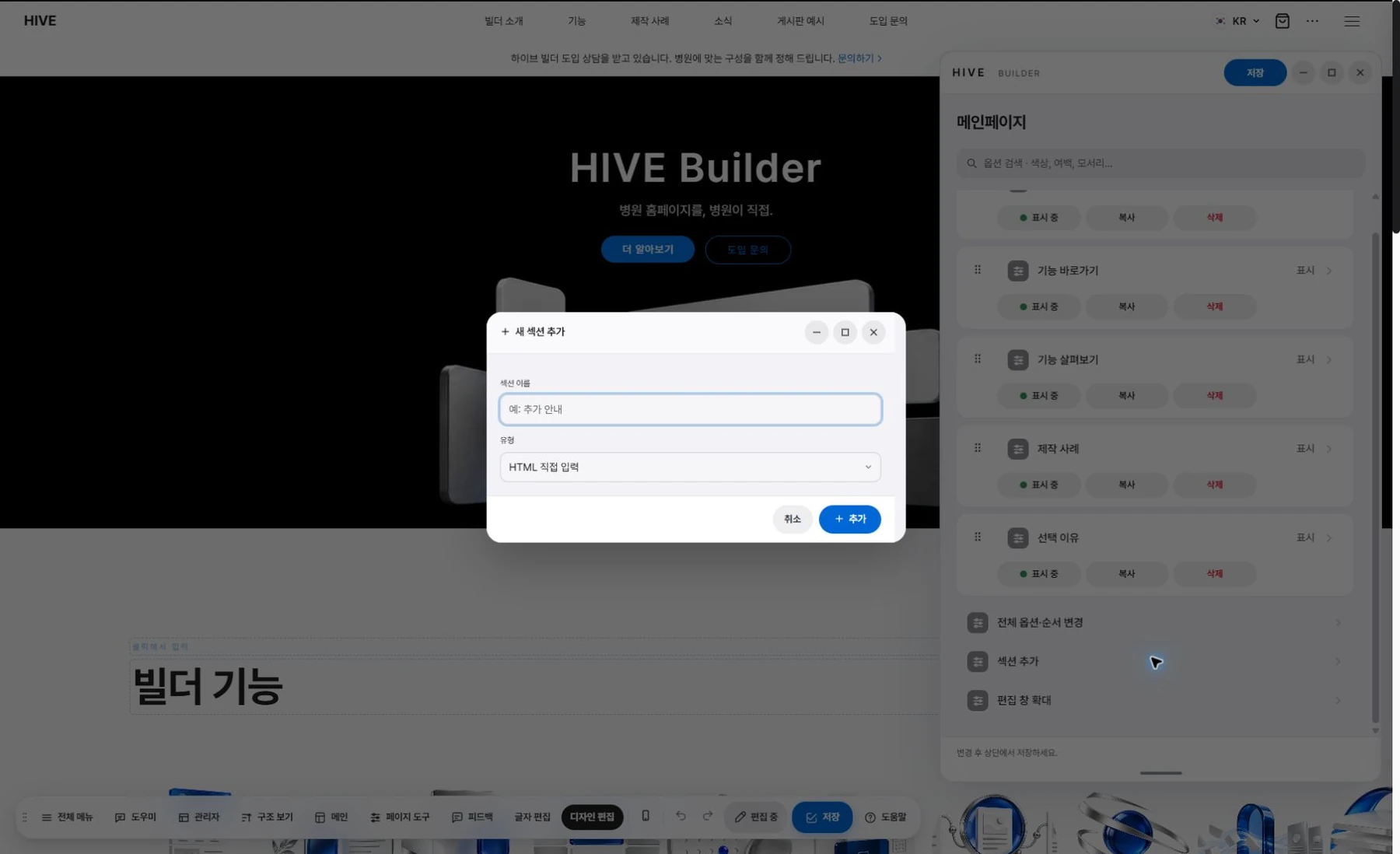
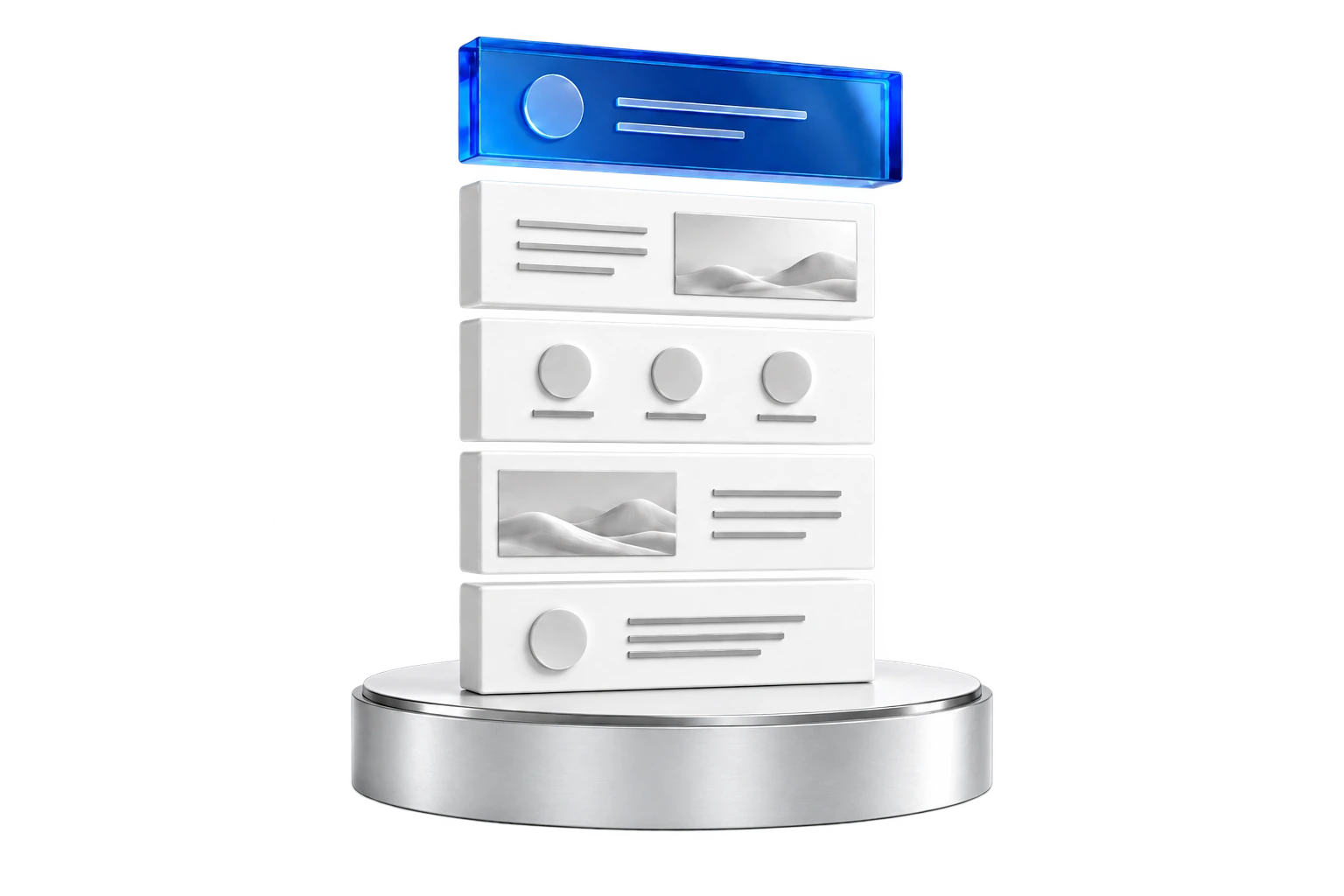
Stack the sections you need.
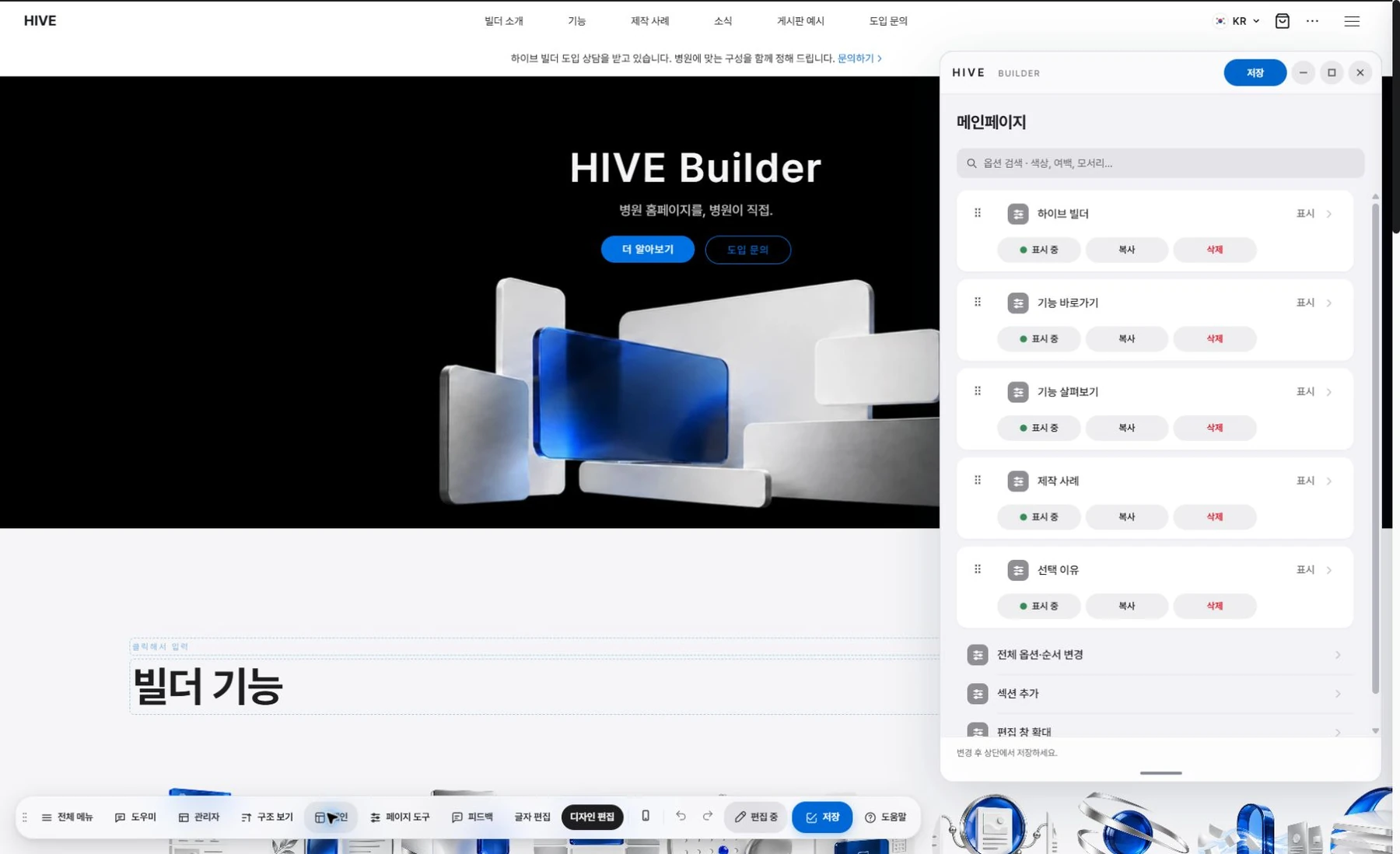
Drag to change the order.
Adjust spacing and size with handles.
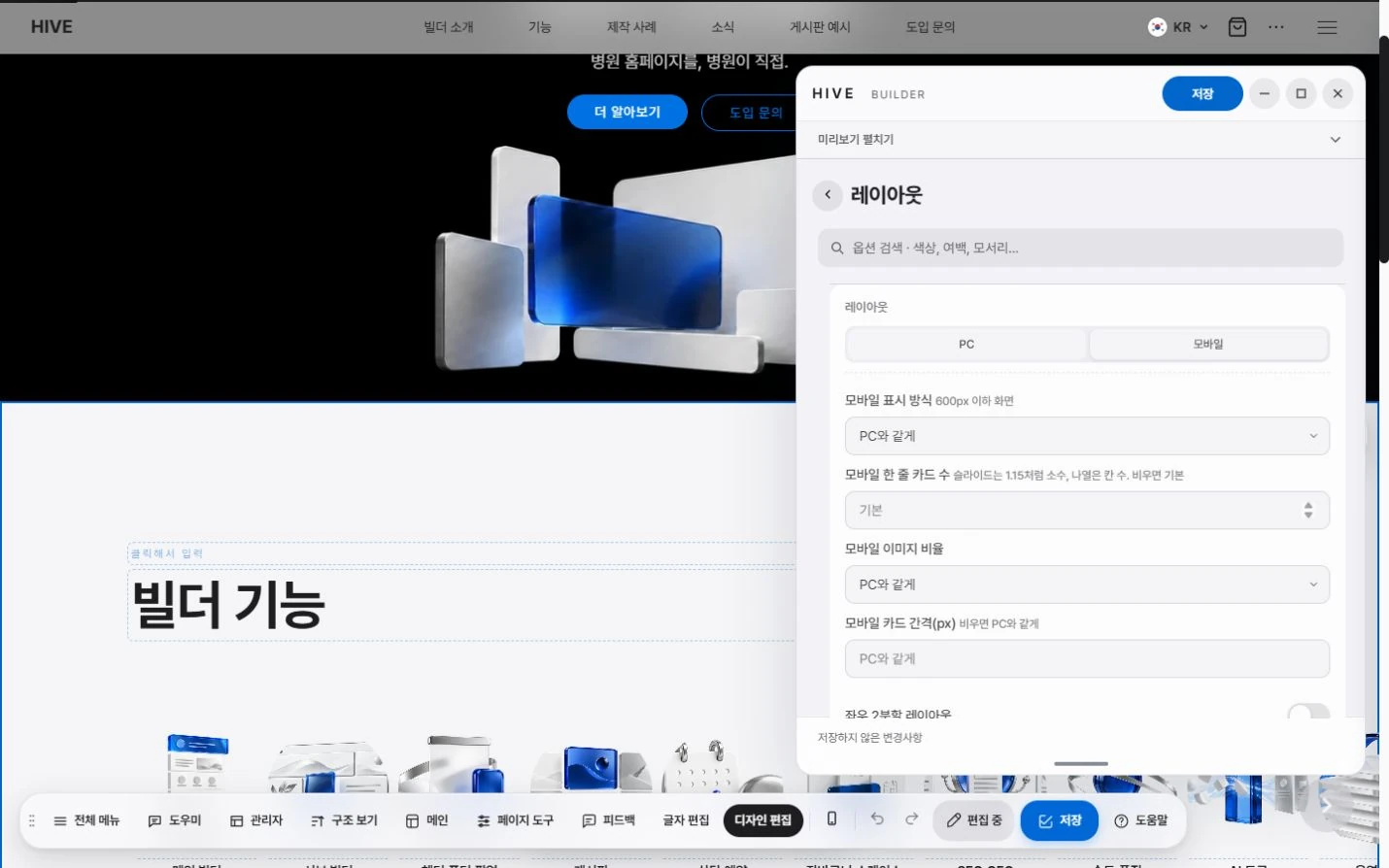
Set PC and mobile layouts separately.
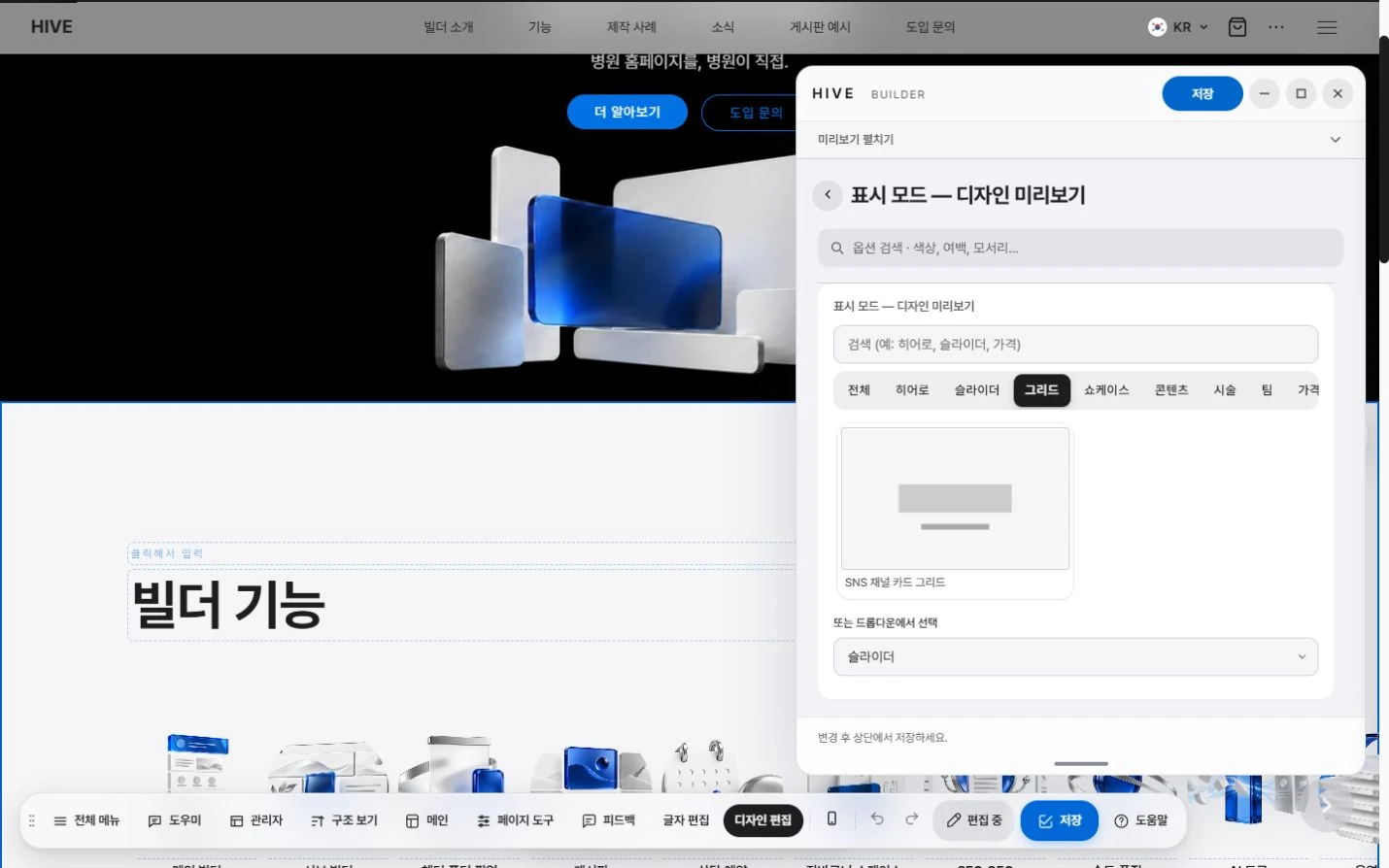
Apply common layouts at once with presets.
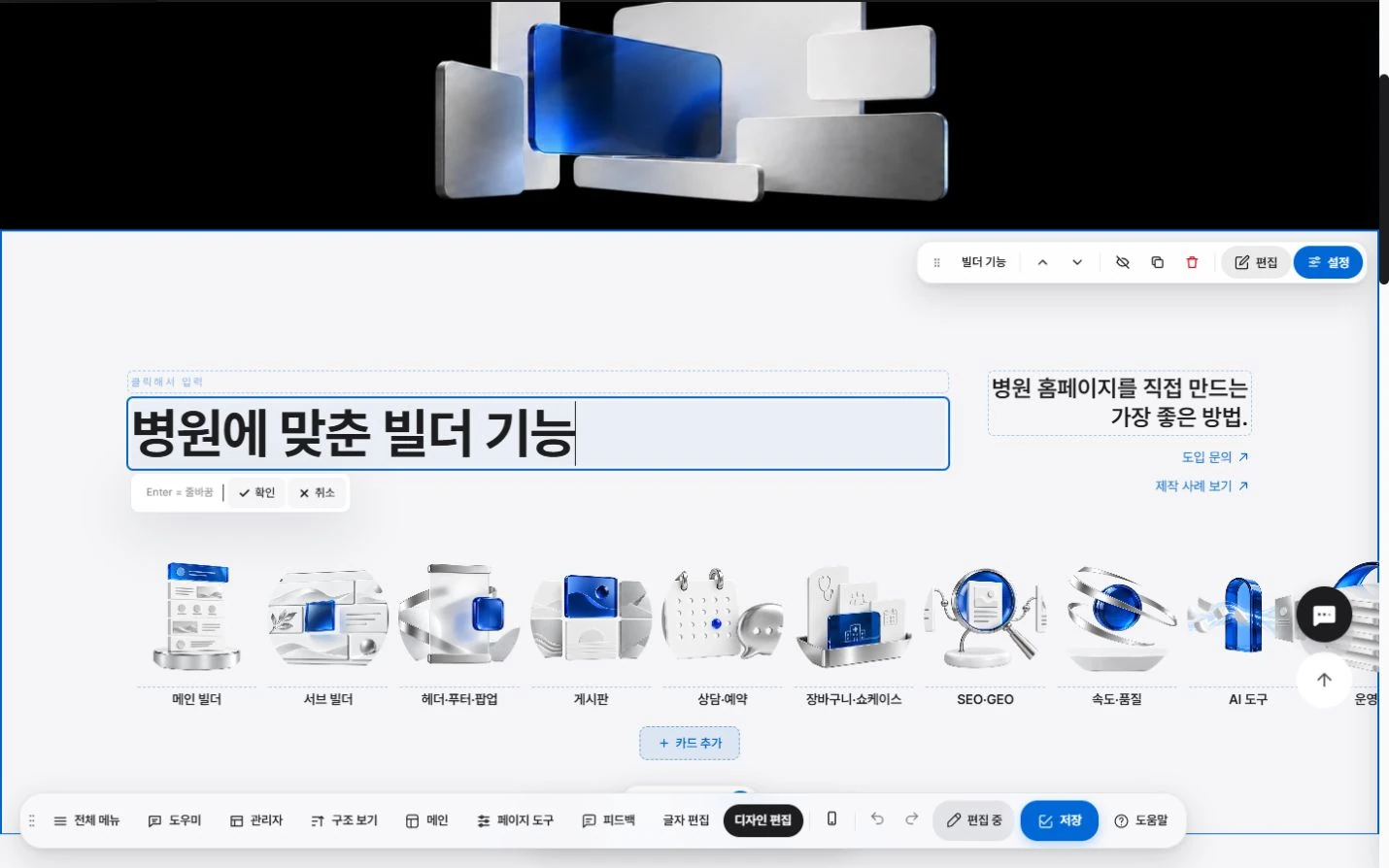
One section, many looks.
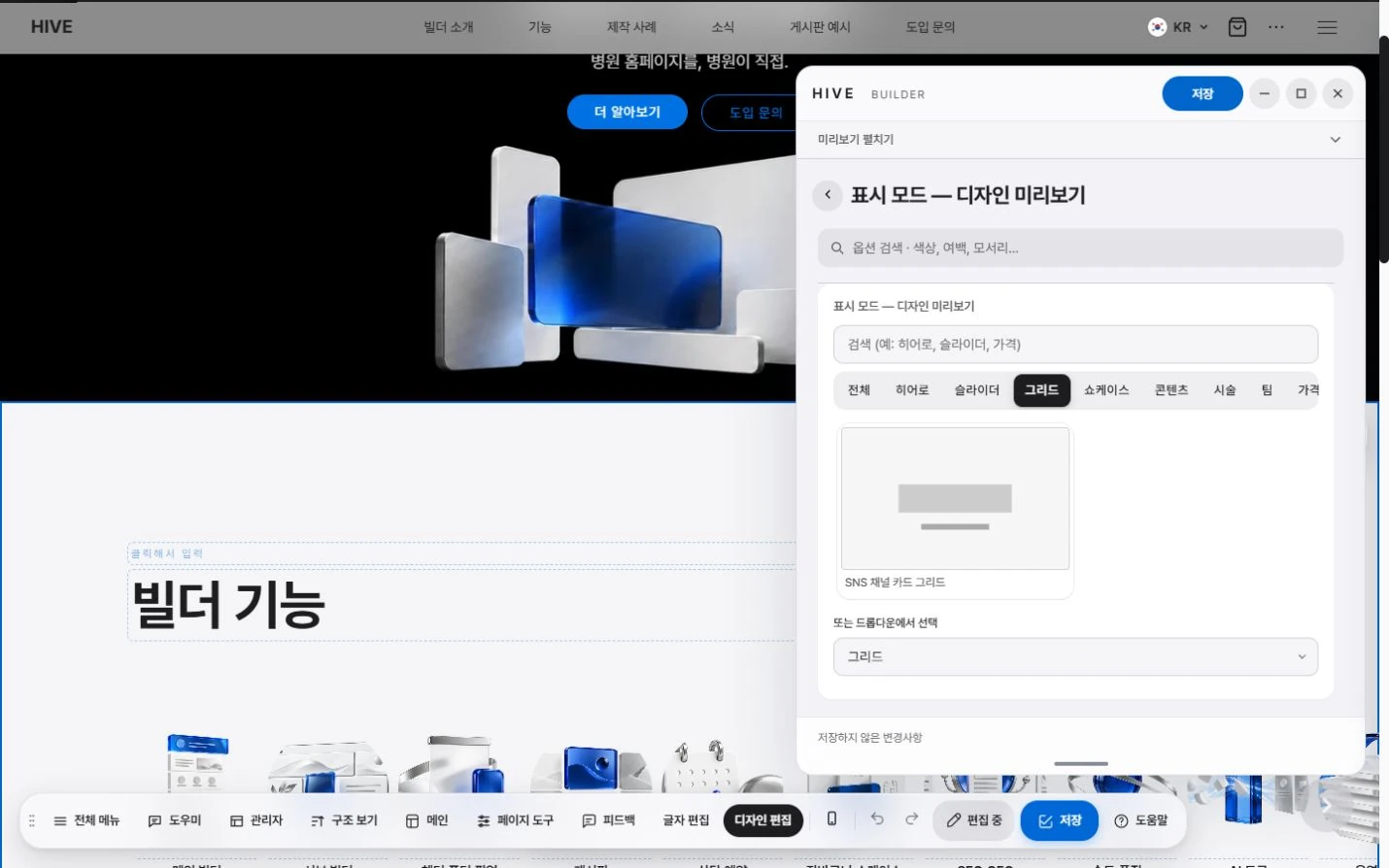
Universal section
One card set can become a slide, a grid or large photo cards alike.
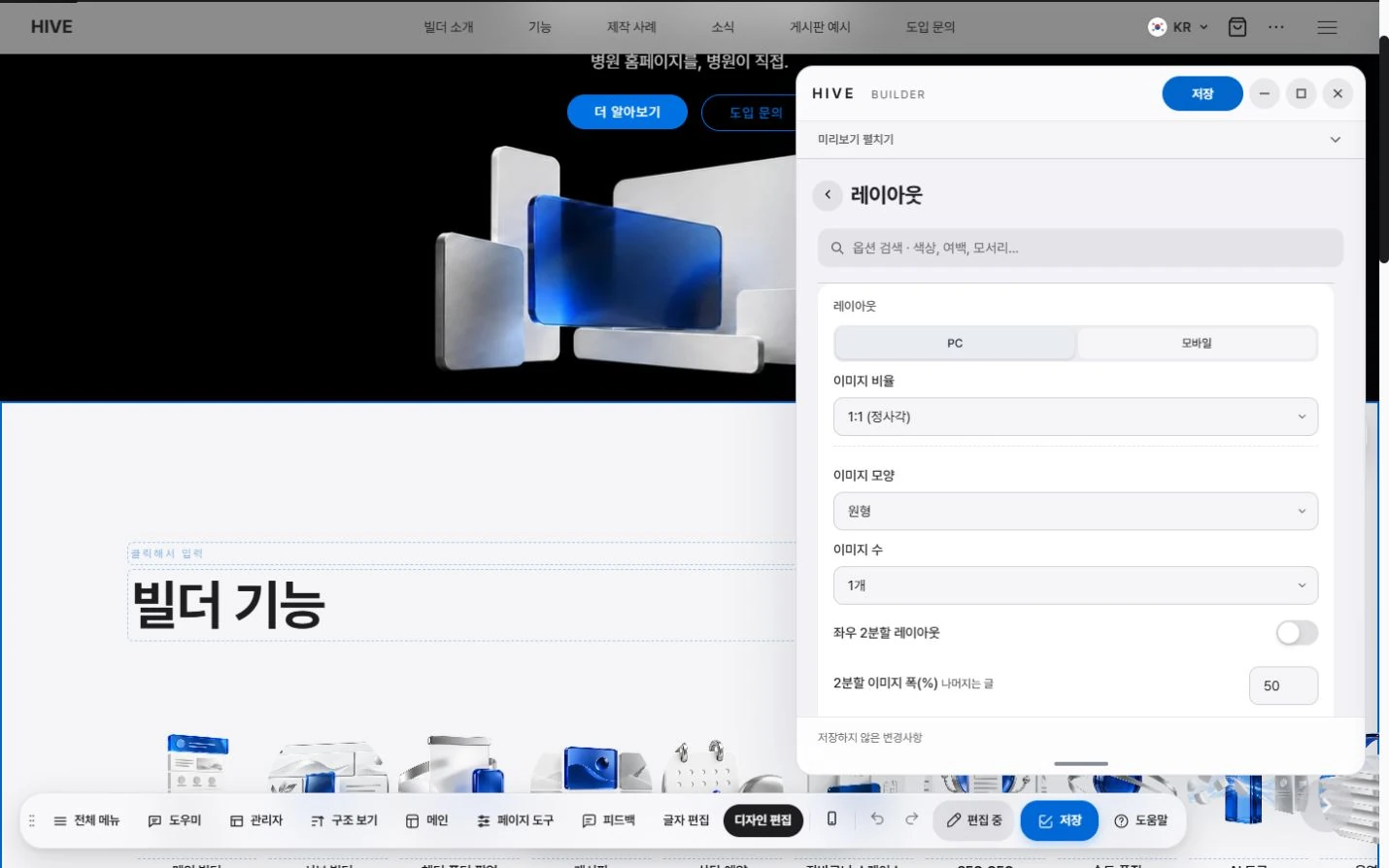
Direct on-screen control
Adjust spacing, column ratio and card size with on-screen handles.
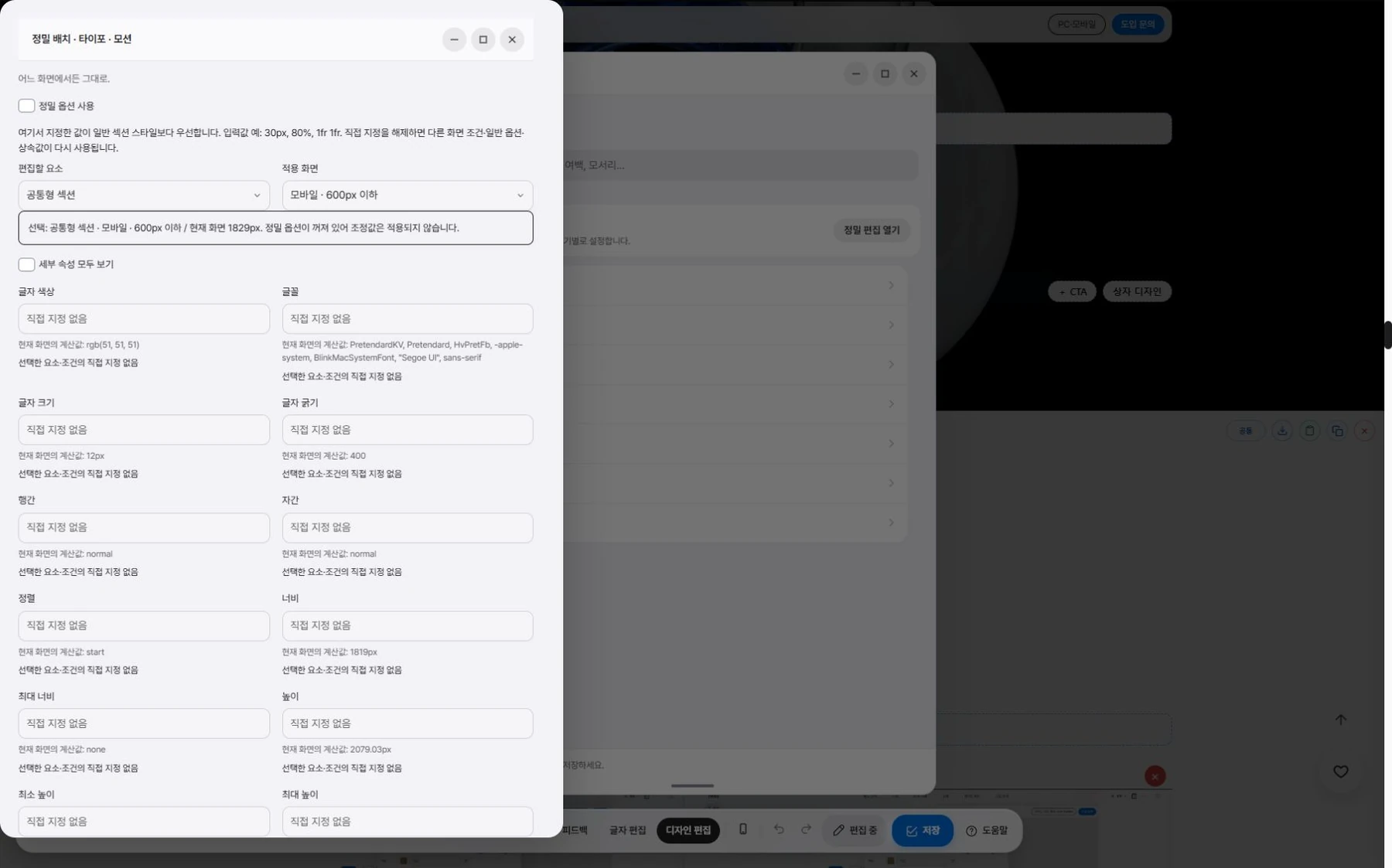
PC and mobile separately
Set the layout per device, for example showing a list instead of a slide on mobile.
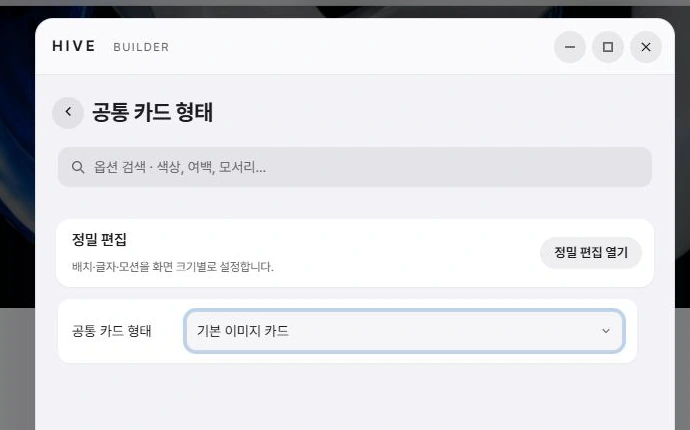
Per-card layout
Set width, height and text position separately for each card, so you can mix several sizes in one row.

Store-style layout
Turn on an option that splits the title and description left and right and lets the photo fill the whole card.

PC · mobile
The same section, fitted to each device.
On mobile, you can also show a list instead of a slide.
Just choose, and it changes.
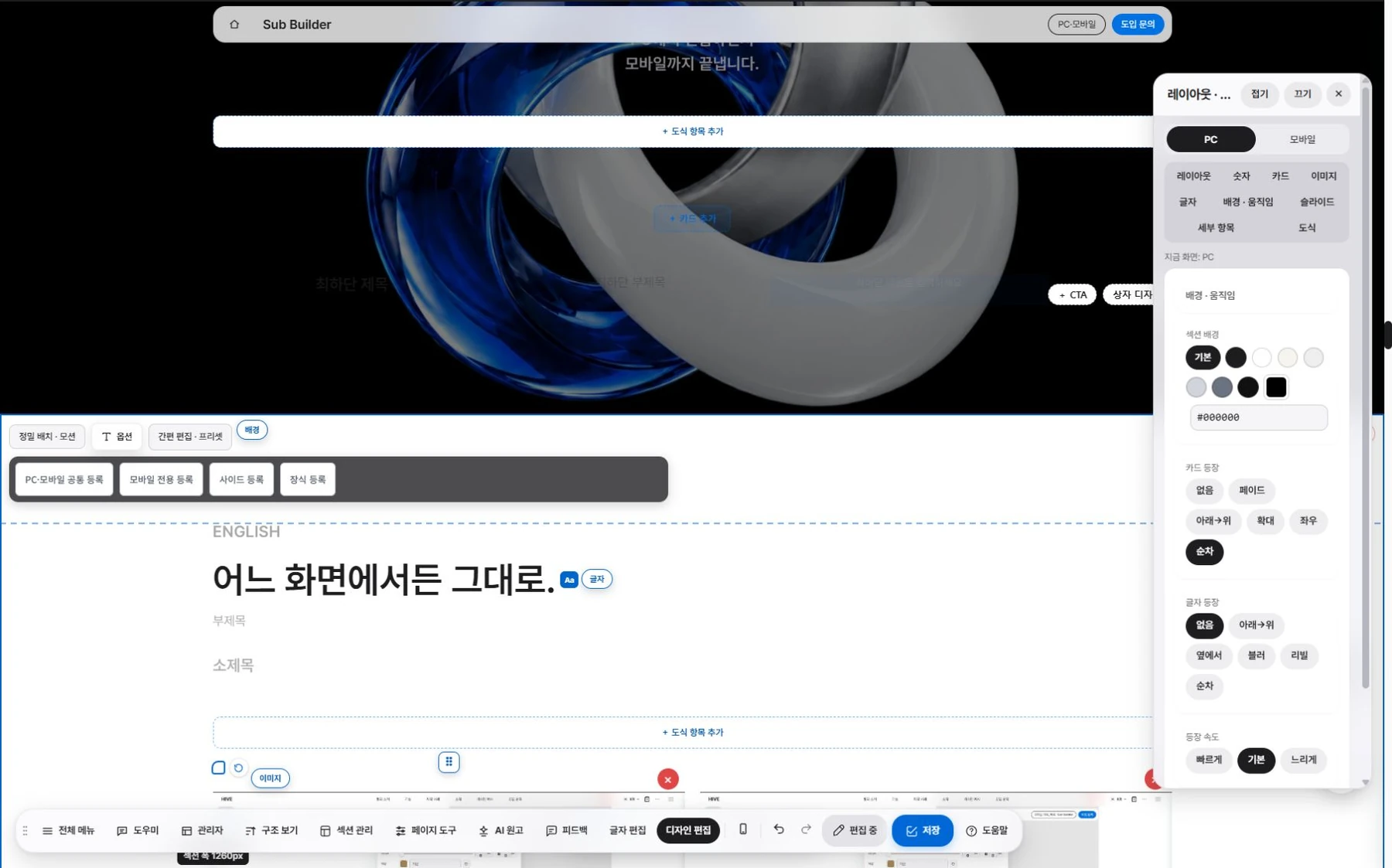
Text formatting.
Drag to select text, then change its weight, color and size on the spot.
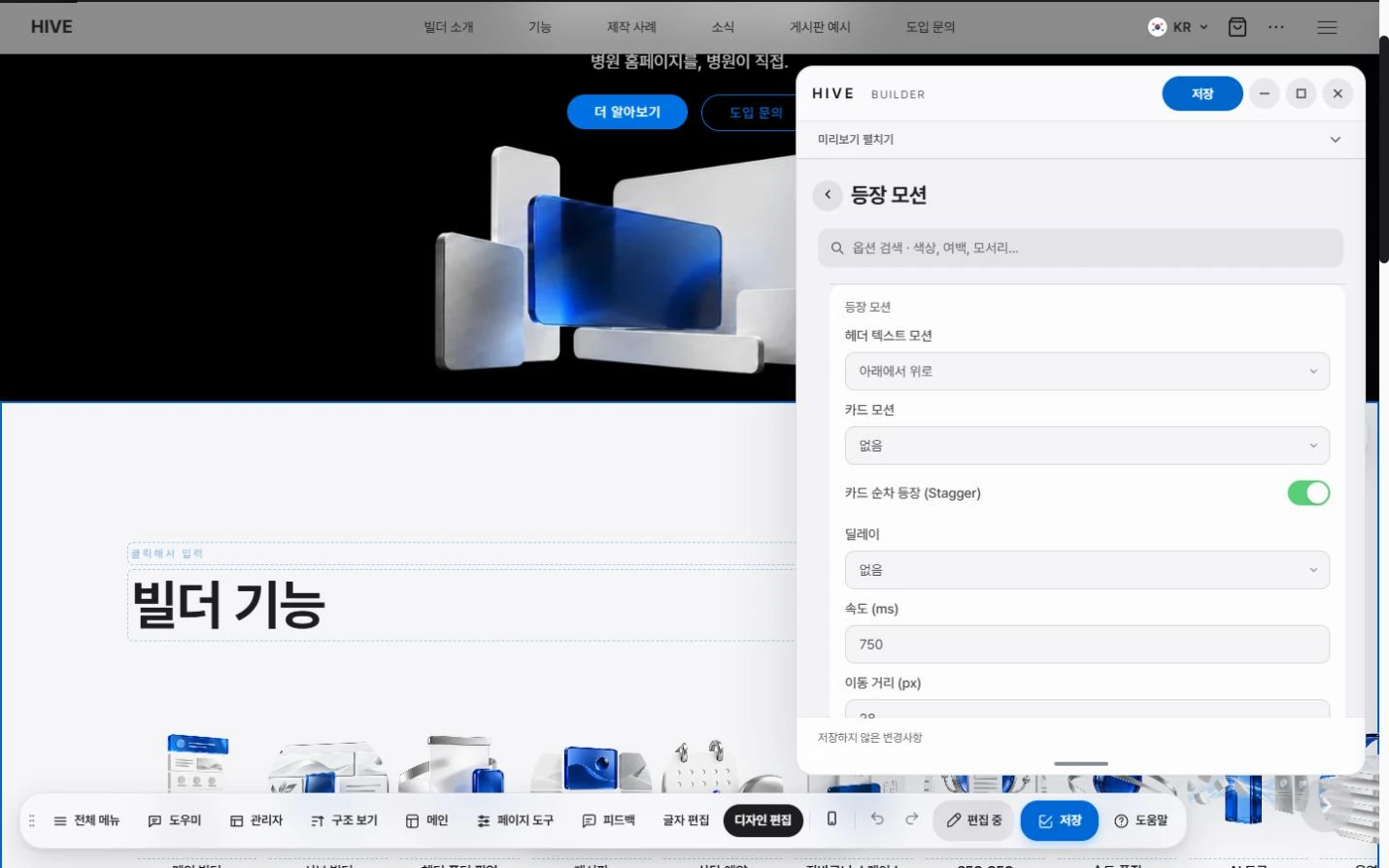
Entrance motion.
Choose how sections and cards move as they enter the screen.
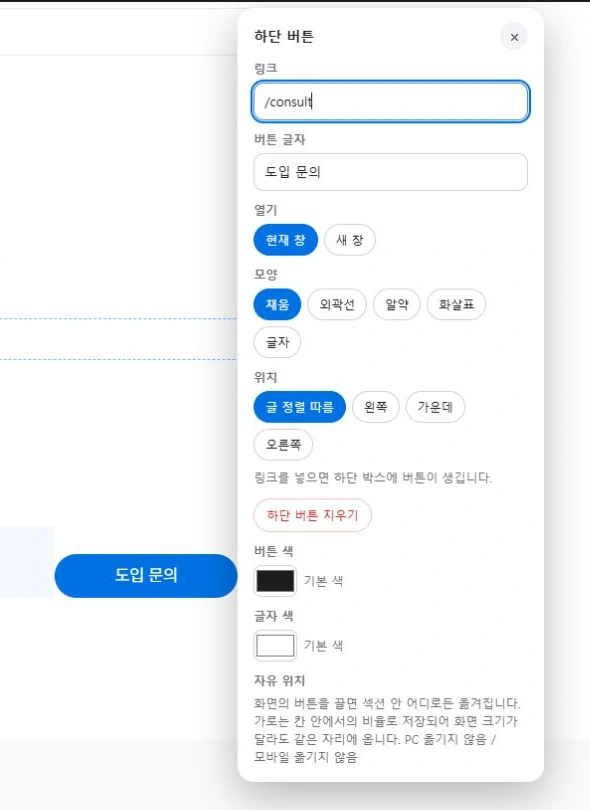
Buttons.
Set the button shape, icon and color for each section.
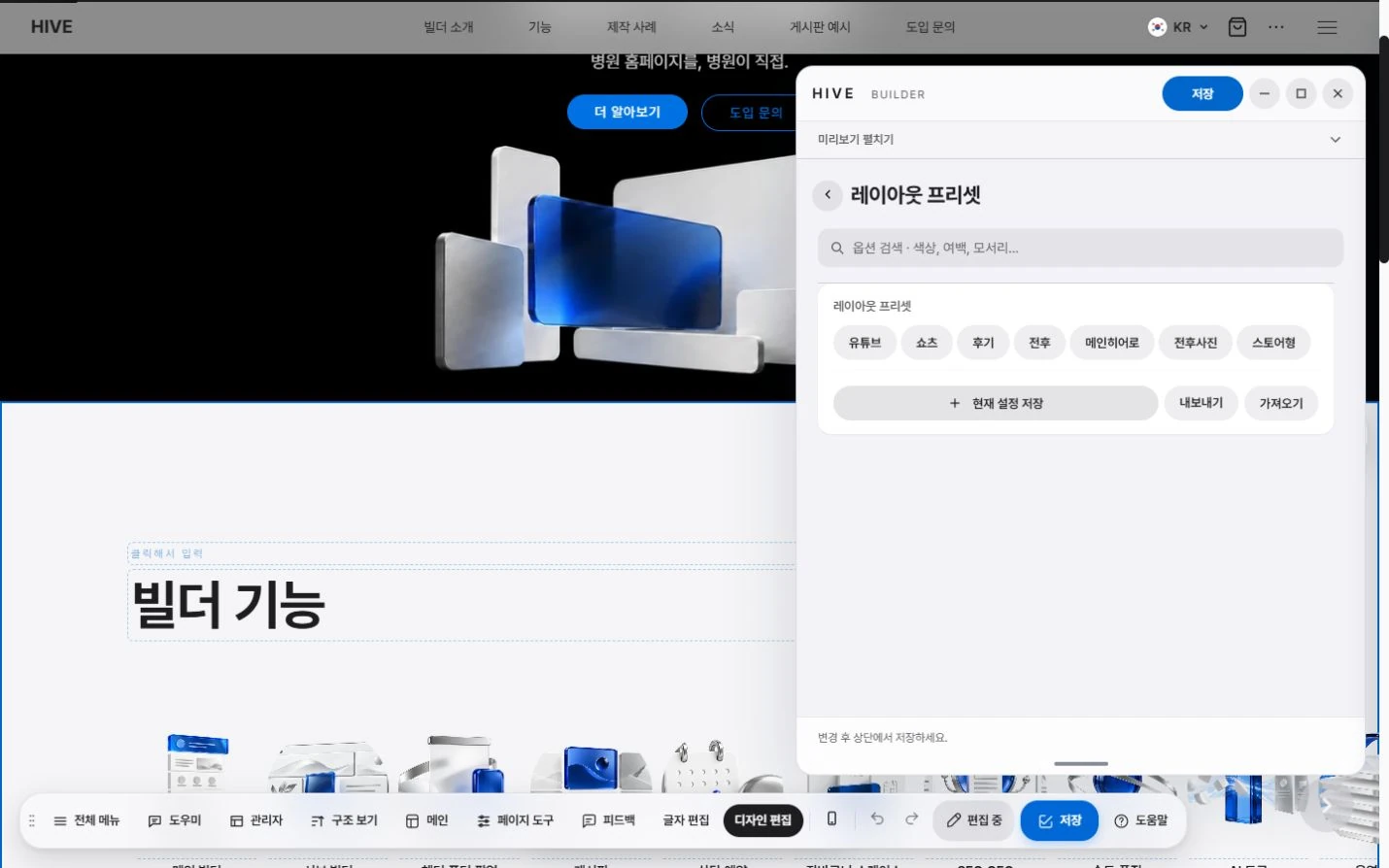
Presets.
Apply common layouts in one step.
Procedures Page.
What you see, right away.
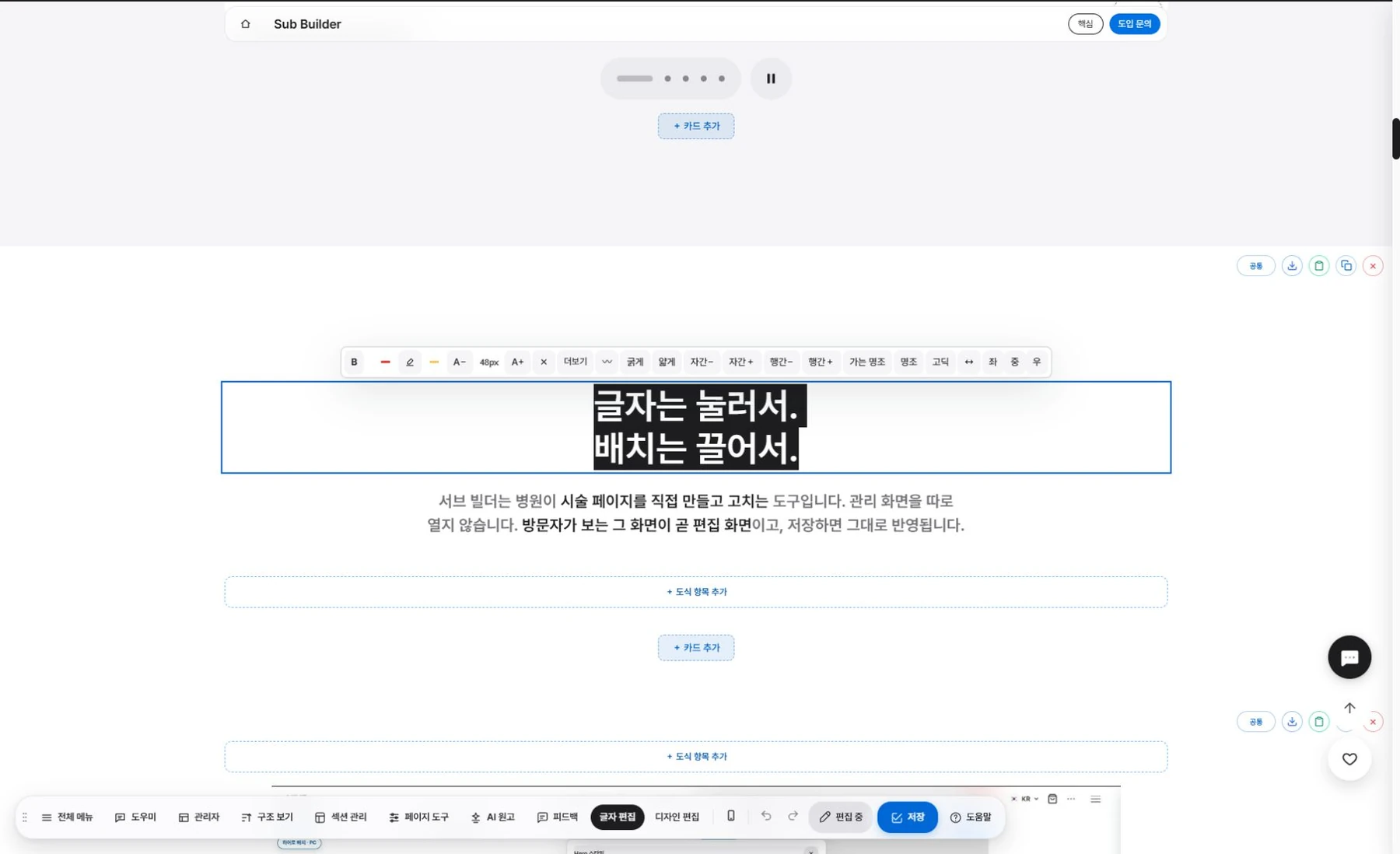
Text editing.
Click text on the page to edit it right away.
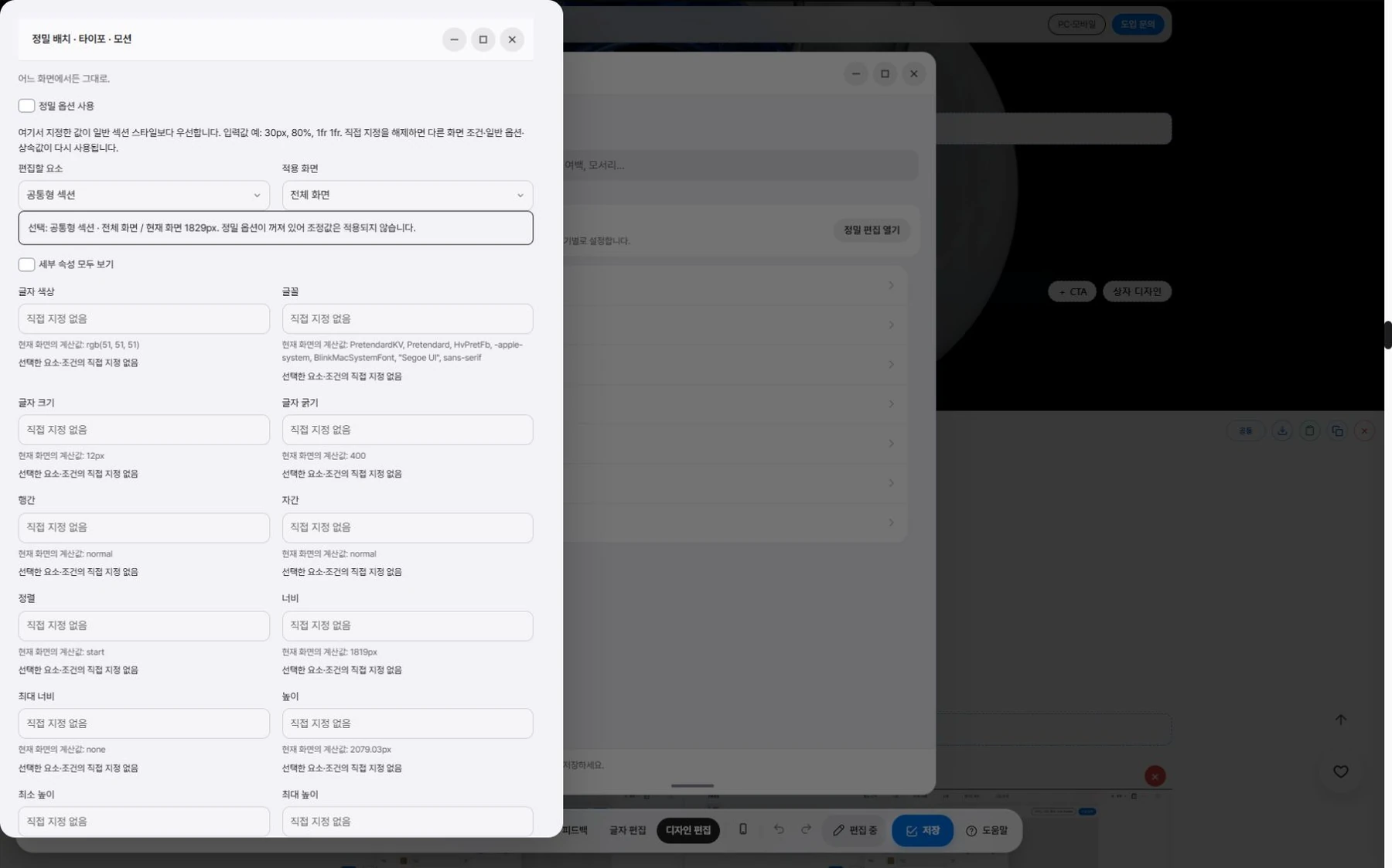
Design editing.
Drag to set width, spacing and card height.
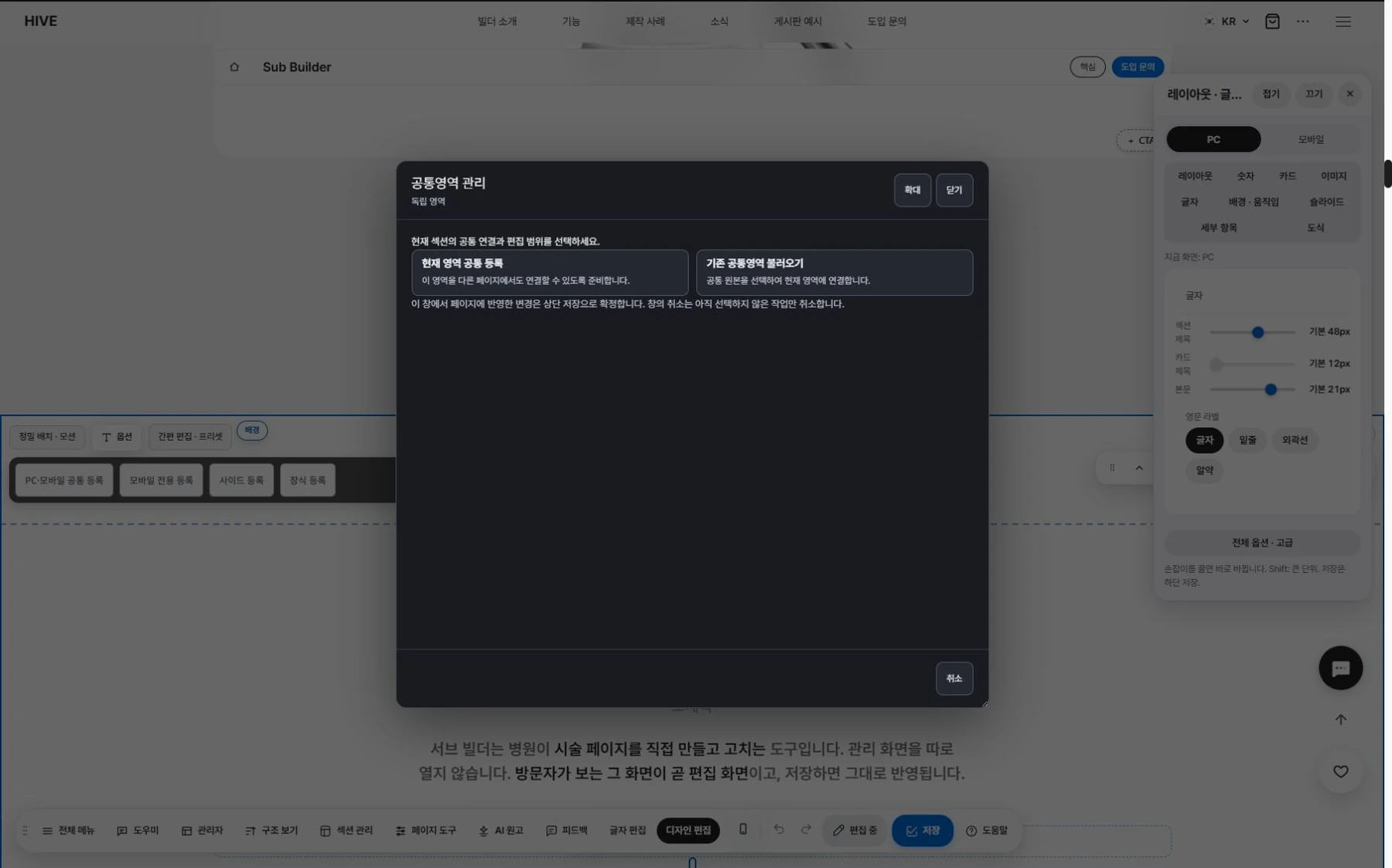
Section library.
Save sections you have made and add them to other pages.

PC and mobile.
Values are saved separately.
Boards. Fit for clinics, from the start.

Before and after photos.
Flip through by angle and choose the view mode.
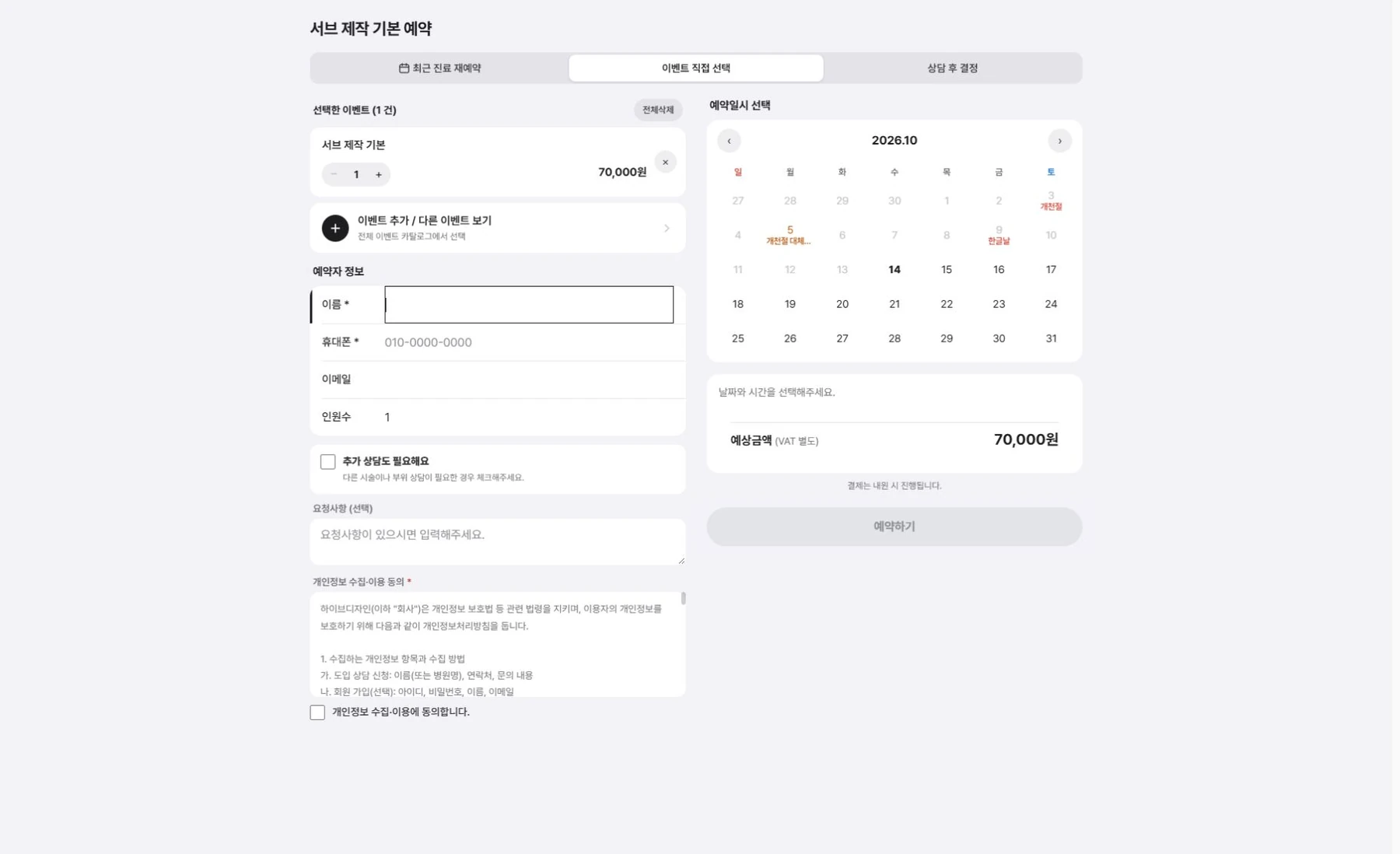
Events Reservation.
Add events and go straight to booking.
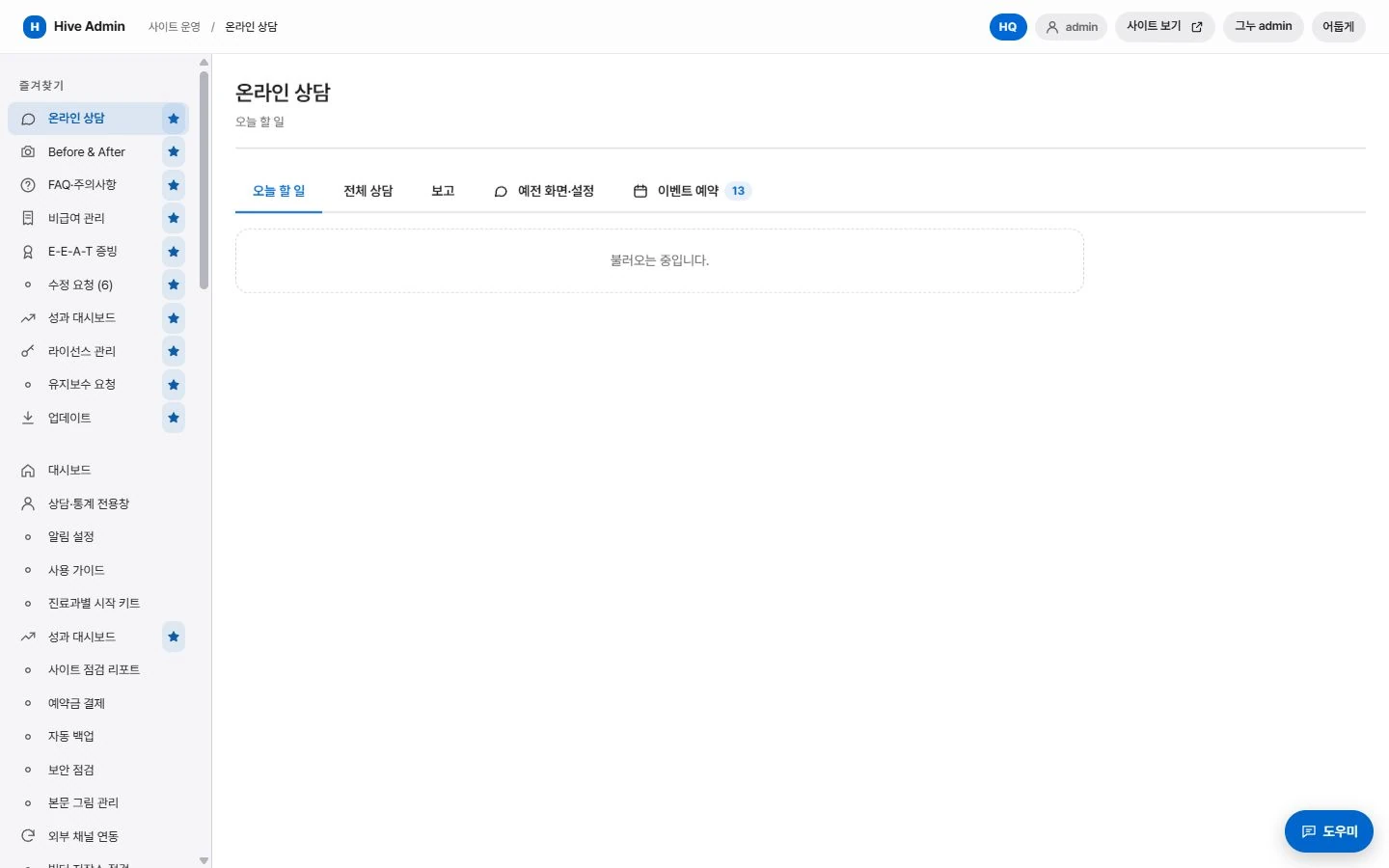
Online Consultation.
See intake, notifications and management on one screen.
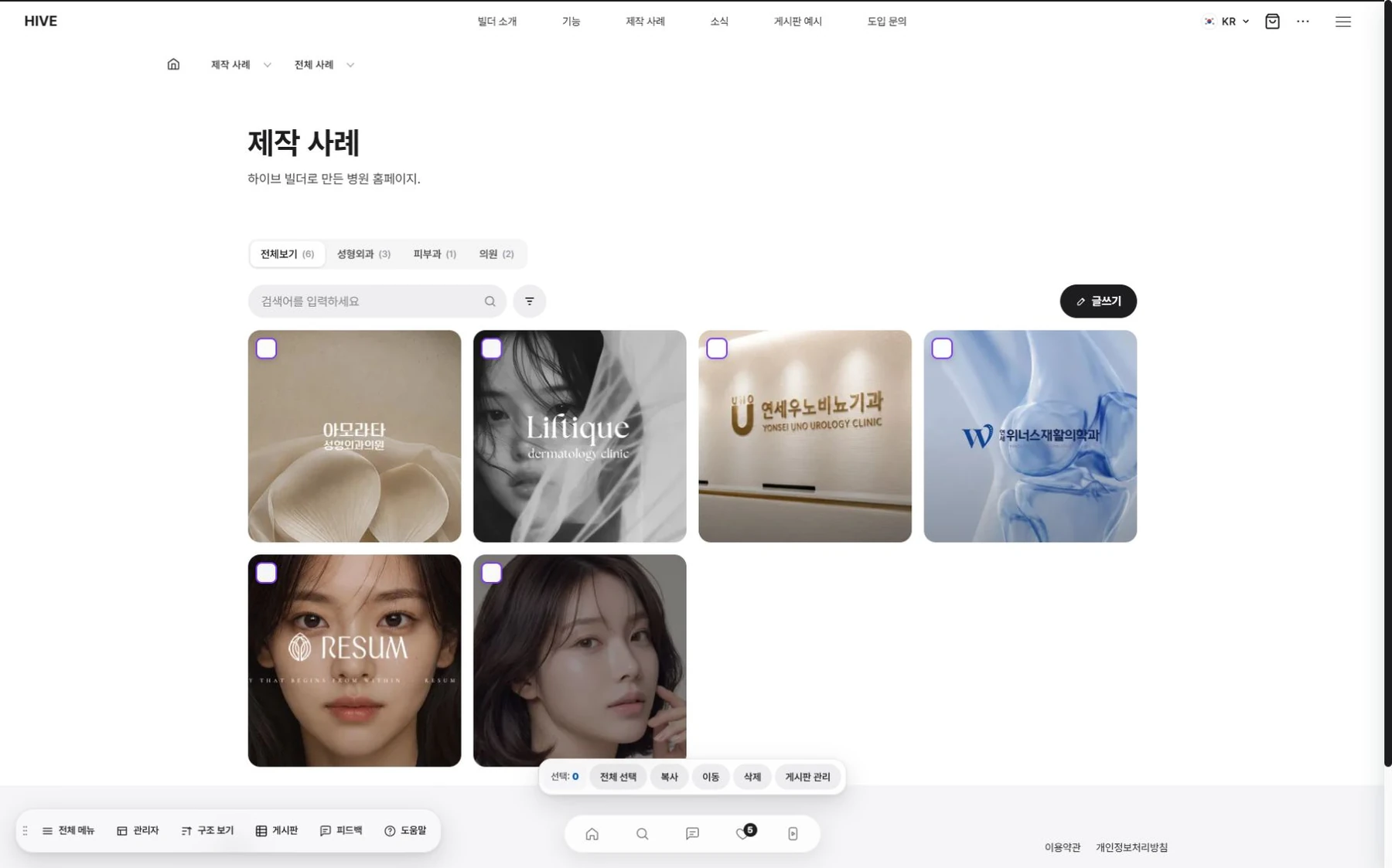
Case studies.
Shown by industry.